Flows
Whole journeys through SwiftPieces Pro's app templates: first run through sign in and the paywall, the core of each app, then profile and settings, screen by screen.
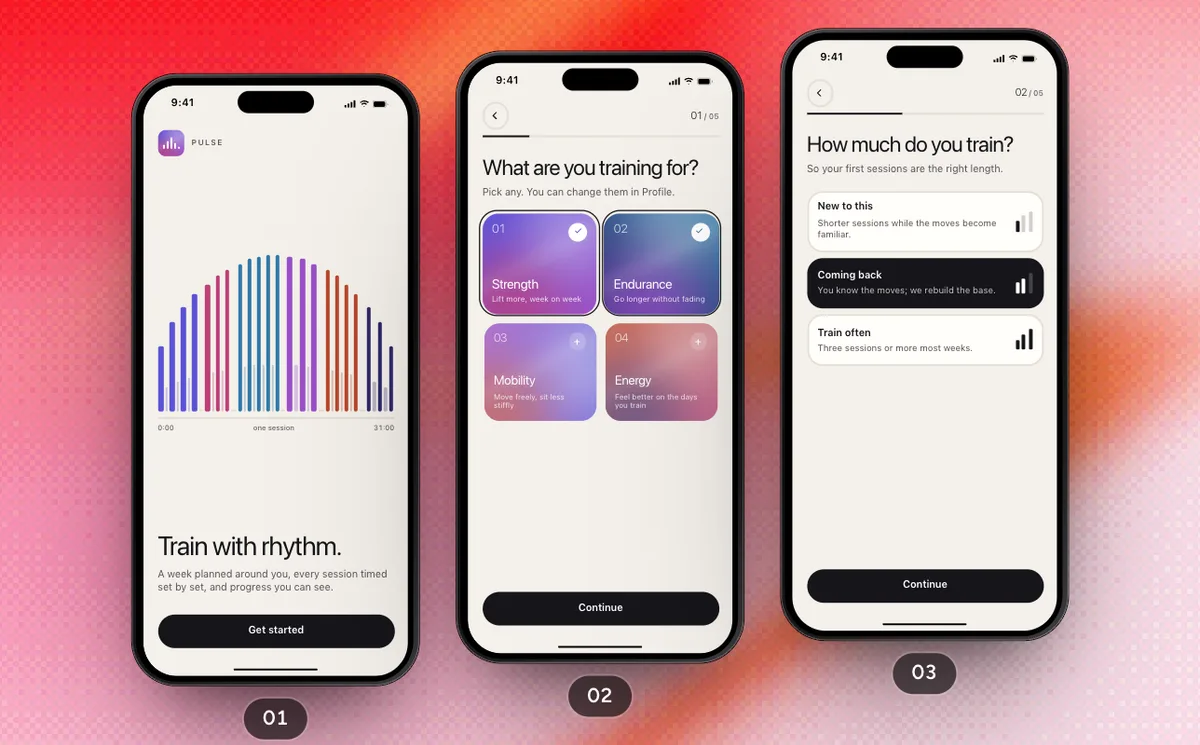 Pro
ProFirst Run
NewFrom the welcome through your goals, days and week to an account, Pulse Plus and Today.
9 Screens14 Steps
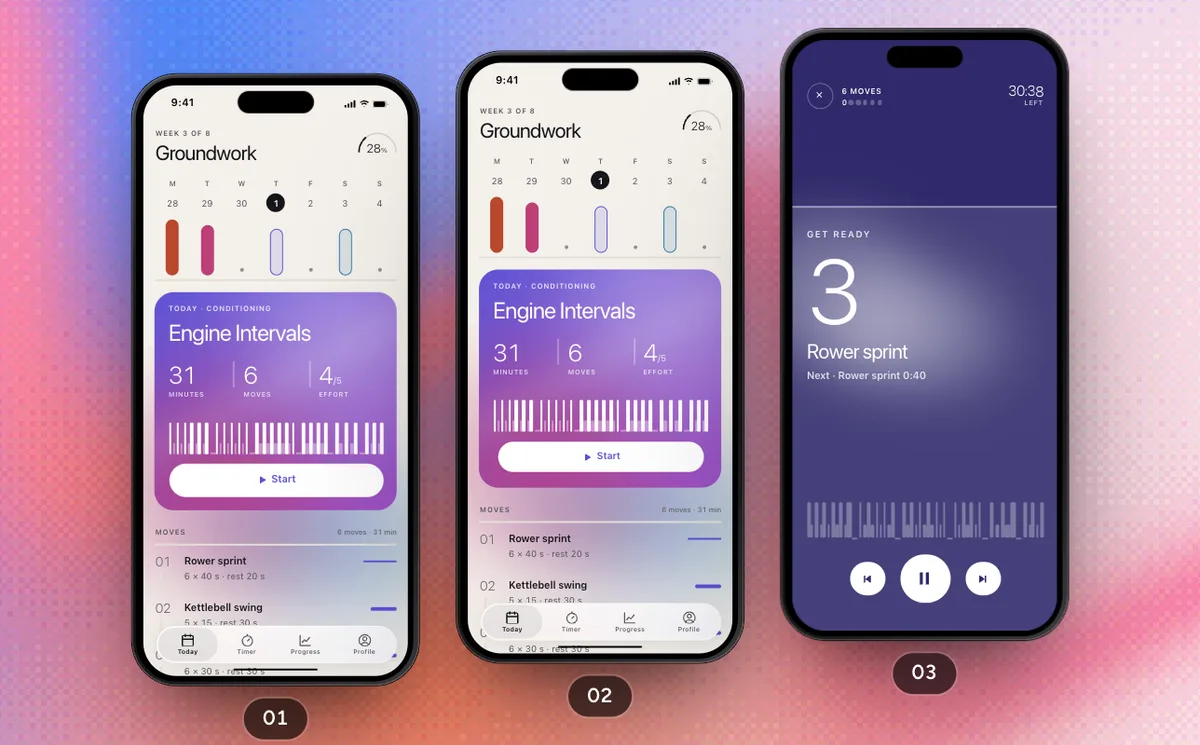 Pro
ProTrain Today's Session
NewStart Thursday's Engine Intervals, run it set by set, rate it and watch it land in Progress.
4 Screens10 Steps
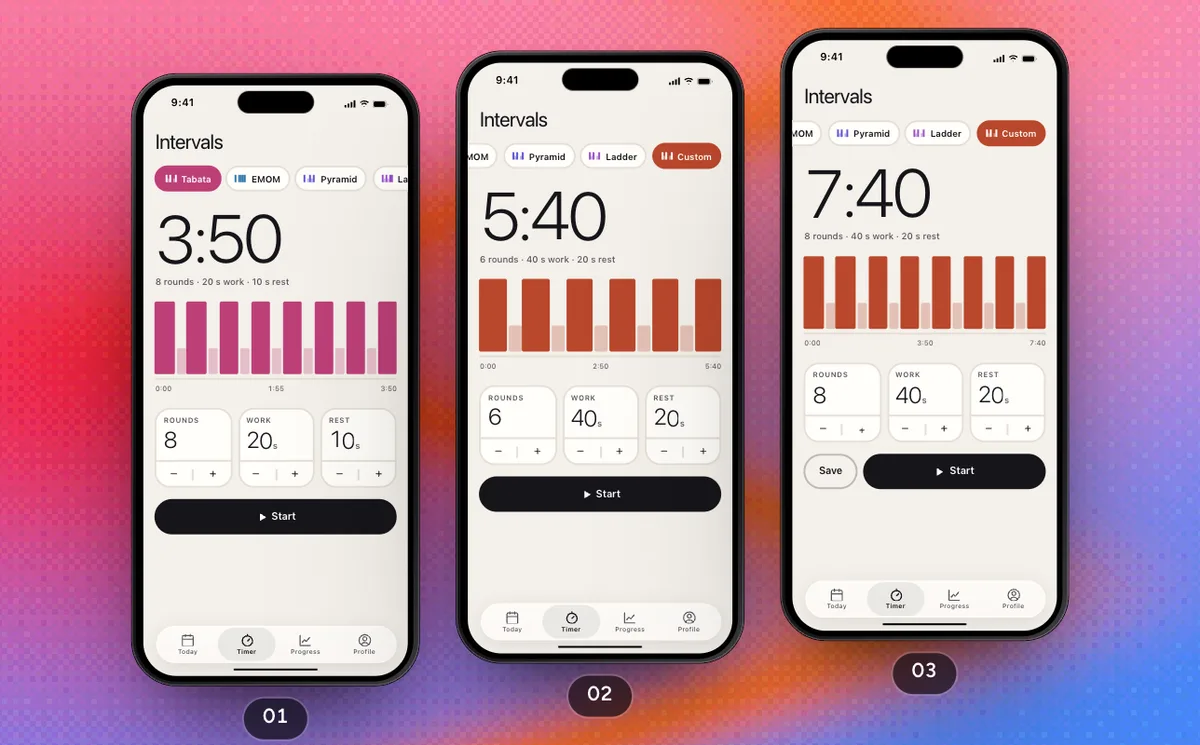 Pro
ProBuild Your Own Intervals
NewEdit the Custom format on Timer, keep it with Pulse Plus and run it full screen.
3 Screens7 Steps
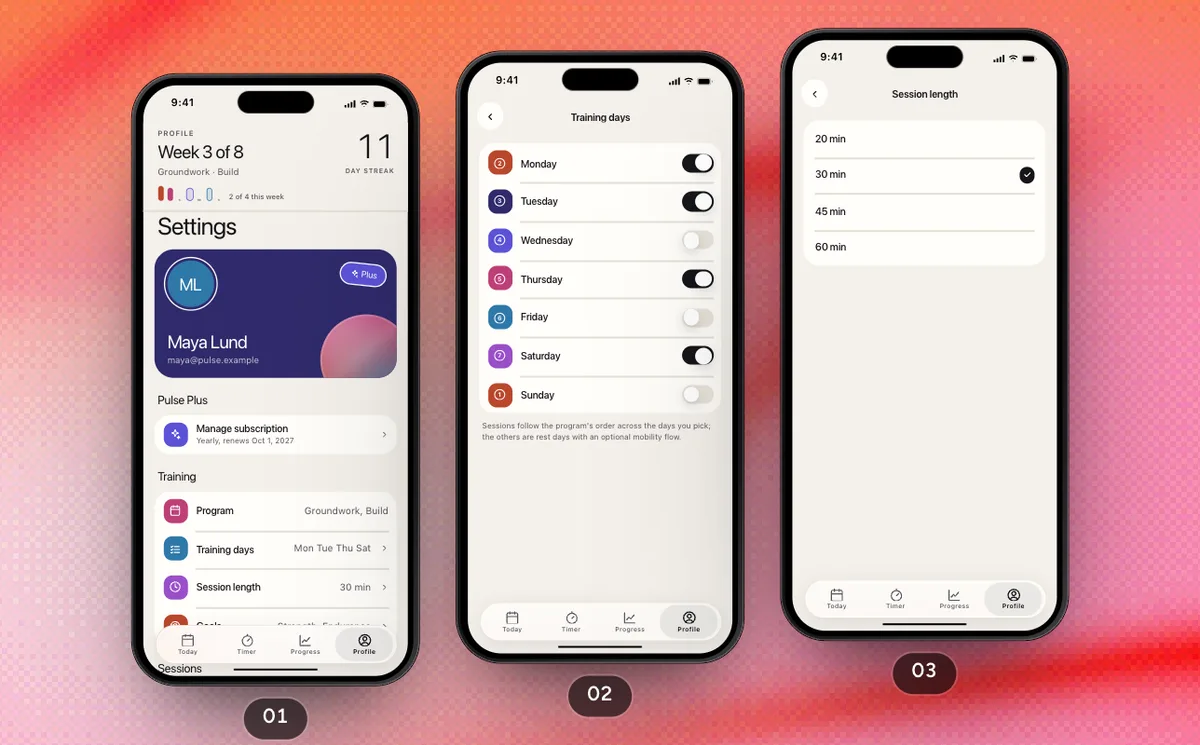 Pro
ProProfile And Settings
NewFrom your streak and settings through training days, goals, tones, the theme and Plus to signing out.
6 Screens10 Steps
 Pro
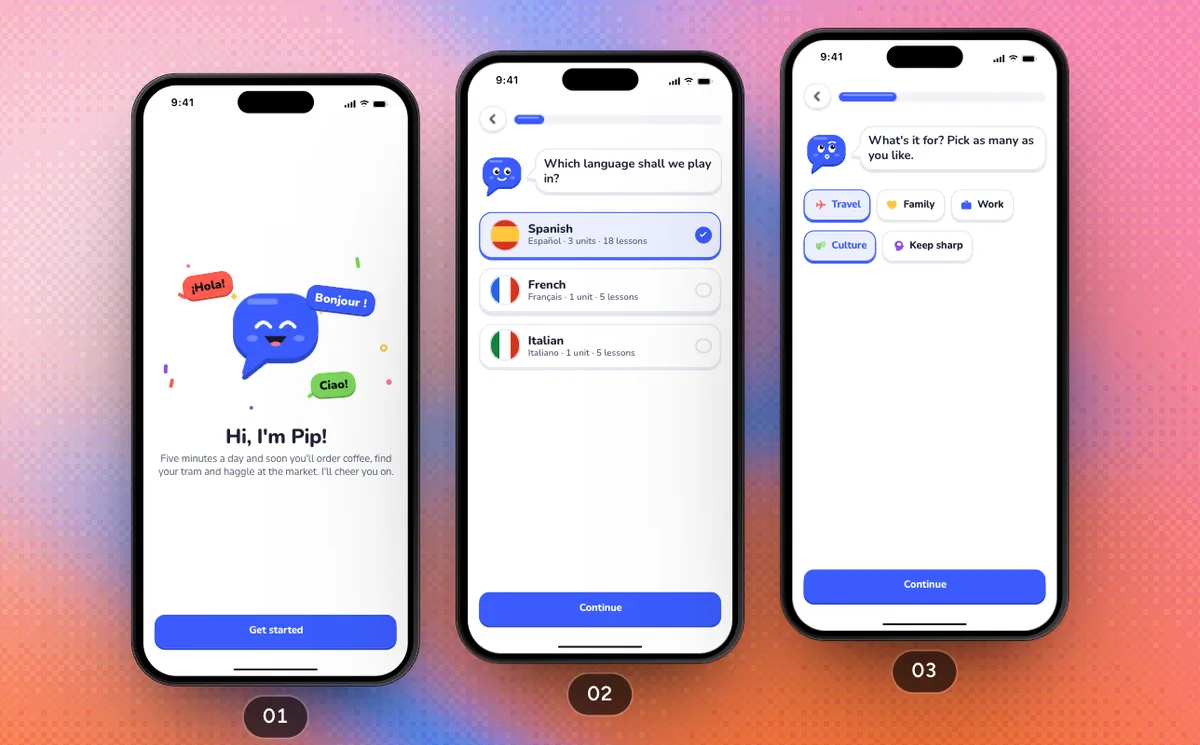
ProFirst Run
NewPip asks for your language, your reason, your level and a daily goal, offers a reminder and an account, then Parla Plus, and lands you on the path.
9 Screens14 Steps
 Pro
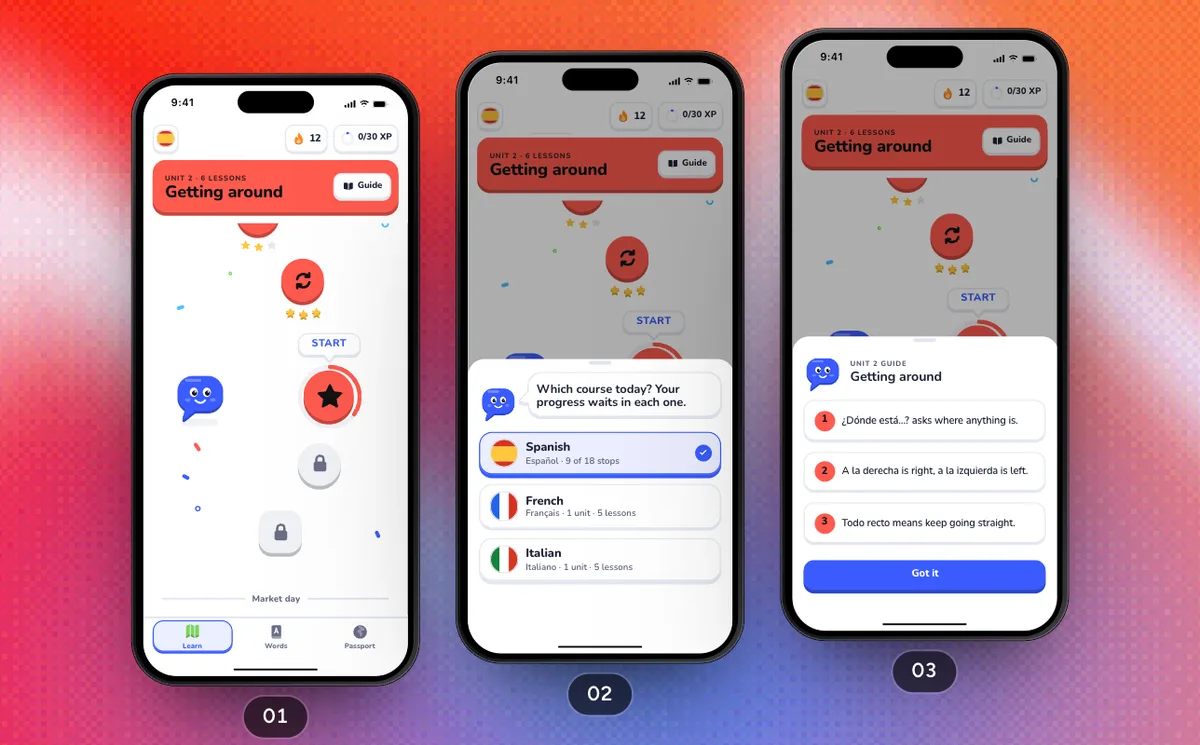
ProPlay A Lesson
NewFrom the path into Asking directions: a hint, a right answer and a correction, the confetti finish, the streak moment and, two stops on, a new passport stamp.
5 Screens12 Steps
 Pro
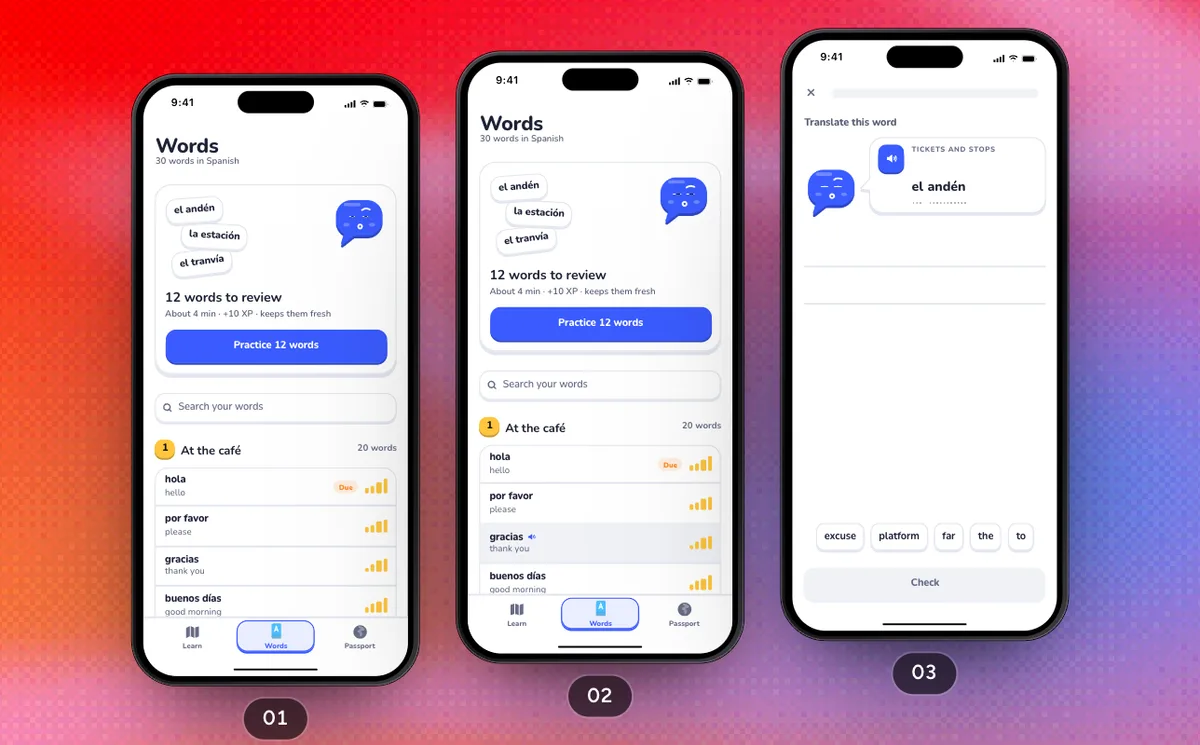
ProReview Your Words
NewPractice the words that are due in a review round, then meet the free plan's one round a day.
4 Screens7 Steps
 Pro
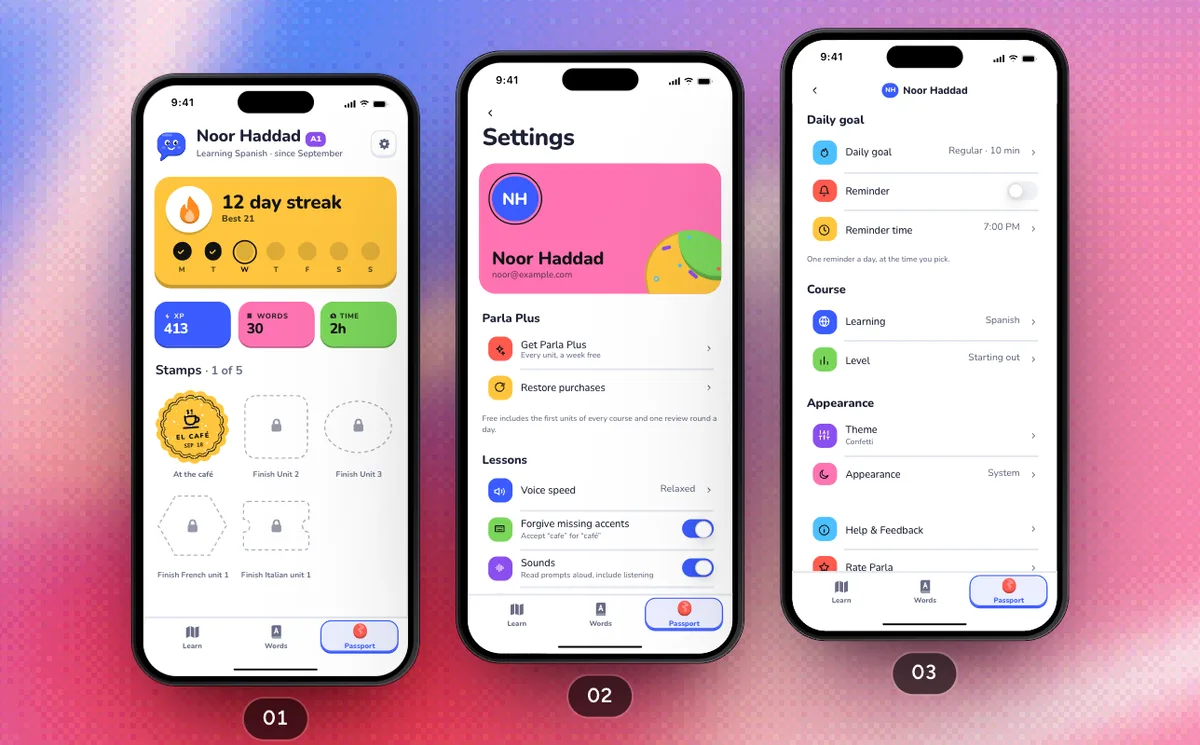
ProProfile And Settings
NewFrom Passport's gear to Settings: the daily goal, the theme and the presets Plus unlocks, Parla Plus and signing out.
6 Screens9 Steps
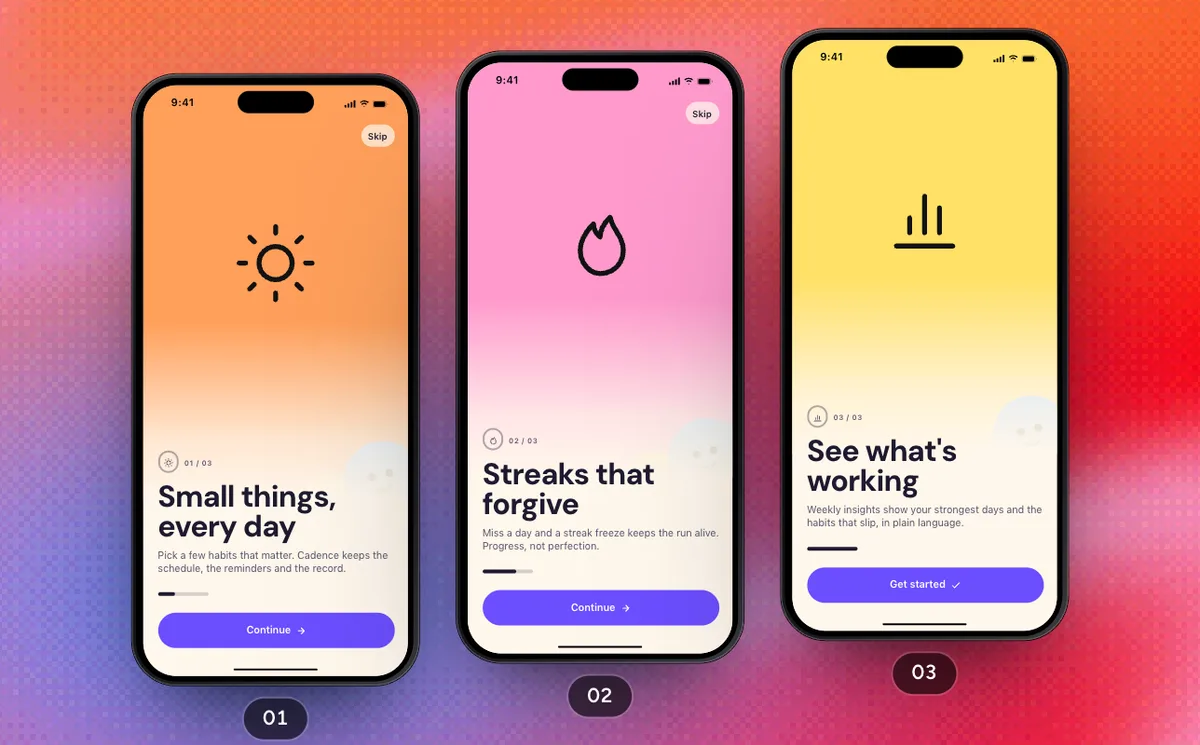 Pro
ProFirst Run
From the welcome pages through reminders, Sign in with Apple and the Pro trial to Today.
7 Screens12 Steps
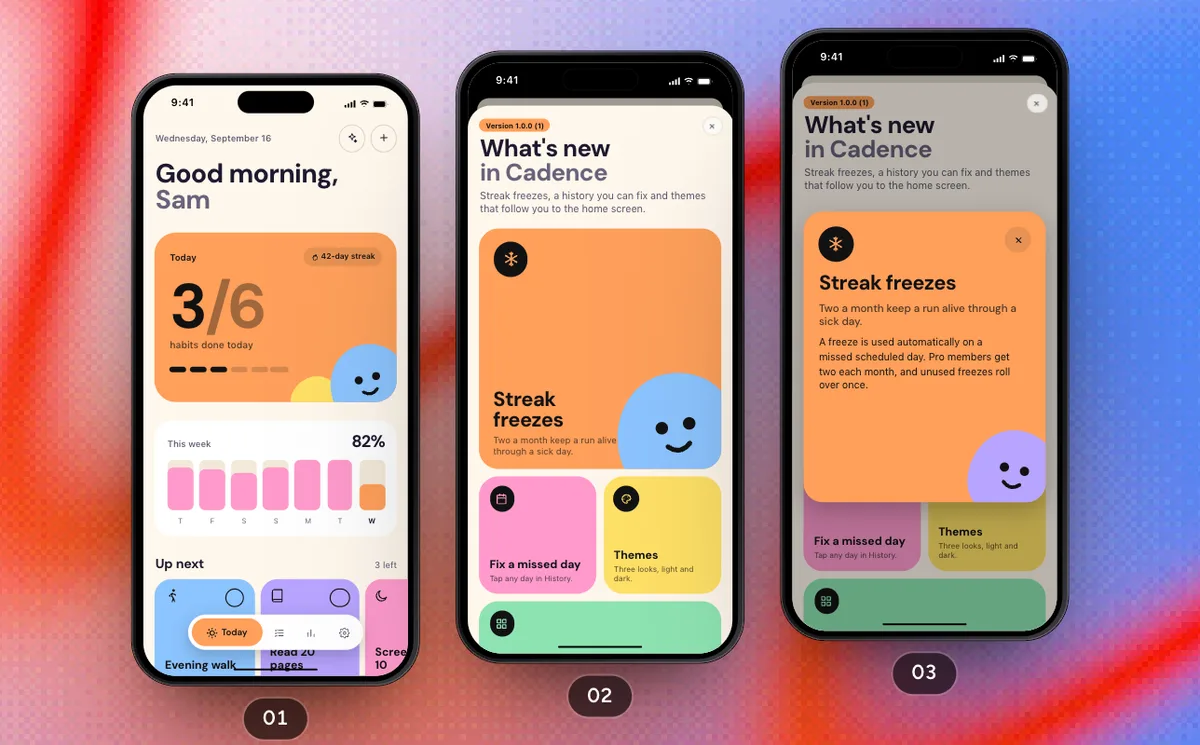 Pro
ProCheck In For The Day
Check habits off from Today and from a habit's page, then see how the month went in Insights.
4 Screens11 Steps
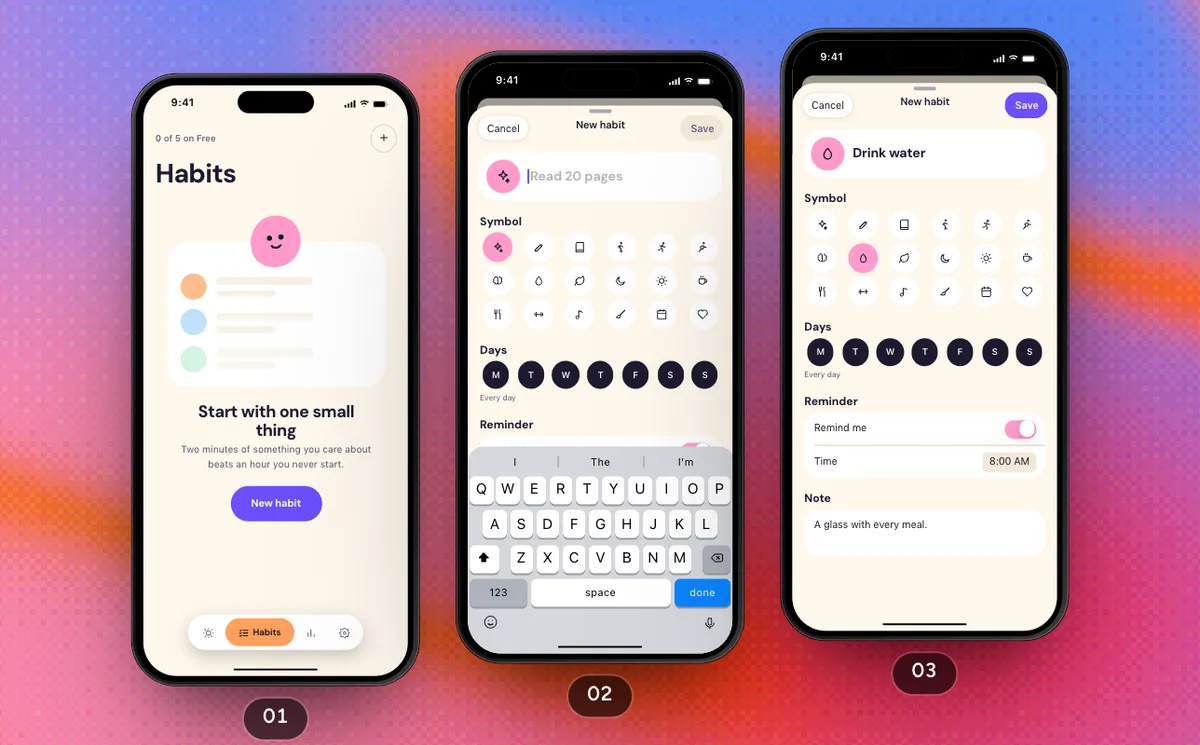 Pro
ProStart A Habit
Go from an empty list to a first habit and mark it done on its page.
3 Screens6 Steps
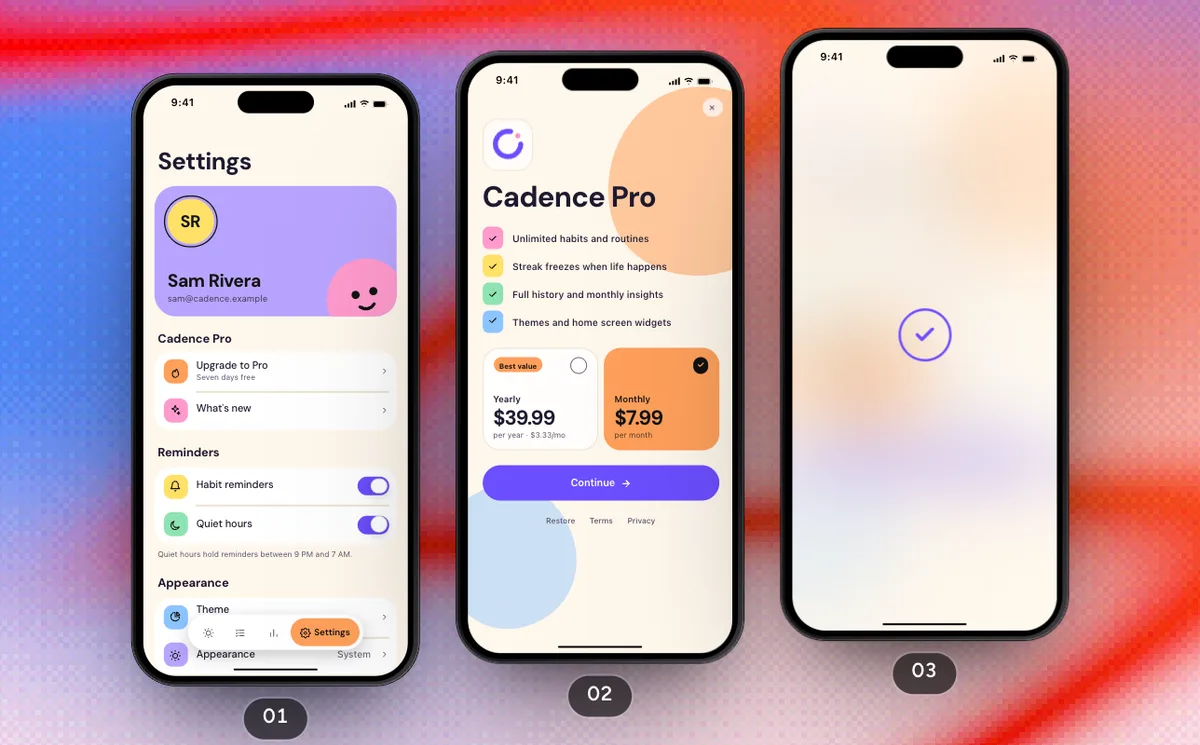 Pro
ProProfile And Settings
Upgrade from Settings, choose an appearance and a theme, export the history and sign out.
6 Screens11 Steps
 Pro
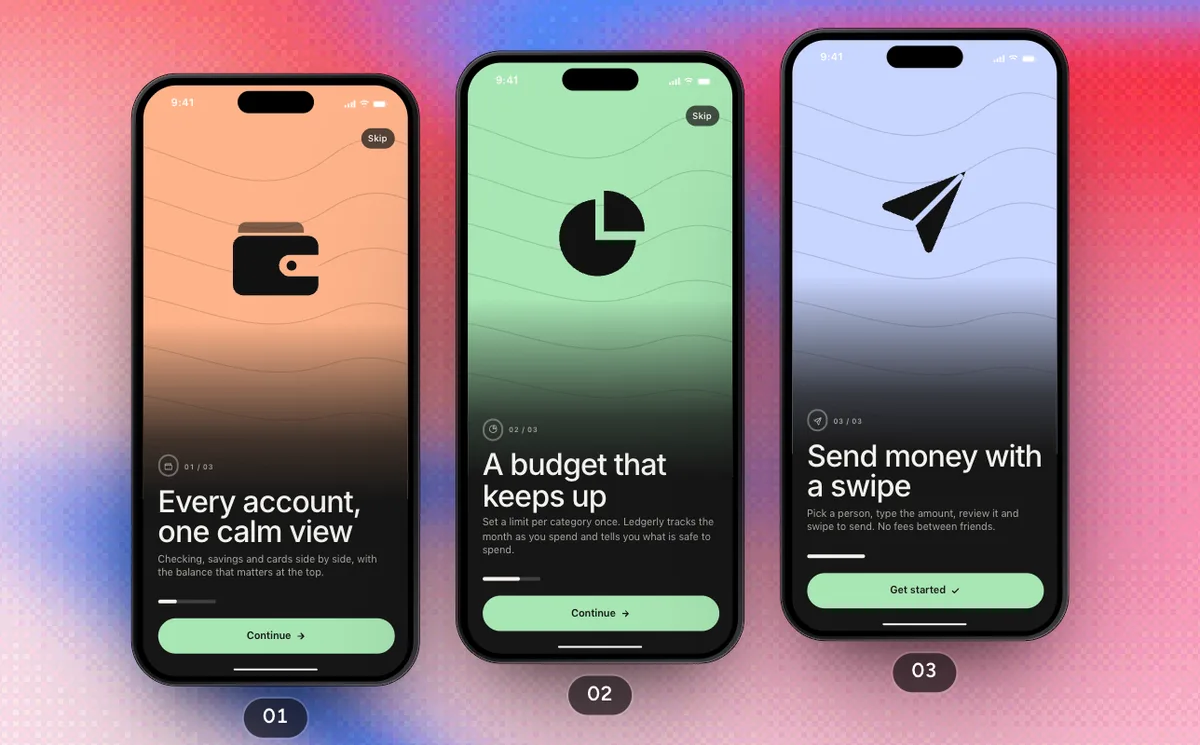
ProFirst Run
From the welcome pages through alerts, Sign in with Apple and Ledgerly Plus to the Wallet tab.
7 Screens12 Steps
 Pro
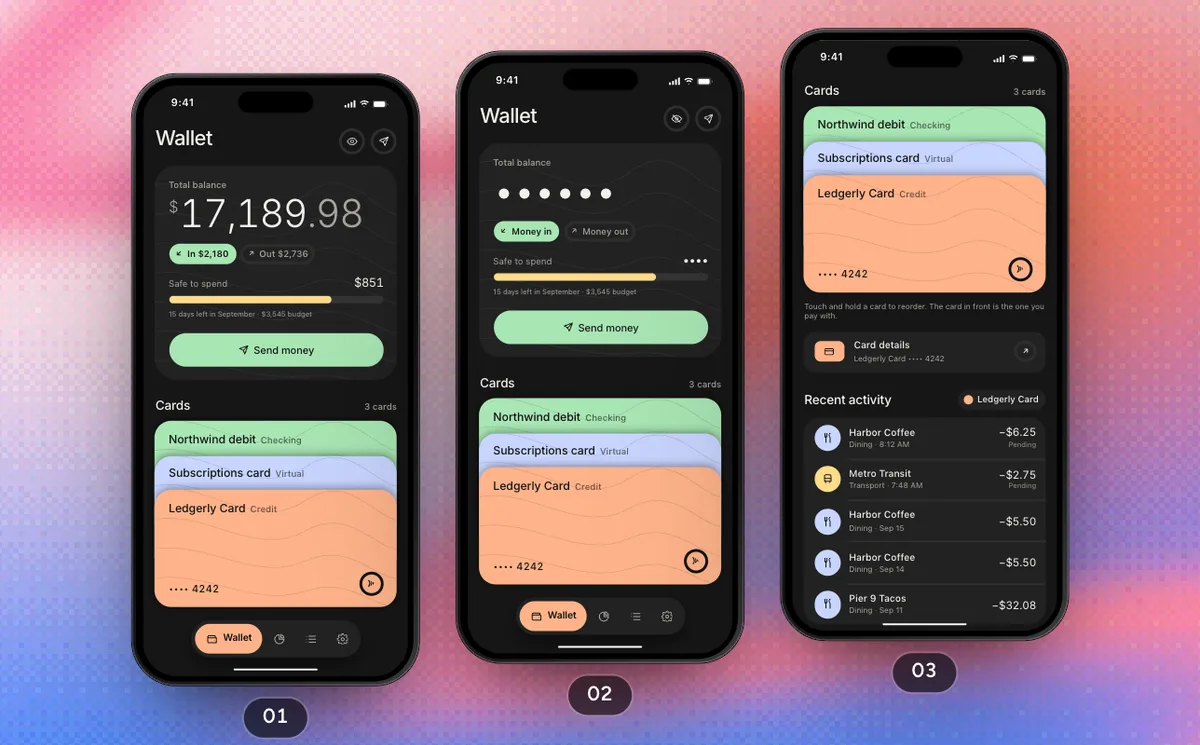
ProCards And Budgets
From the balance on Wallet to the card you pay with, then this month's budget, a category and its limit.
5 Screens12 Steps
 Pro
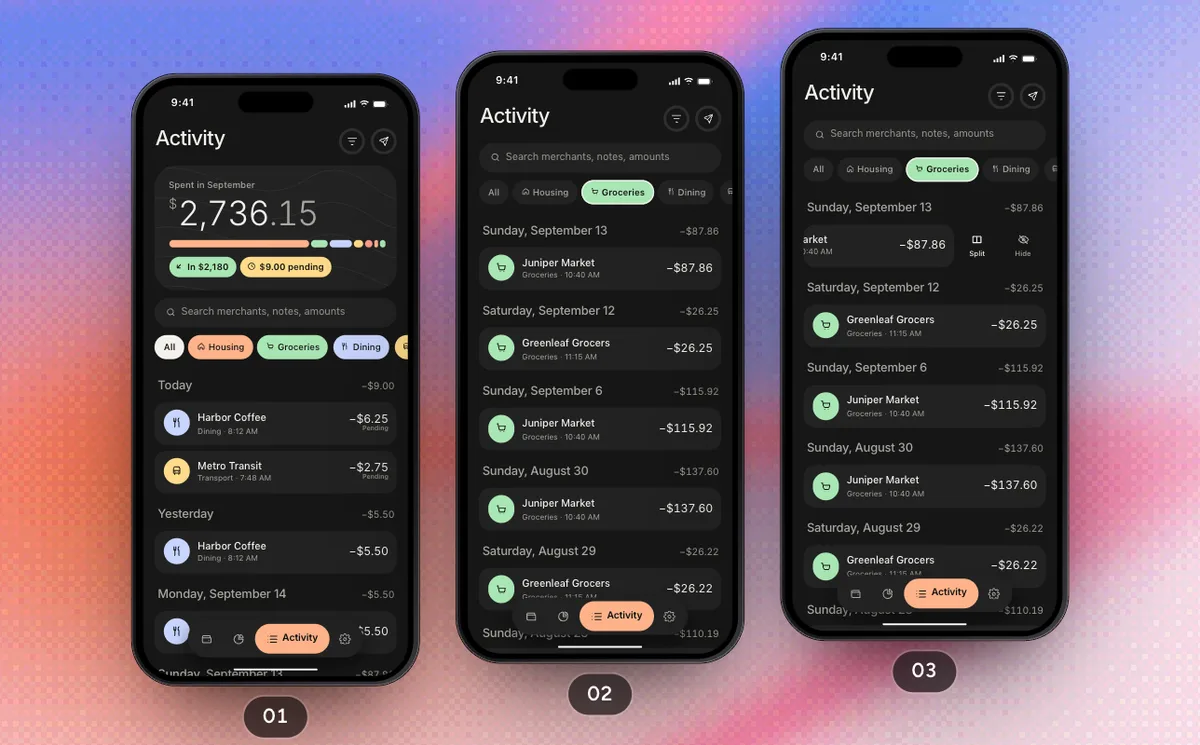
ProSplit And Send
Split a shared purchase in Activity, then send money to a friend with a swipe and keep the receipt.
5 Screens14 Steps
 Pro
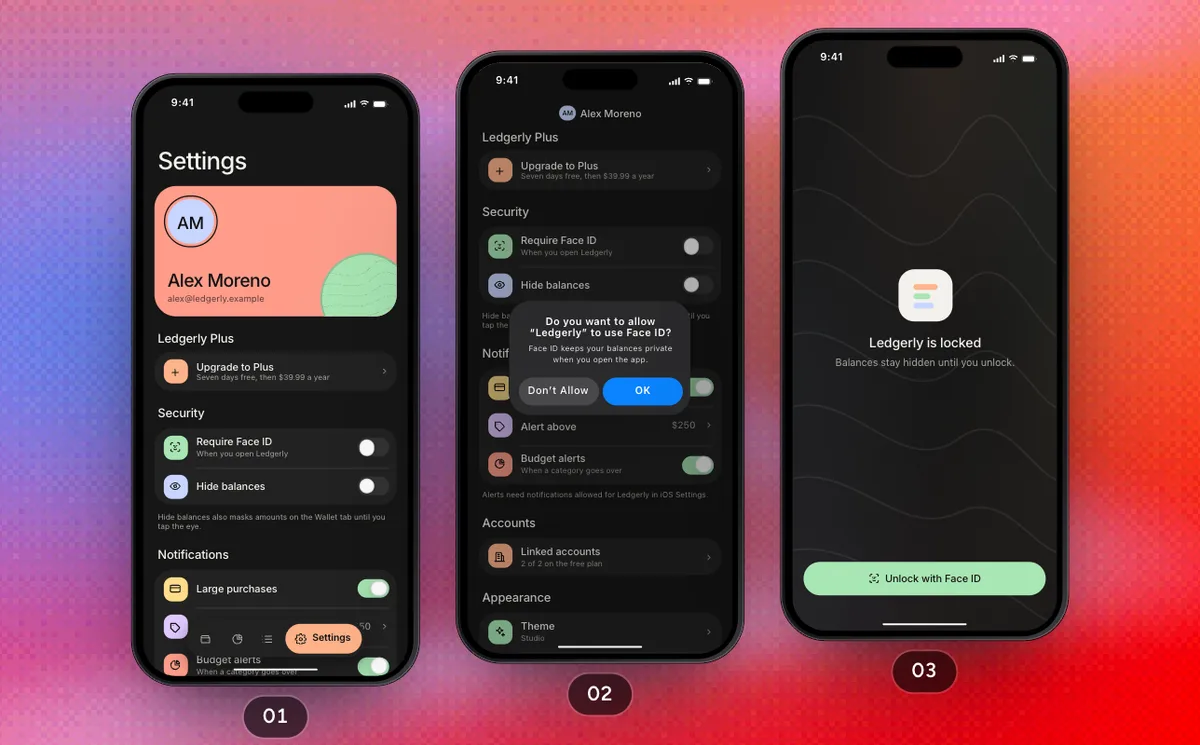
ProProfile And Settings
The Face ID lock, linked accounts and the theme in Settings, then Ledgerly Plus and signing out.
6 Screens13 Steps
 Pro
ProFirst Run
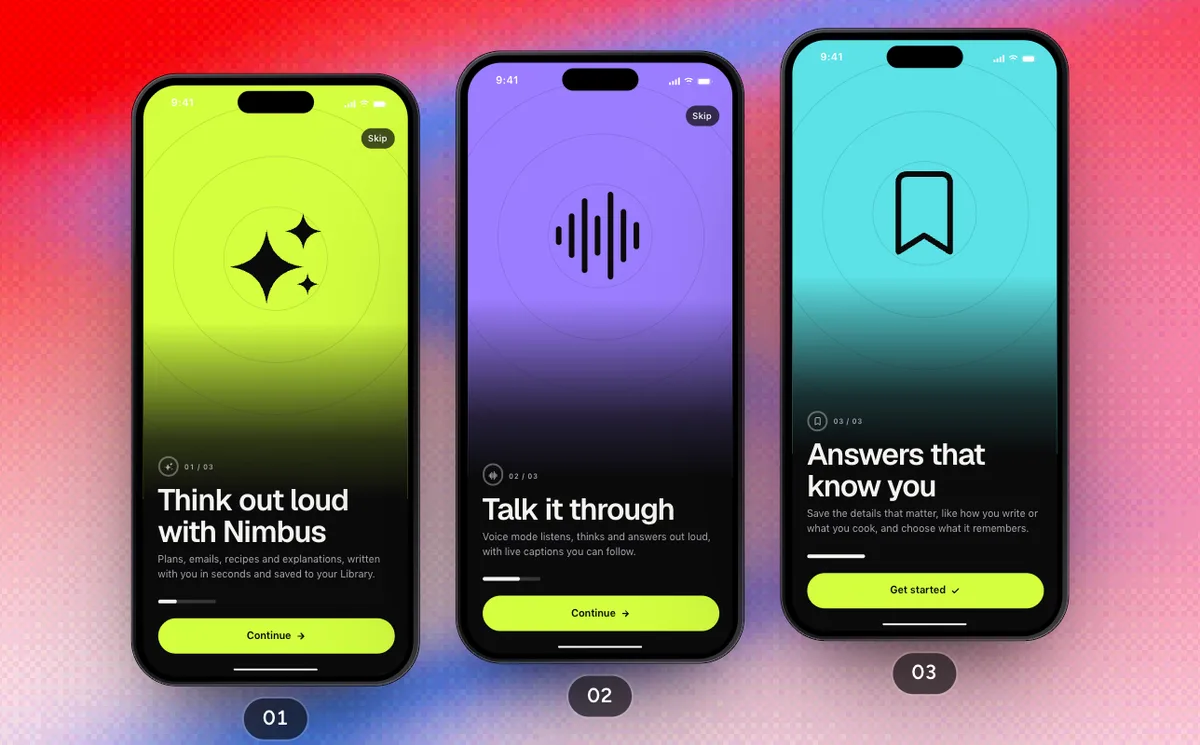
Three welcome pages, the microphone, an account and a first question answered live, then Nimbus Pro and the Chat tab.
8 Screens14 Steps
 Pro
ProAsk And Talk It Through
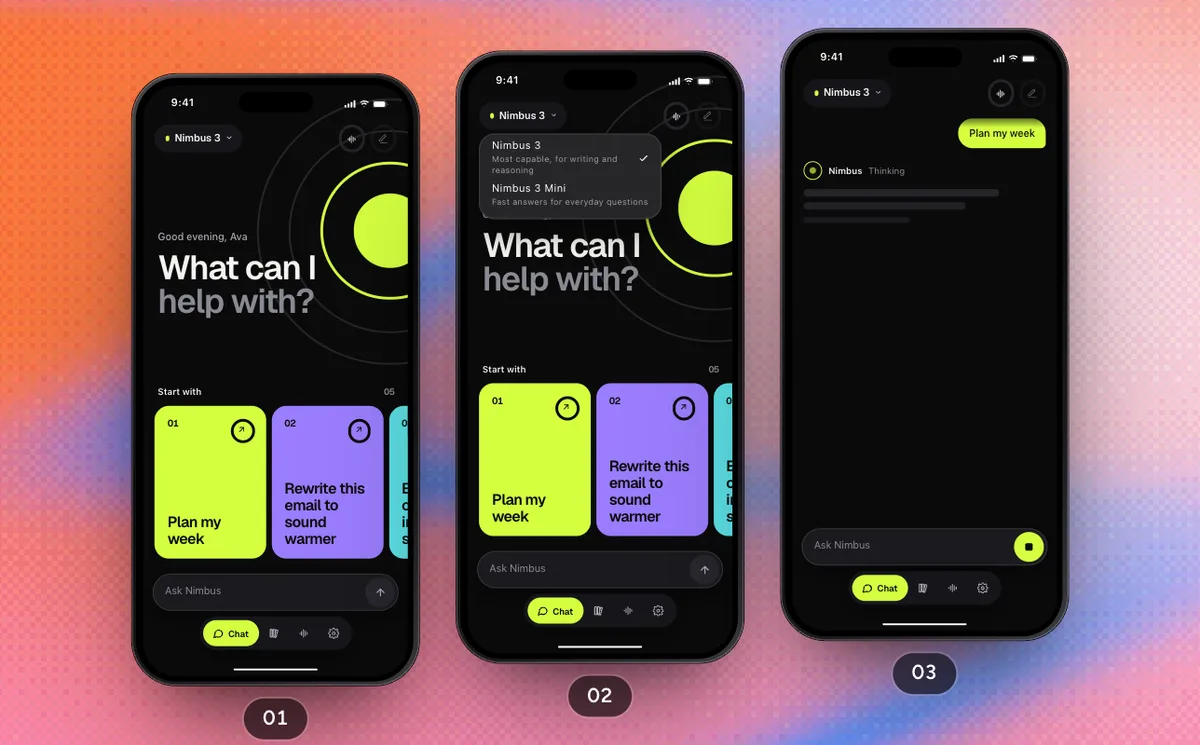
A suggestion becomes a streamed reply, a dropped connection recovers with Retry, and a voice call from the toolbar returns to the same chat.
2 Screens11 Steps
 Pro
ProPick Up A Saved Chat
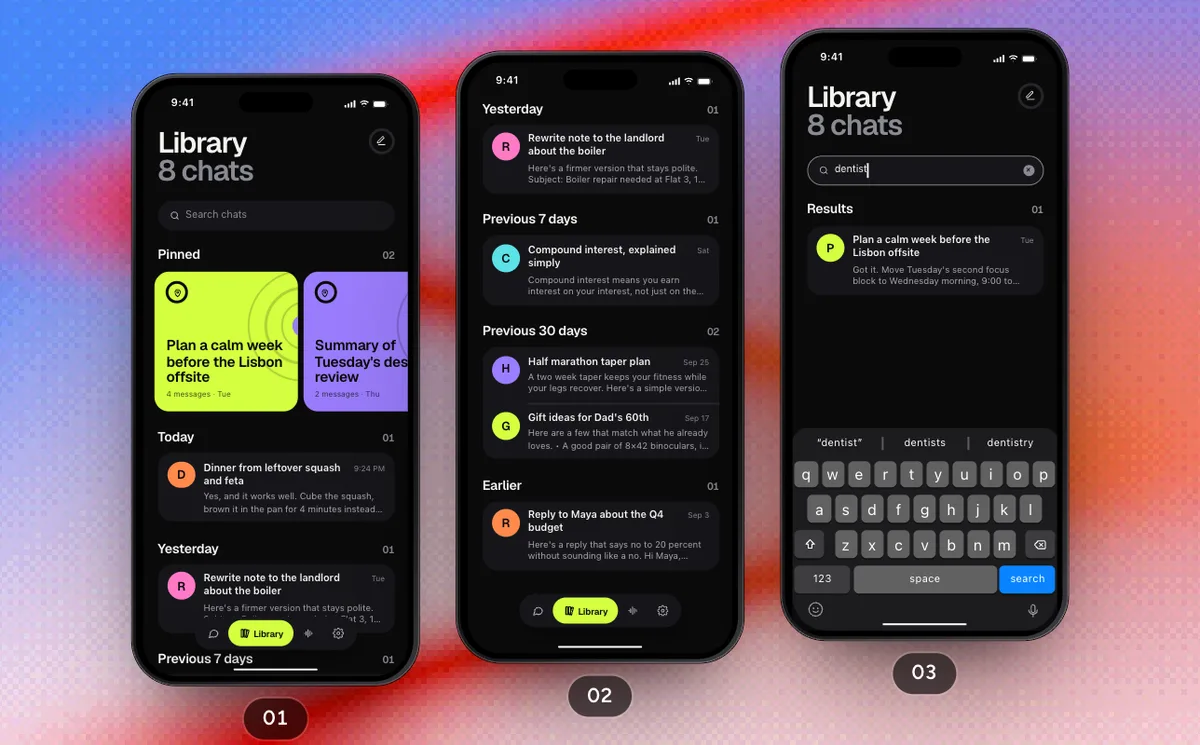
Browse and search the Library, open a past conversation and its menu, then delete a chat with a long press.
2 Screens8 Steps
 Pro
ProProfile And Settings
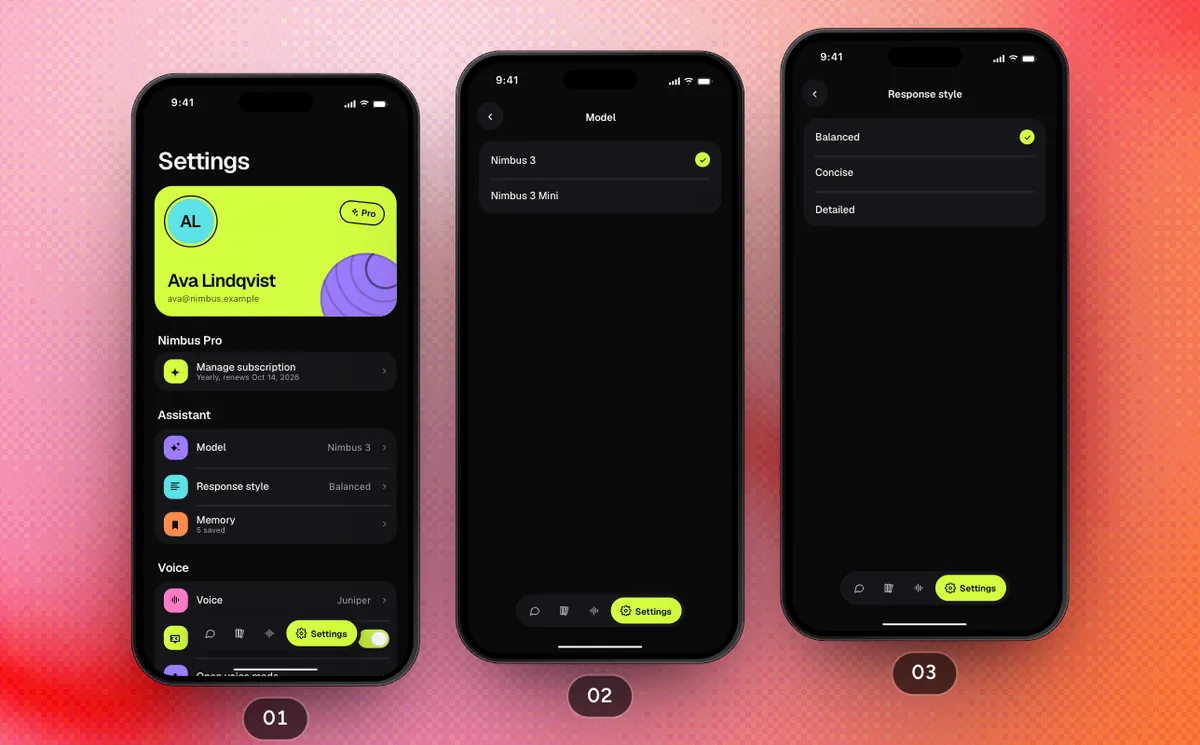
The model, response style, memory, voice, Theme and an export of your chats, then the subscription and signing out.
5 Screens13 Steps
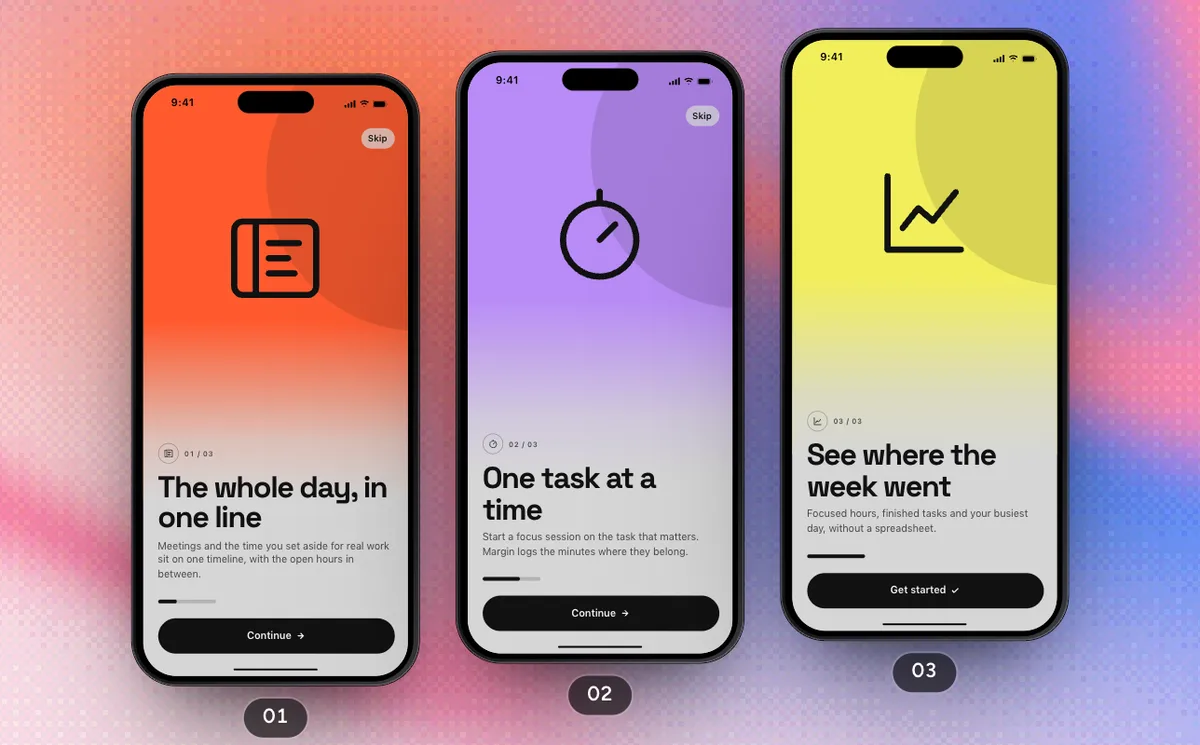 Pro
ProFirst Run
Three welcome pages, the reminders request, an account and Margin Pro, ending on today's agenda.
5 Screens12 Steps
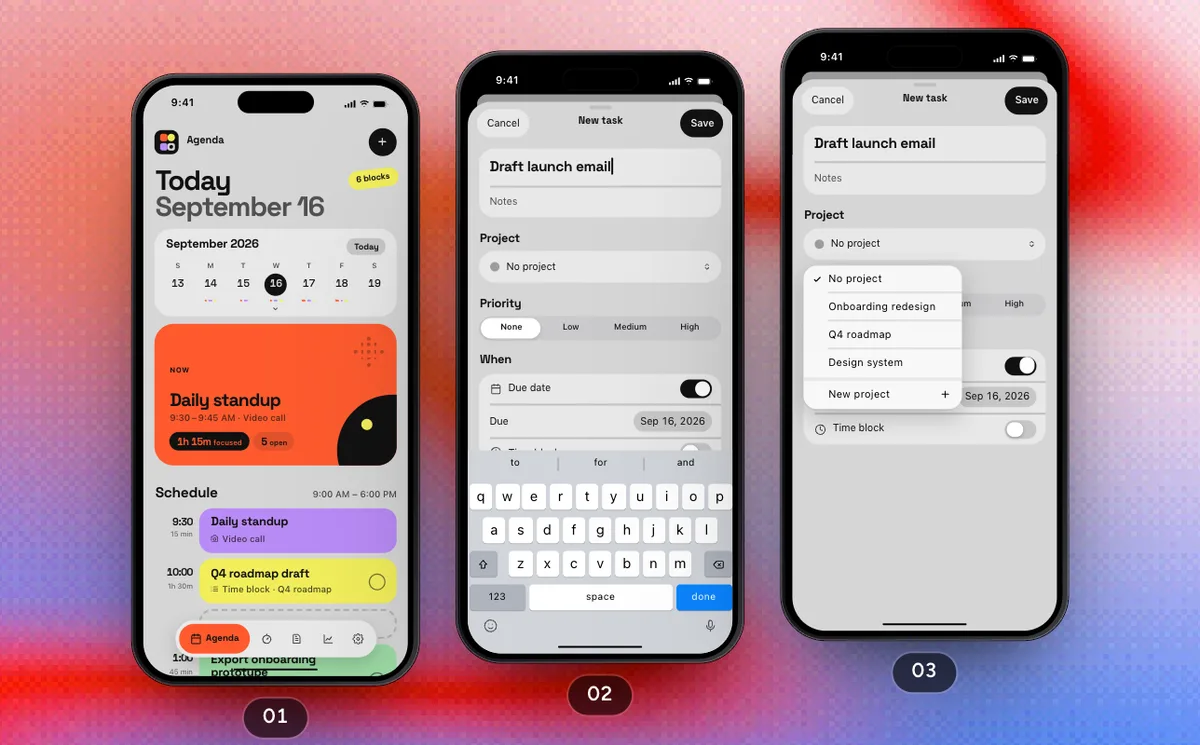 Pro
ProPlan The Day
Add a task with its own project and time block, check off an errand, then focus on the next block and see the session logged.
5 Screens13 Steps
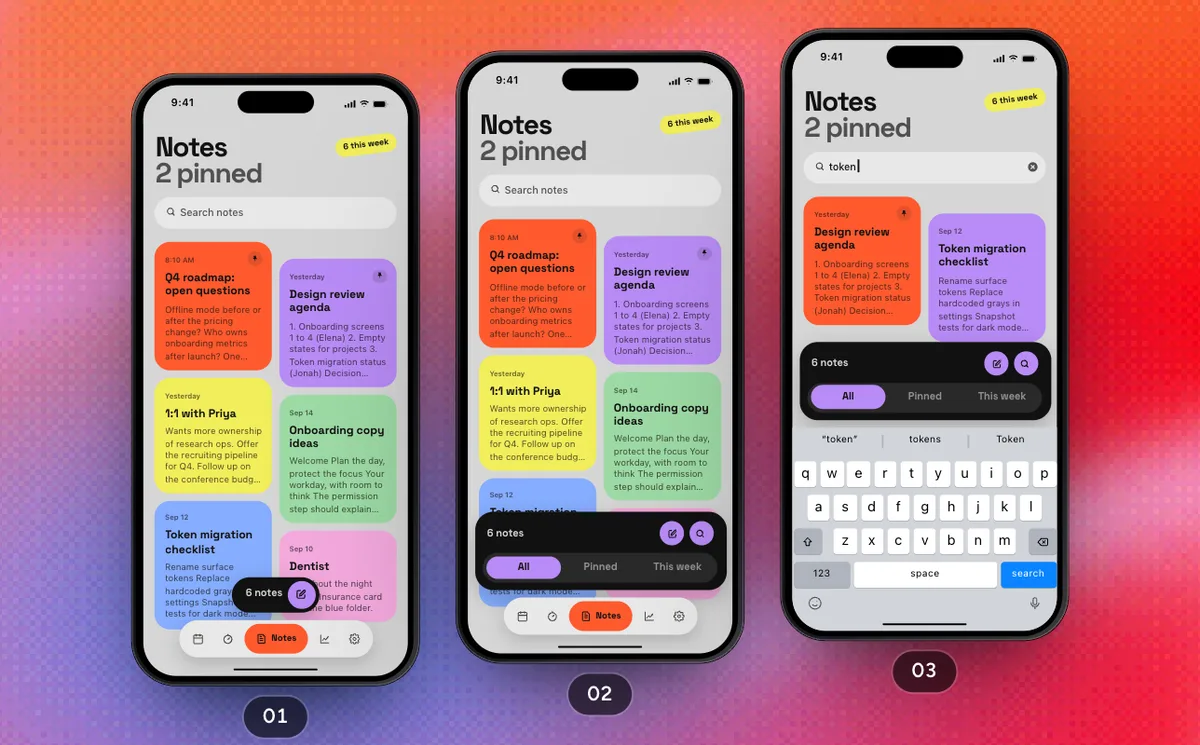 Pro
ProNotes And Insights
Search your notes, add to the review agenda, start a new note, then see the week and the month in Insights.
3 Screens9 Steps
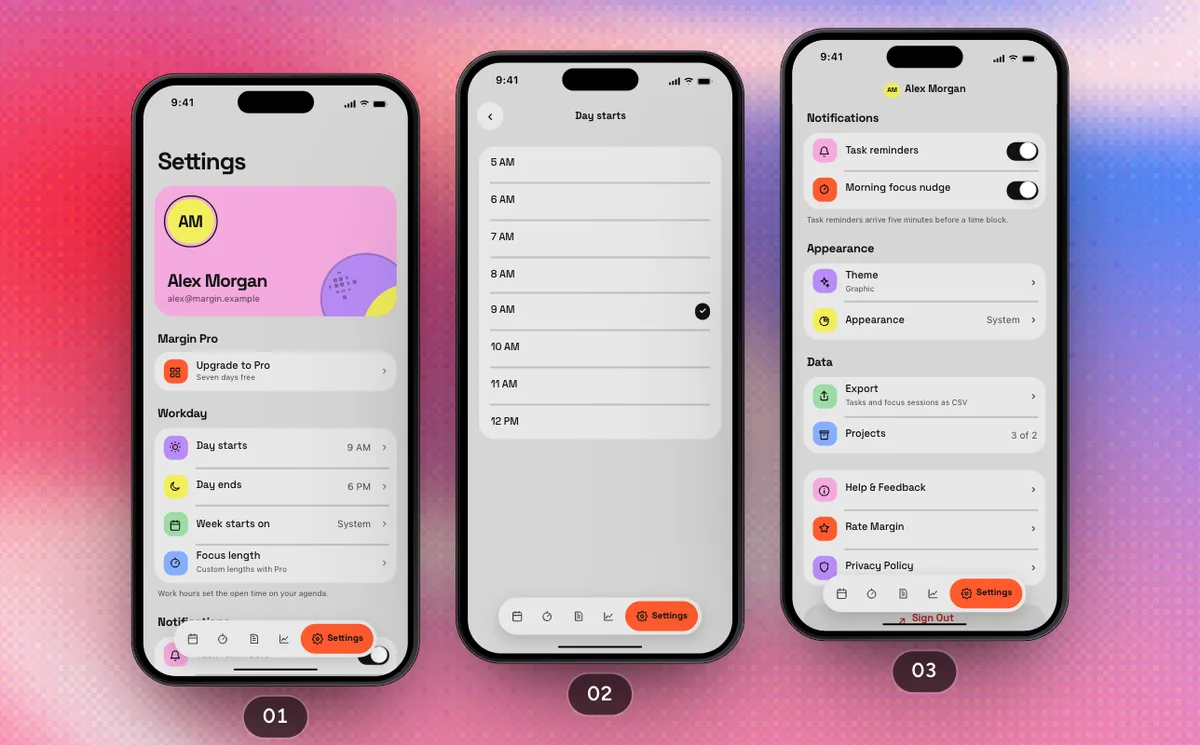 Pro
ProProfile And Settings
Work hours, the theme, a CSV export and the upgrade to Pro, then signing out back to the welcome pages.
6 Screens10 Steps
 Pro
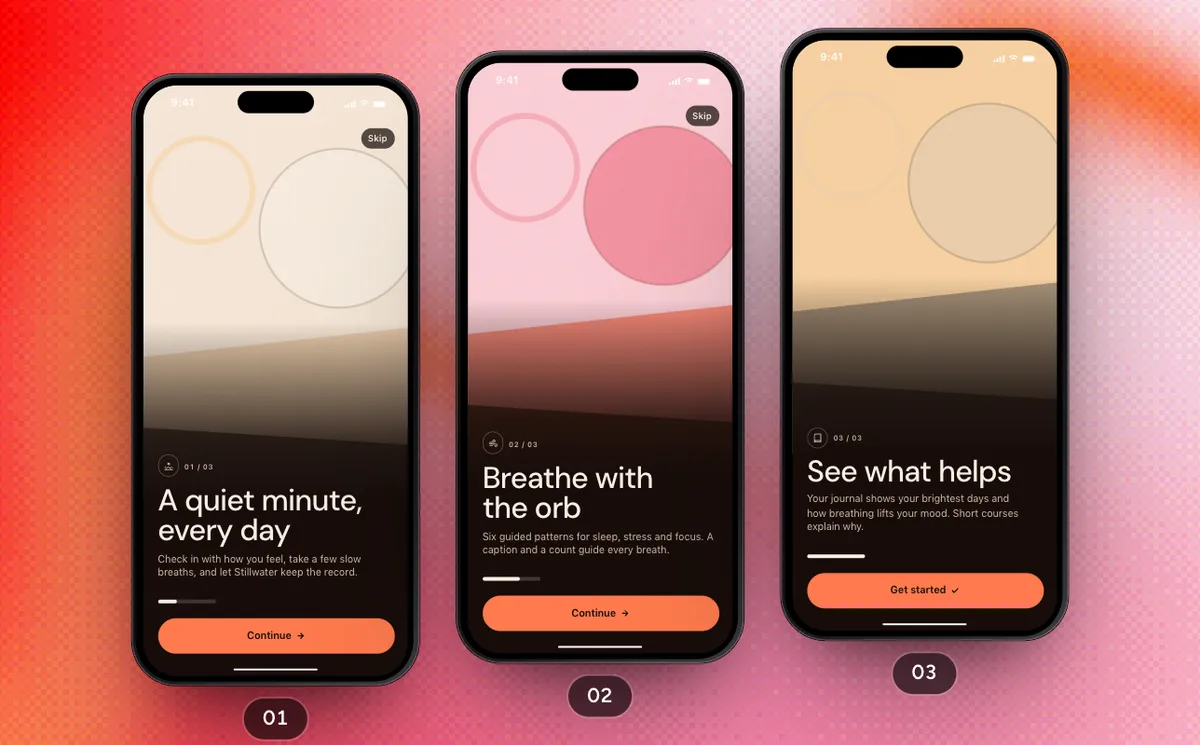
ProFirst Run
Three welcome pages, the reminders permission, Sign in with Apple and a free week of Stillwater Plus, then Today.
7 Screens12 Steps
 Pro
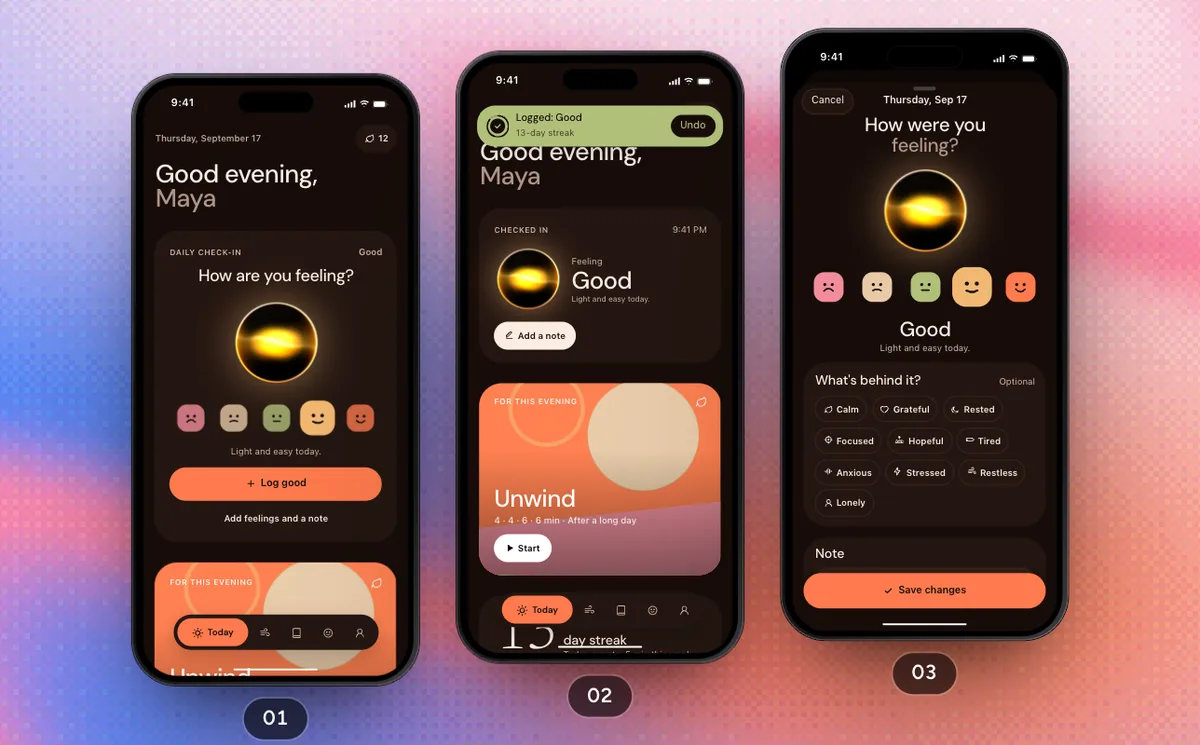
ProCheck In And Breathe
Log today's mood in one tap, add feelings and a note, then breathe through a full Unwind session.
5 Screens11 Steps
 Pro
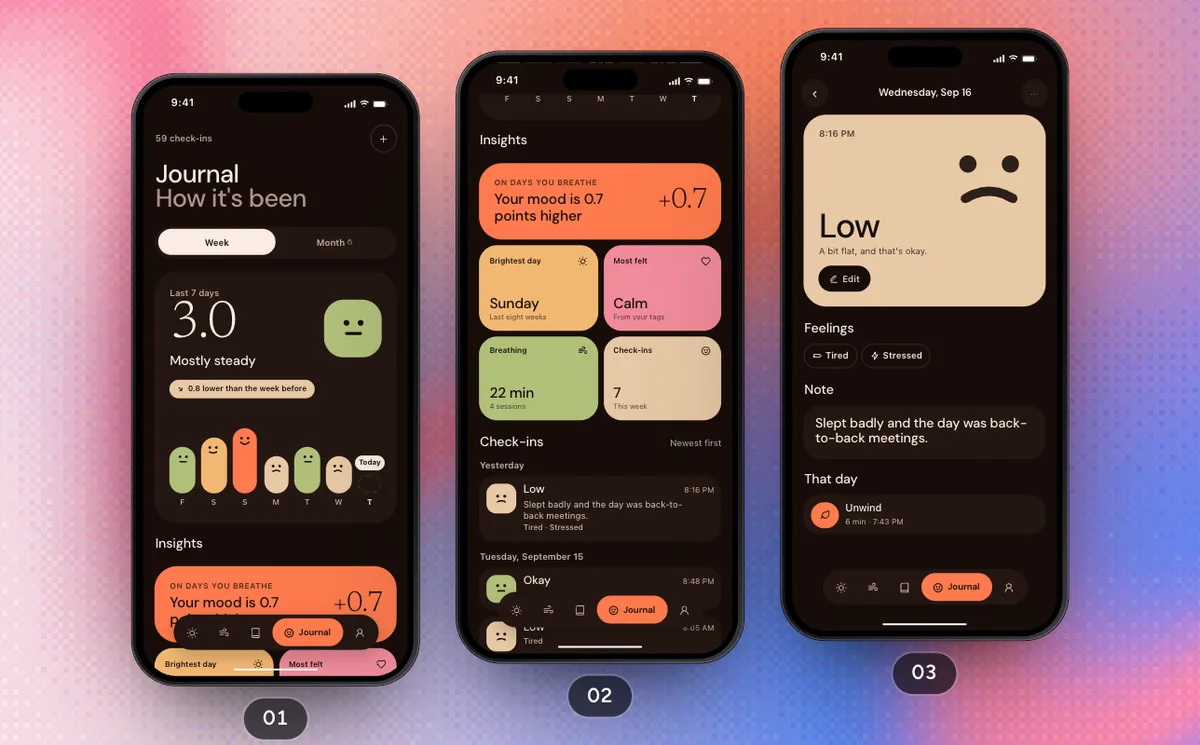
ProSee What Helps
Read the week in the journal, open yesterday's check-in, then pick up the sleep course and finish a lesson.
5 Screens8 Steps
 Pro
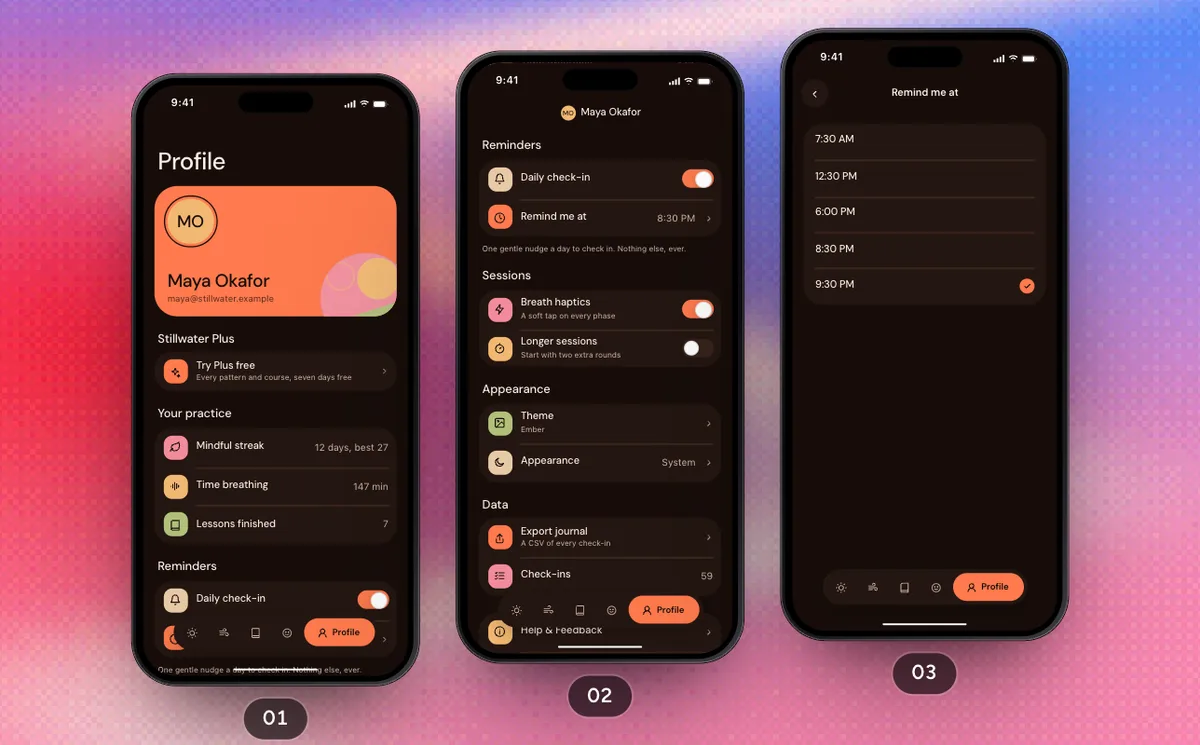
ProProfile And Settings
Move the daily reminder, change the theme, subscribe to Plus and sign out.
5 Screens10 Steps
 Pro
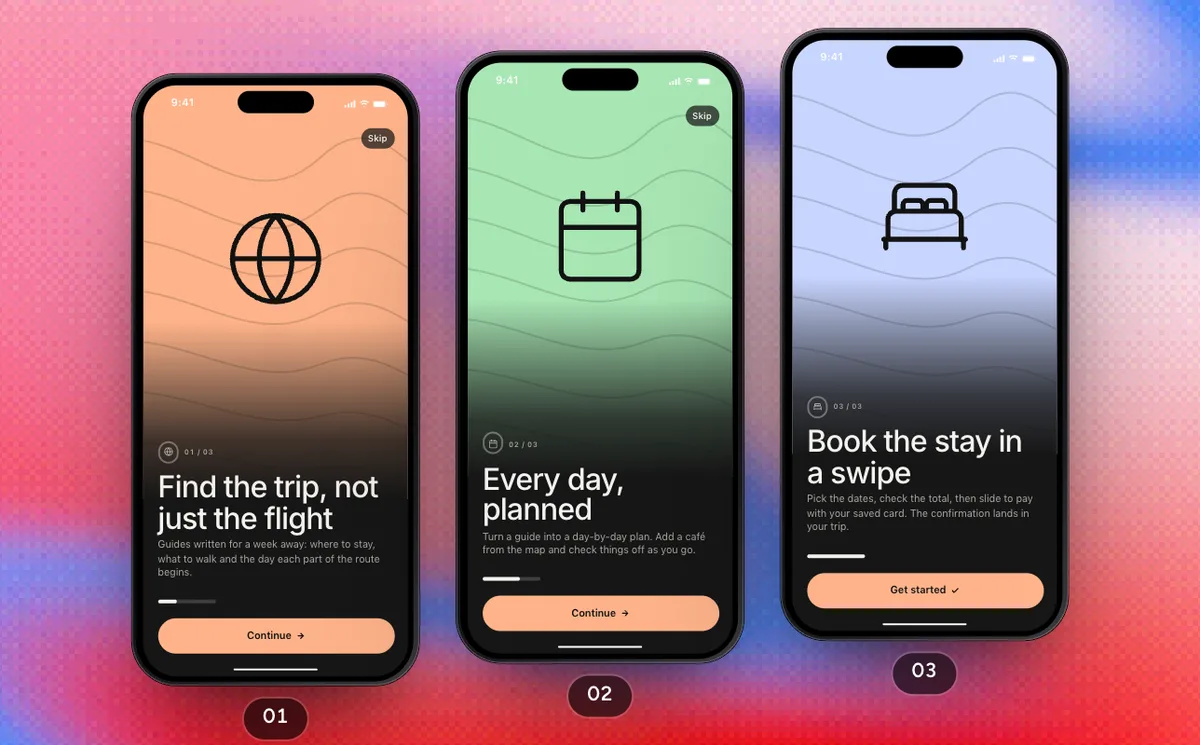
ProFirst Run
Three welcome pages, location, an account with Apple or a verified phone number, and Wayfare Plus, then Discover.
6 Screens14 Steps
 Pro
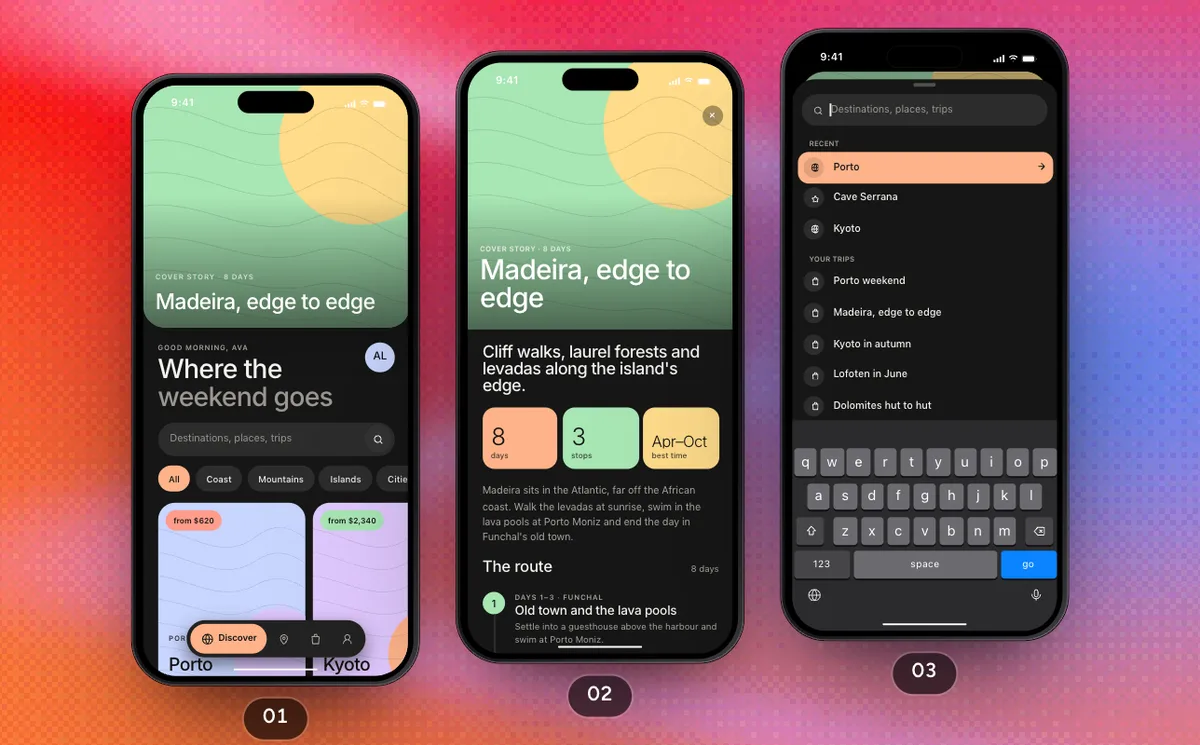
ProPlan A Trip
Find a guide with search, plan it into Trips, then fill today's plan from the map.
7 Screens14 Steps
 Pro
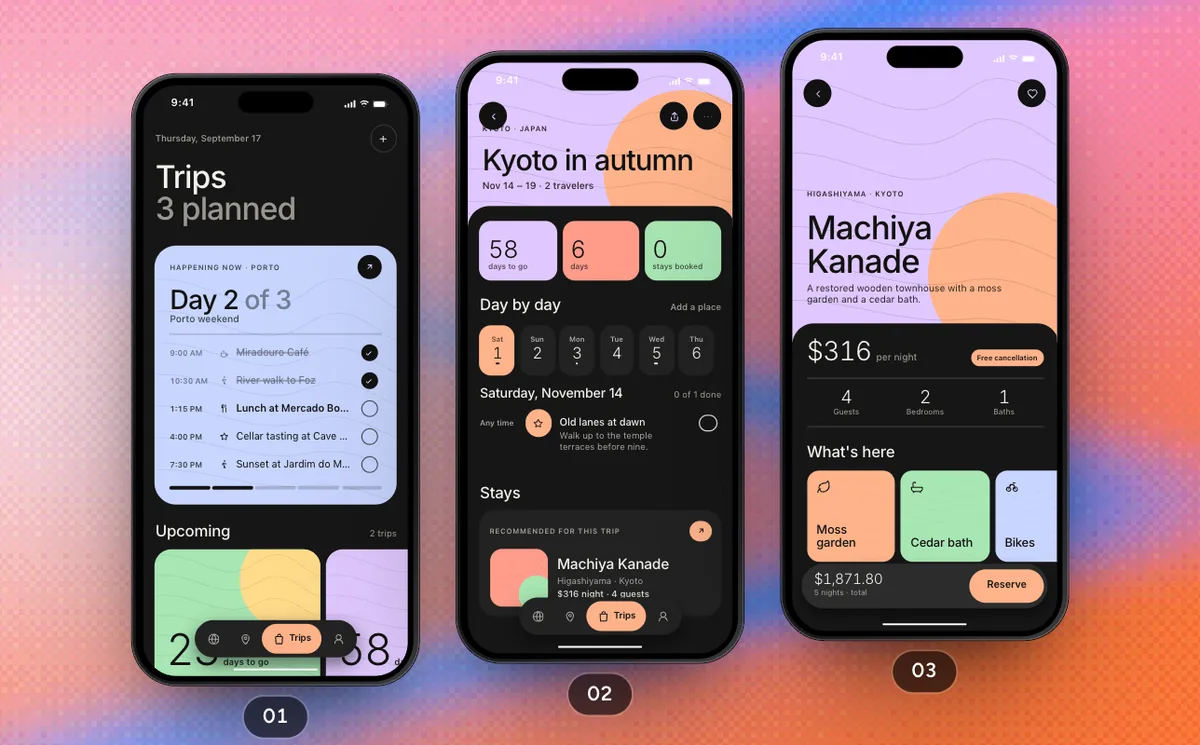
ProBook A Stay
Book the stay a trip still needs, from its recommendation through the booking card, checkout and a swipe to pay.
6 Screens11 Steps
 Pro
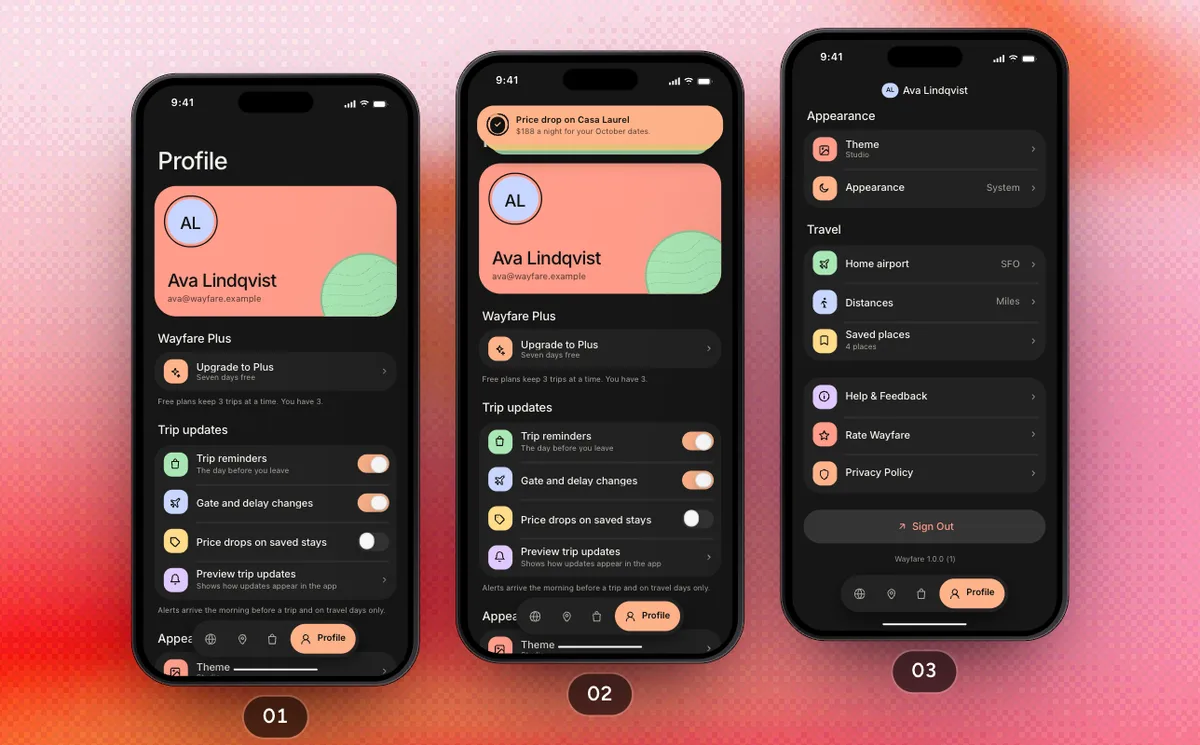
ProProfile And Settings
Trip updates, travel preferences, saved places, Theme, Wayfare Plus and signing out, from the Profile tab.
6 Screens12 Steps
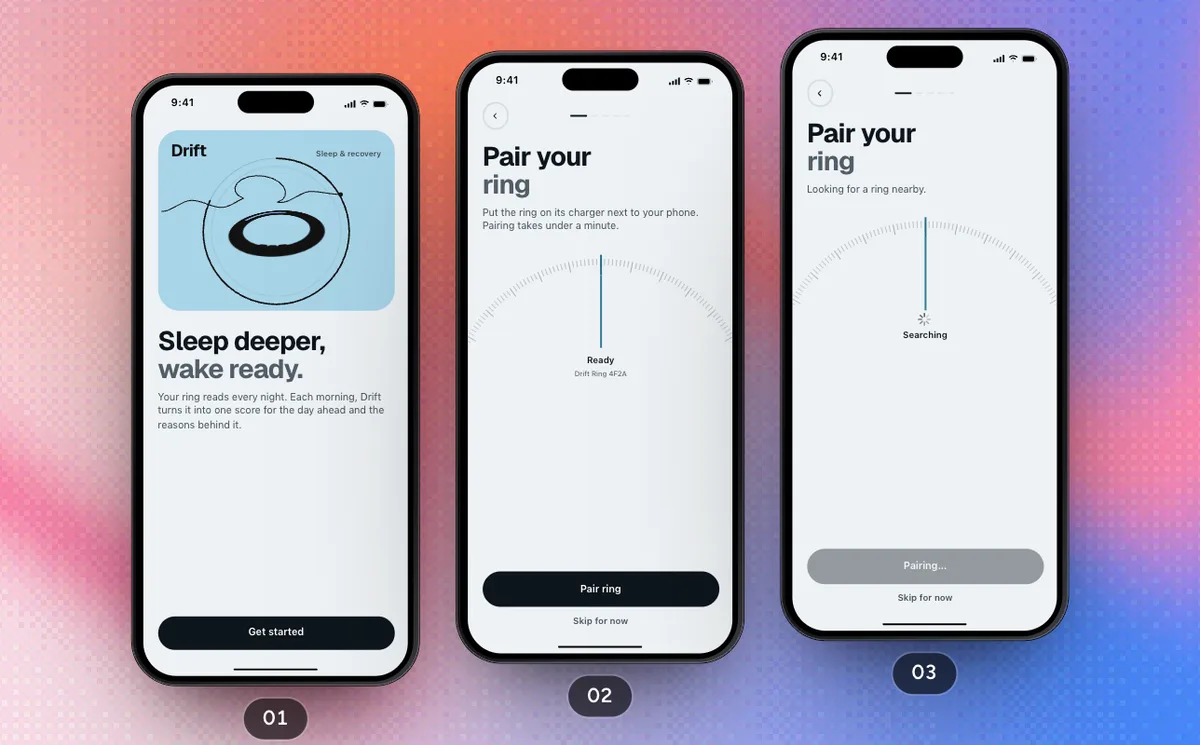 Pro
ProFirst Run
From the welcome through pairing the ring, a bedtime goal, reminders, an account and Drift Plus to this morning's readiness.
7 Screens14 Steps
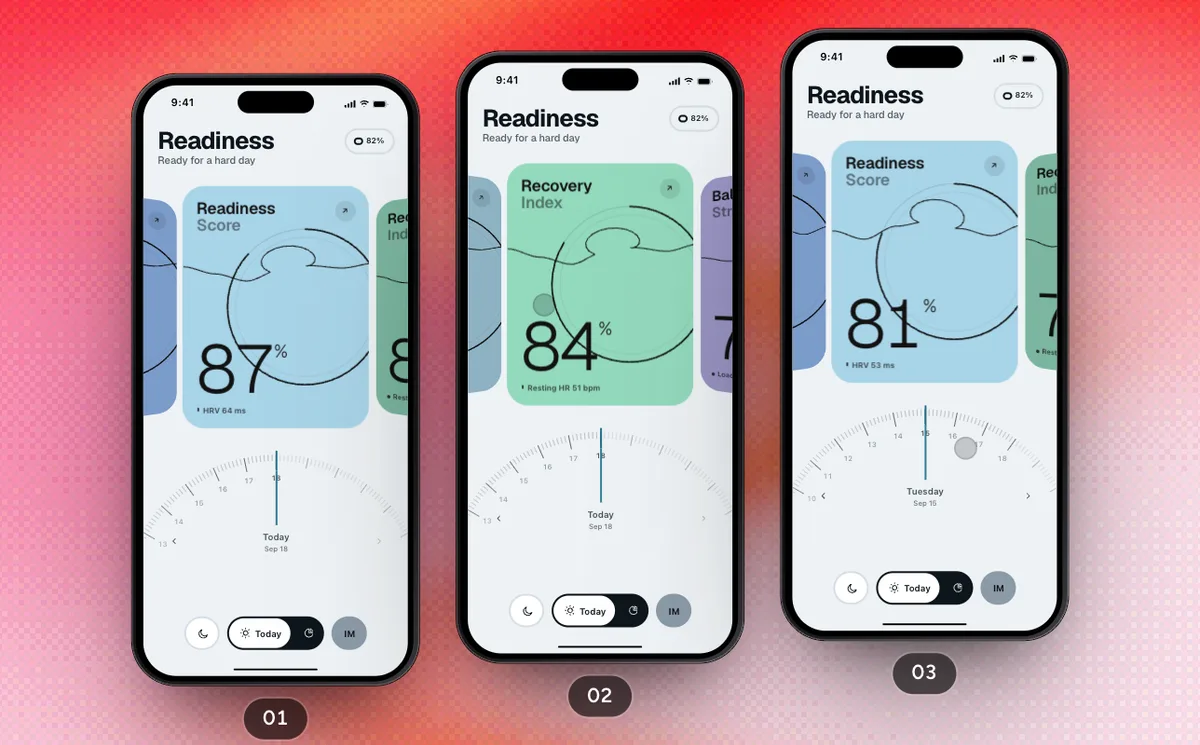 Pro
ProMorning Readiness
Read today's scores on the card rail, turn back through the fortnight and open what moved a score.
2 Screens8 Steps
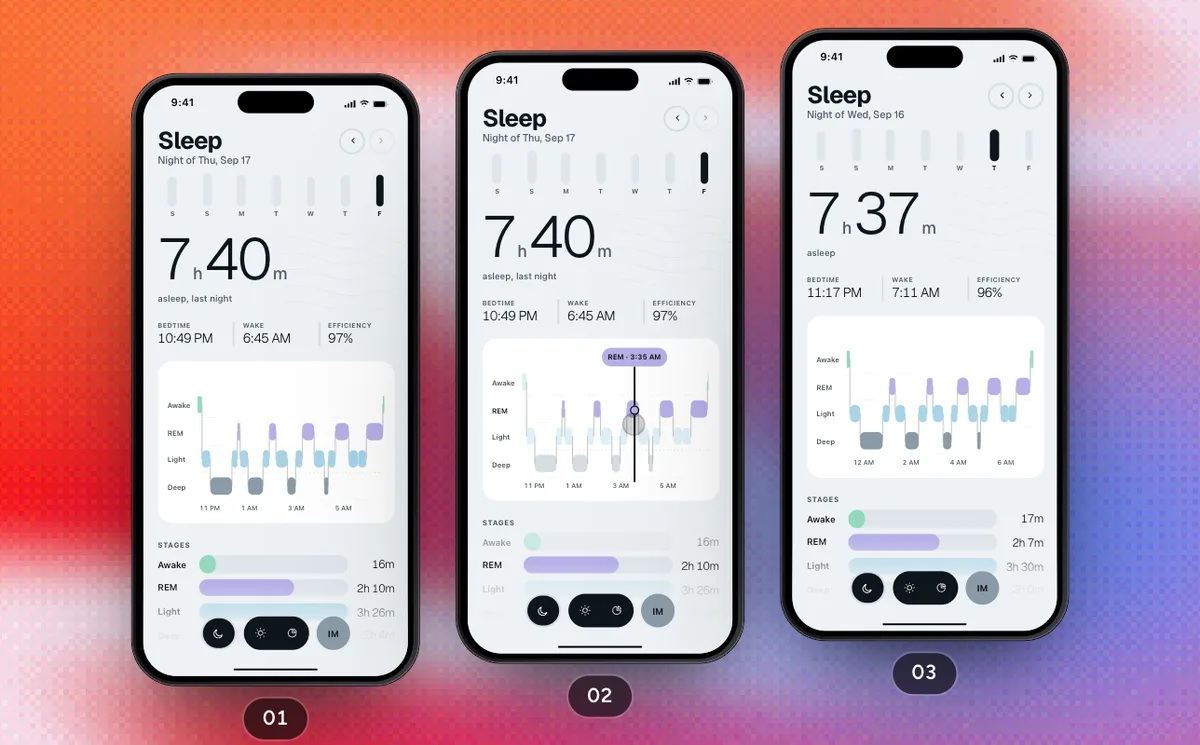 Pro
ProNights And Trends
Scrub last night's stages, step back a night, sync the ring and read the weeks in Trends.
2 Screens8 Steps
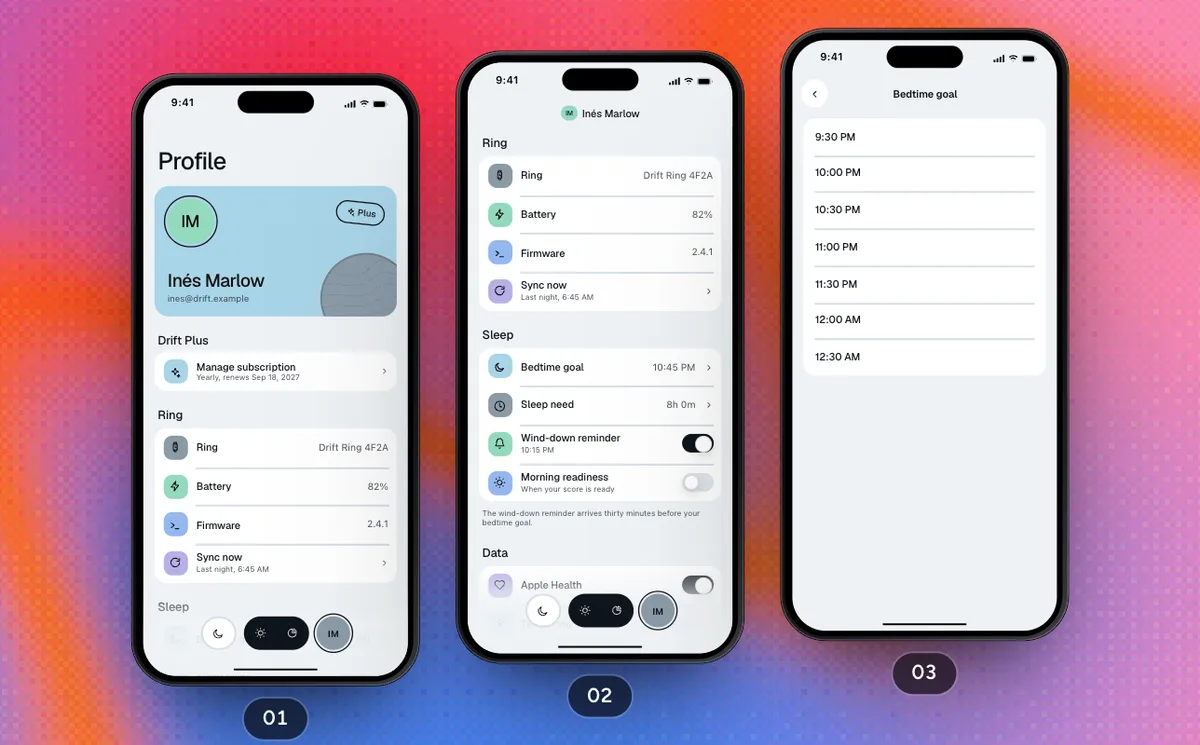 Pro
ProProfile And Settings
The subscription, the ring, a new bedtime goal, the theme, the widget gallery and signing out back to the welcome.
5 Screens12 Steps
 Pro
ProFirst Run
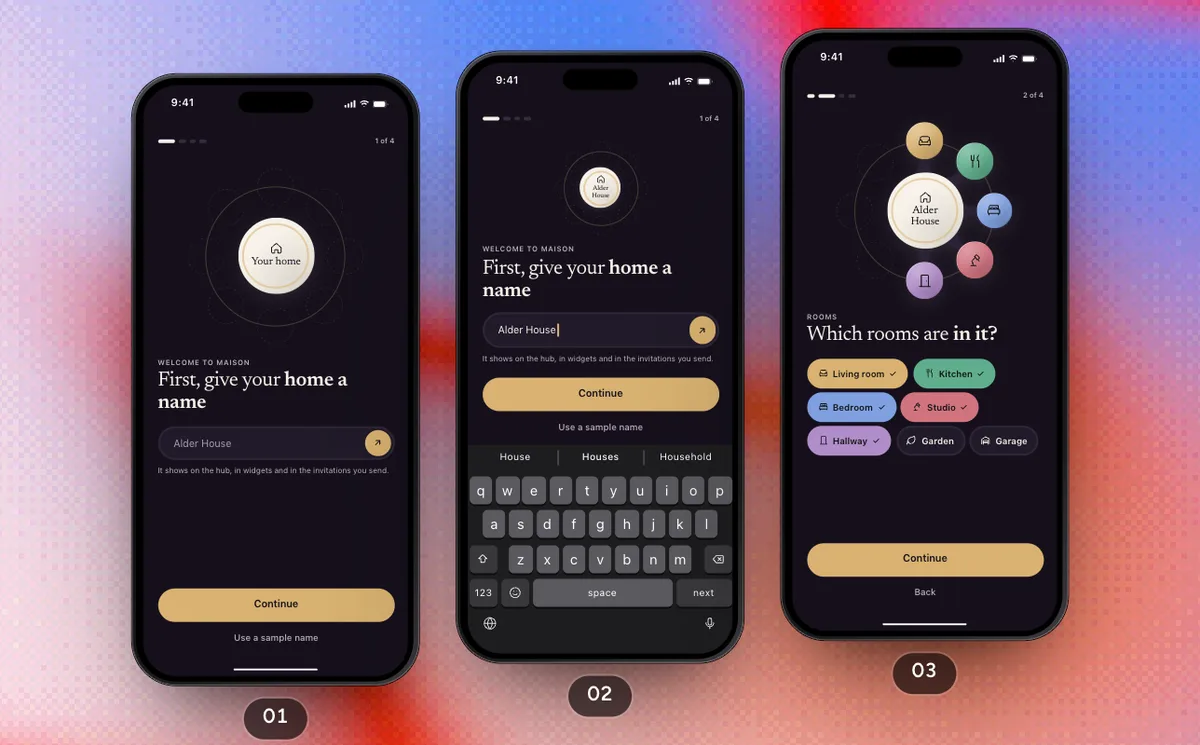
Name the home, pick its rooms, invite the household, allow alerts, sign in and start Maison Plus, then land on the hub.
7 Screens13 Steps
 Pro
ProControl The Home
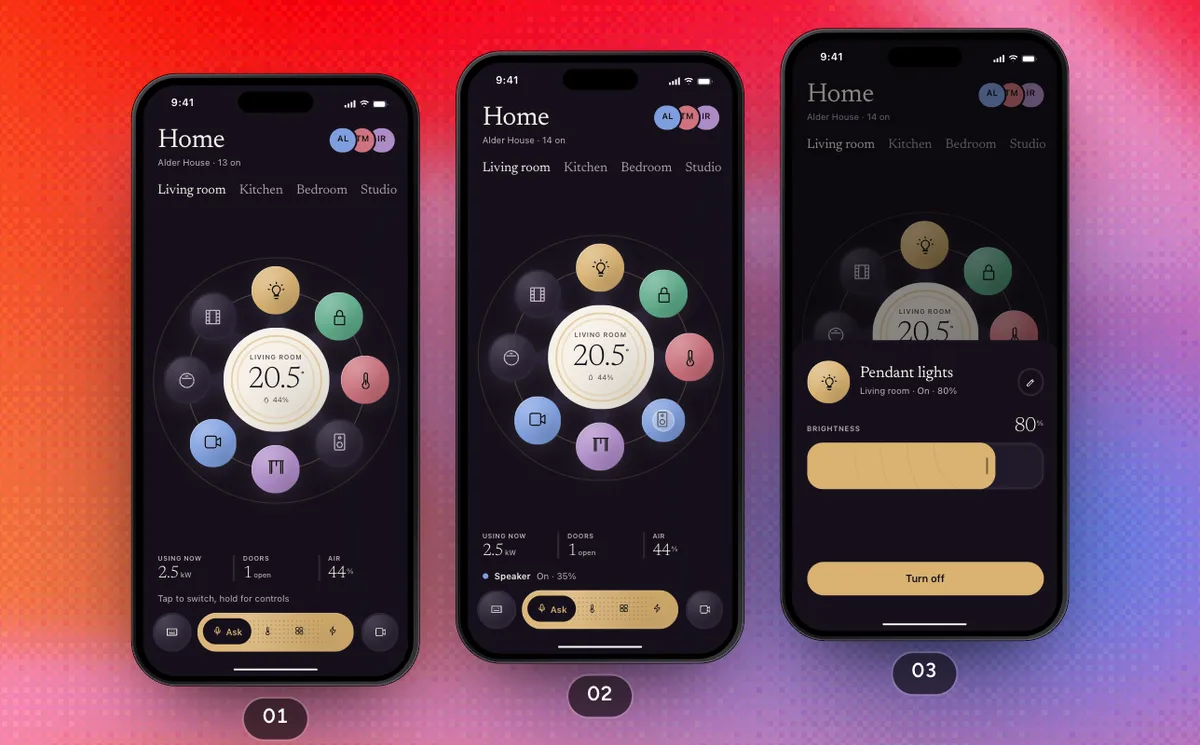
Switch a device on the hub, hold one for its controls, then speak and type commands and check the cameras.
4 Screens10 Steps
 Pro
ProScenes, Climate And Energy
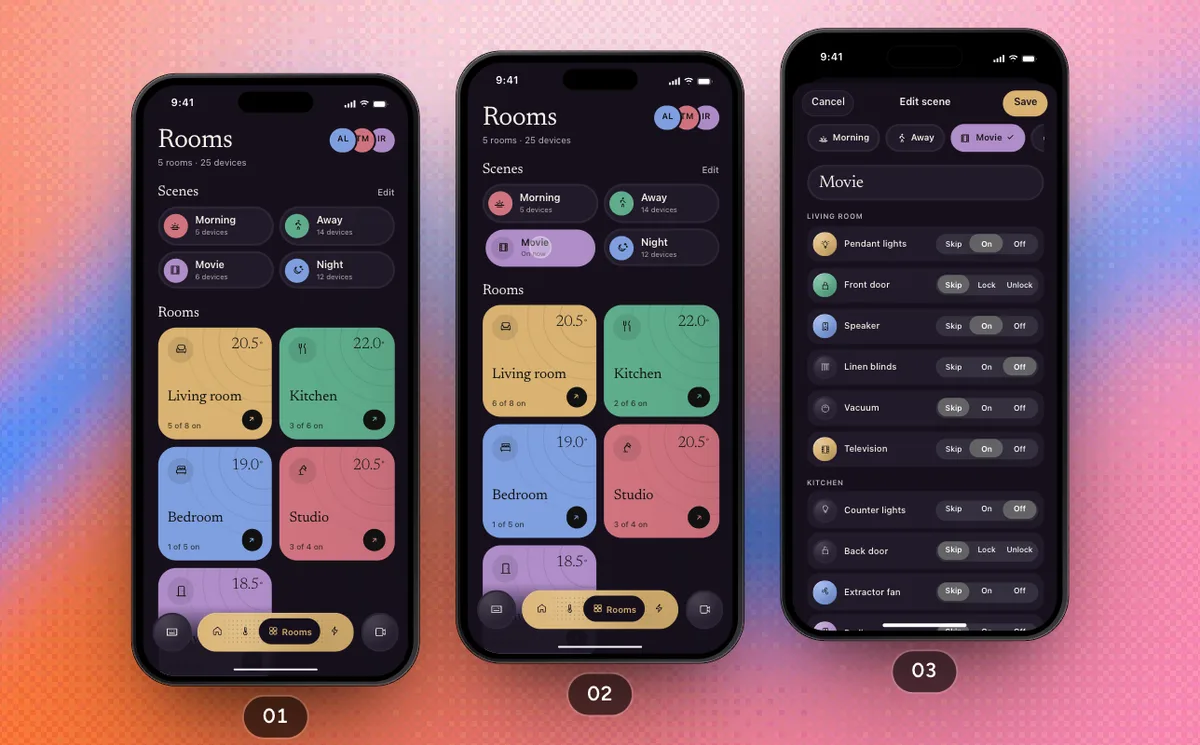
Run and edit a scene, switch a room off, then read the week's energy and lower the evening heating it points to.
5 Screens13 Steps
 Pro
ProHousehold And Settings
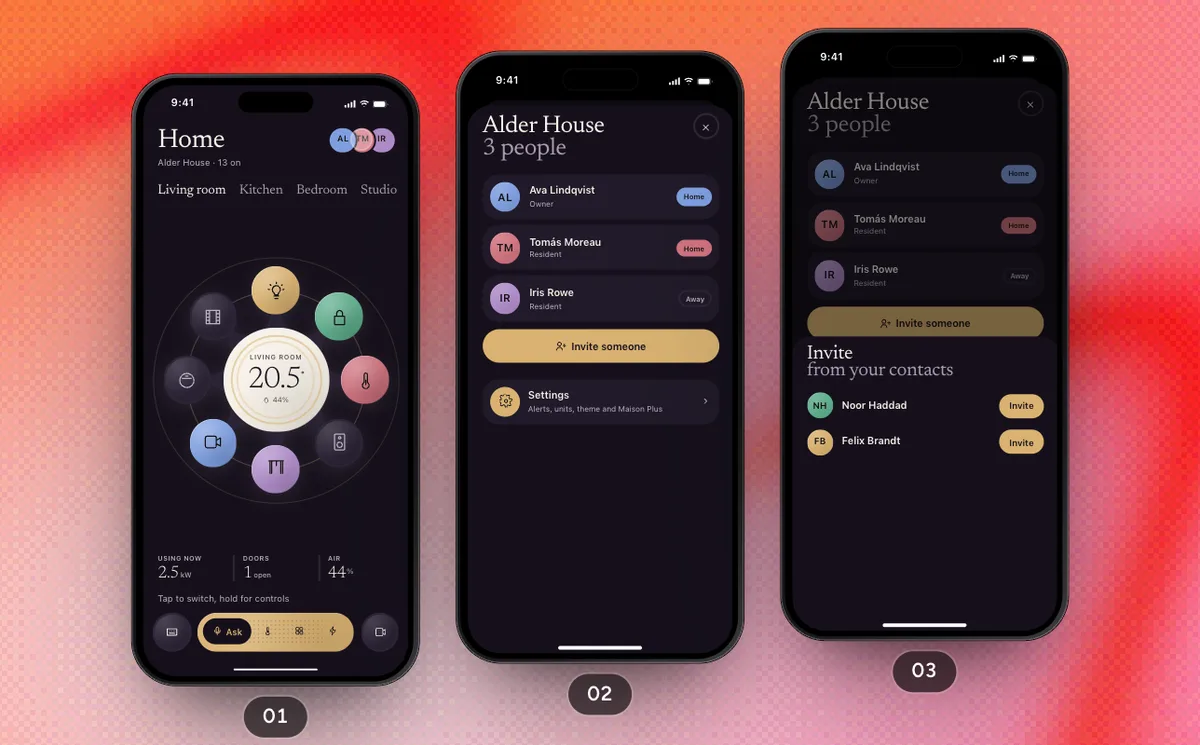
Open the household from the avatars, invite someone, change the theme, upgrade to Plus and leave the home.
6 Screens10 Steps
 Pro
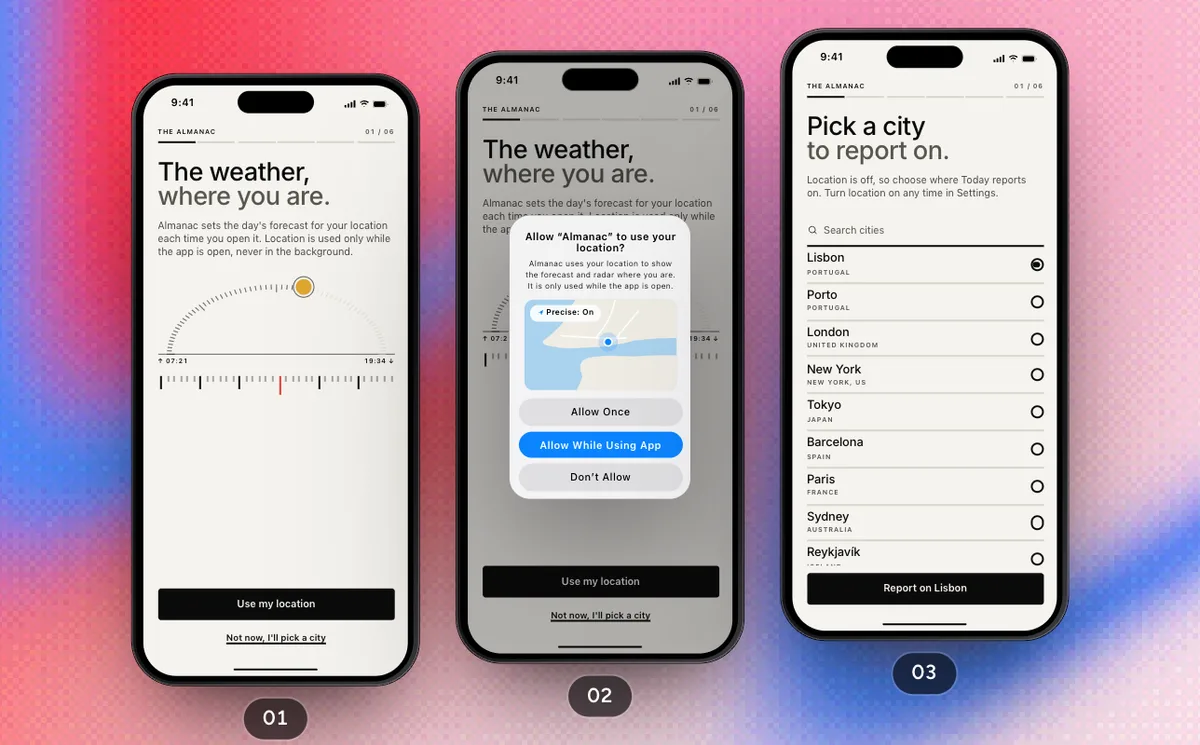
ProFirst Run
Location, units, places and warnings set the almanac up, then an account and Almanac Plus before the first issue of Today.
8 Screens14 Steps
 Pro
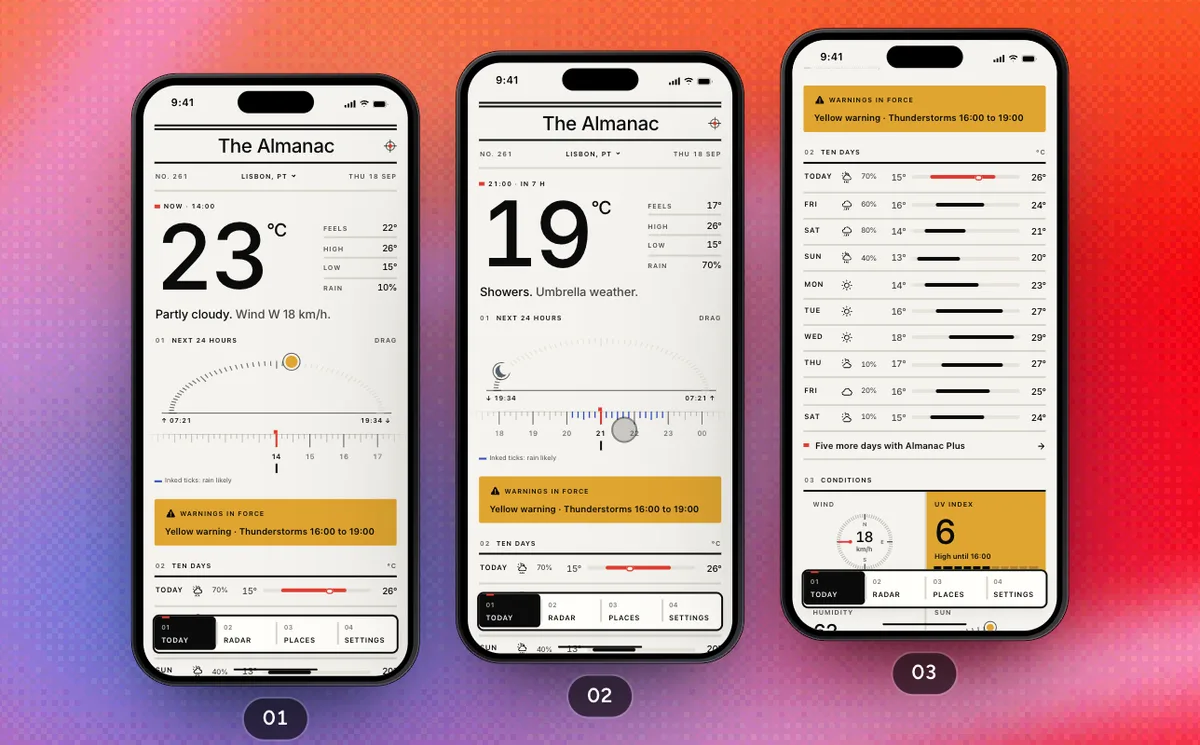
ProRead The Forecast
Scrub the next 24 hours on Today, read the warning, ten days and conditions, switch places, then play the radar.
2 Screens8 Steps
 Pro
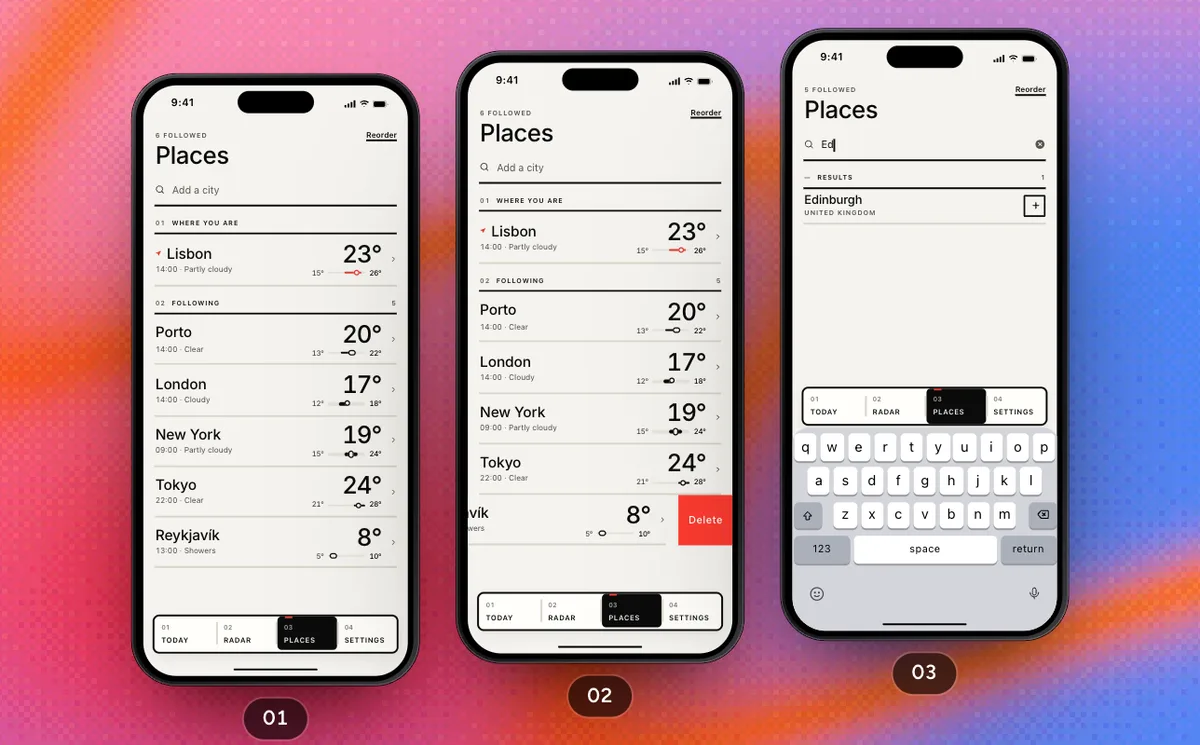
ProFollow A Place
Unfollow a place, search for another, follow it and move it up the list, then open its forecast page.
2 Screens8 Steps
 Pro
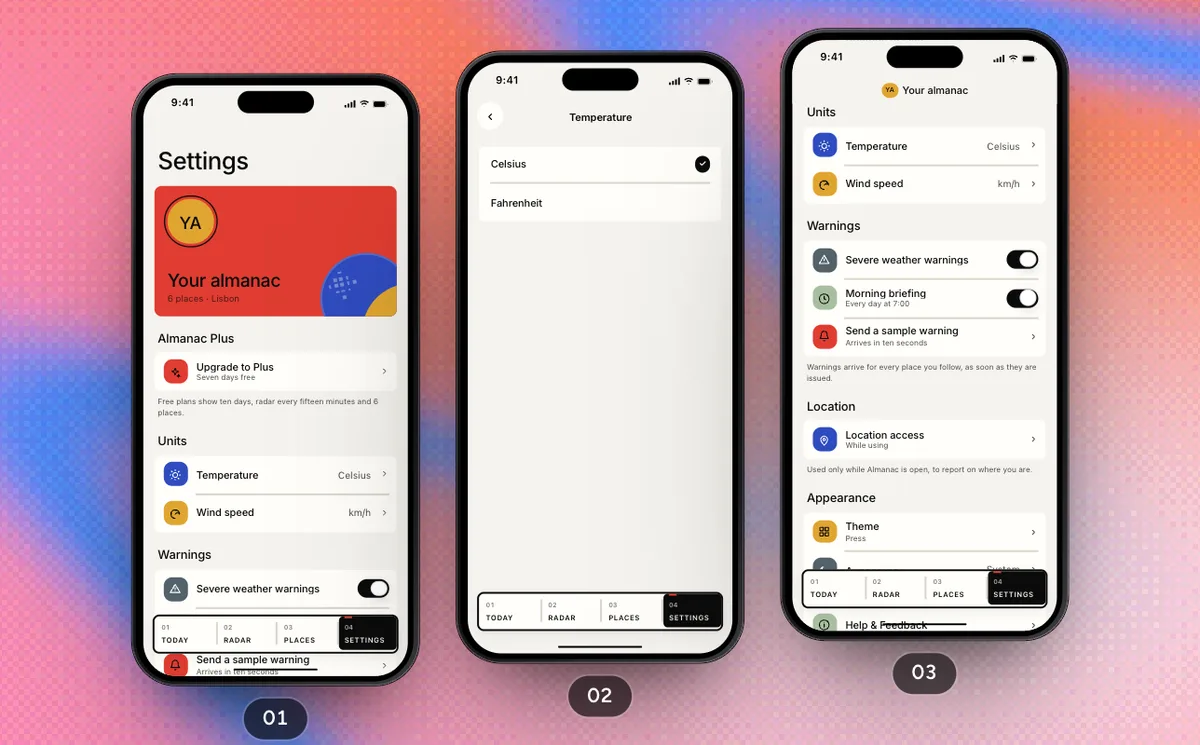
ProSettings And Plan
Units, warnings and the theme in Settings, Almanac Plus from its row, then Start over back to first run.
5 Screens9 Steps
 Pro
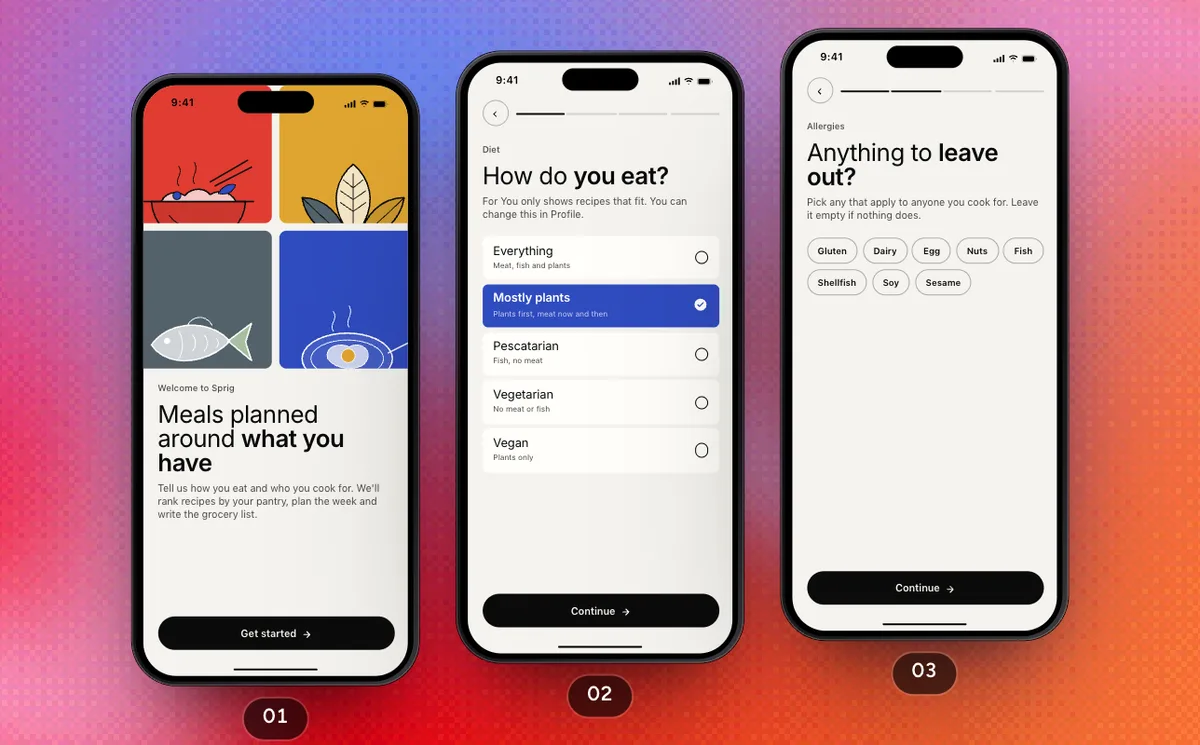
ProFirst Run
From the welcome through four questions, an account and Sprig Plus, to recipes ranked for your pantry.
8 Screens11 Steps
 Pro
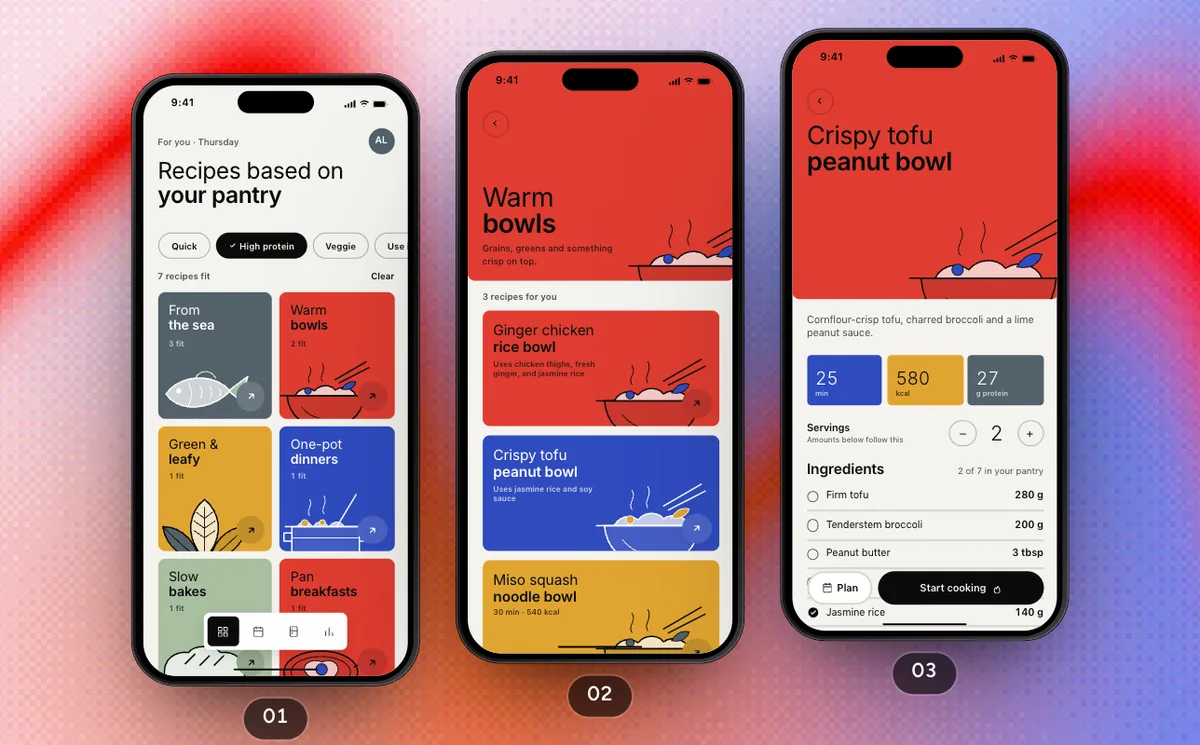
ProCook Tonight's Dinner
Pick a need, open a collection and tonight's recipe, cook it step by step with timers, and see Progress count it.
5 Screens11 Steps
 Pro
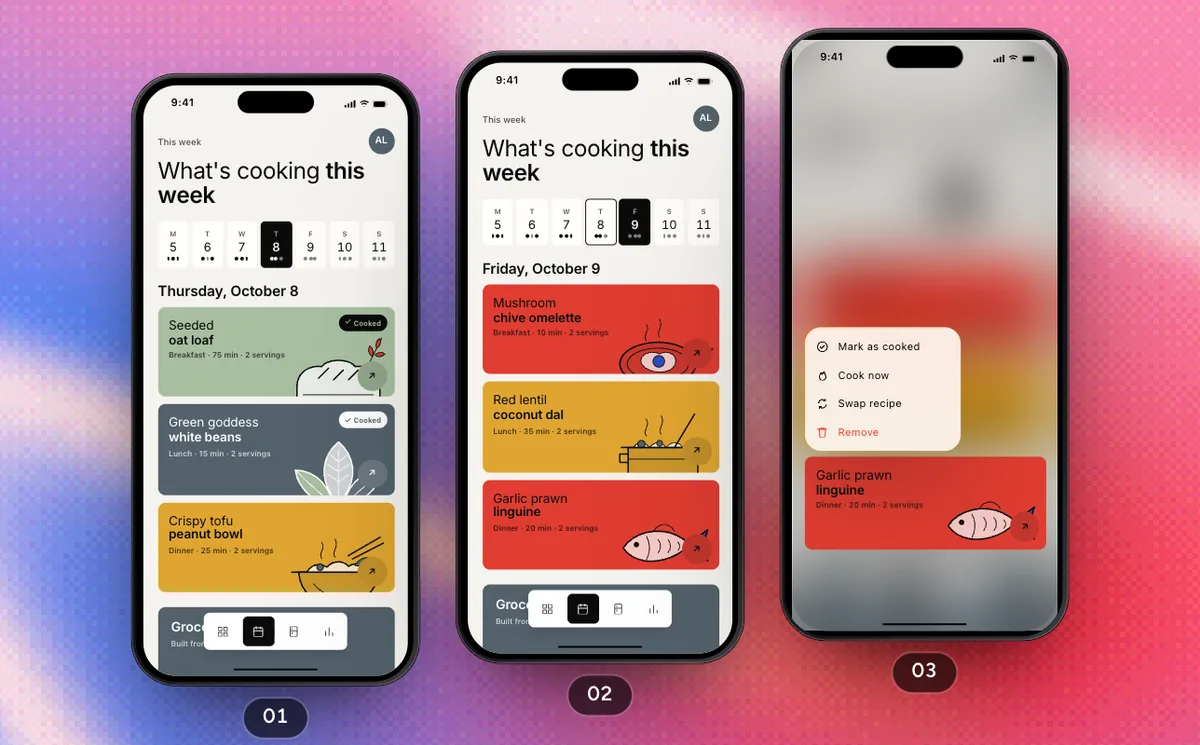
ProPlan The Week And Shop
Swap a dinner for one that uses what's about to turn, shop the list aisle by aisle and put it in the pantry.
3 Screens10 Steps
 Pro
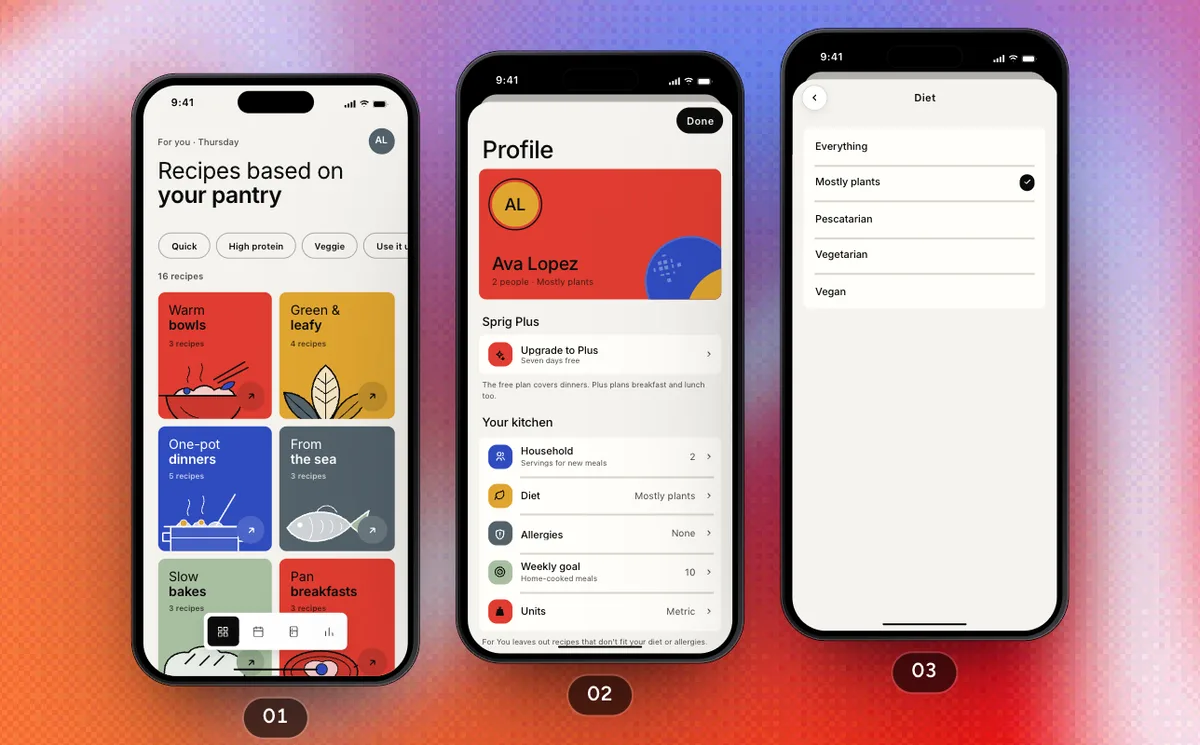
ProProfile And Settings
Change your diet and theme from the avatar, upgrade to Sprig Plus and start over.
6 Screens10 Steps
 SwiftPieces