Build apps worthy of an App Store feature.
Free SwiftUI components with the motion, haptics and accessibility the best apps get right. Install with one command and make them yours.
Picture Headline
- Gestures
- Motion
- Haptics
- Glass
Interactions that feel native
Picture headlines, swipe decks, glass menus and scrubbable charts, with the motion, haptics and states already done.
$ npx swiftpieces add ParallaxCard
- CLI
- Xcode 16
- Copy and paste
One command into Xcode
The CLI writes each piece into a SwiftPieces folder in your app. No packages, no project-file surgery.
Read the CLI docsAdd a chart I can scrub with my thumb
Added Scrub Chart
- MCP
- llms.txt
- Registry
Your agent knows every piece
Describe what you want in plain English. Claude Code, Cursor and Xcode find the right piece and install it.
Connect your agentFree SwiftUI components for iOS
Each one is a single Swift file on Apple frameworks only. Copy it, add it with the CLI or let your AI agent install it.
Want more?
Build the whole app with Pro.
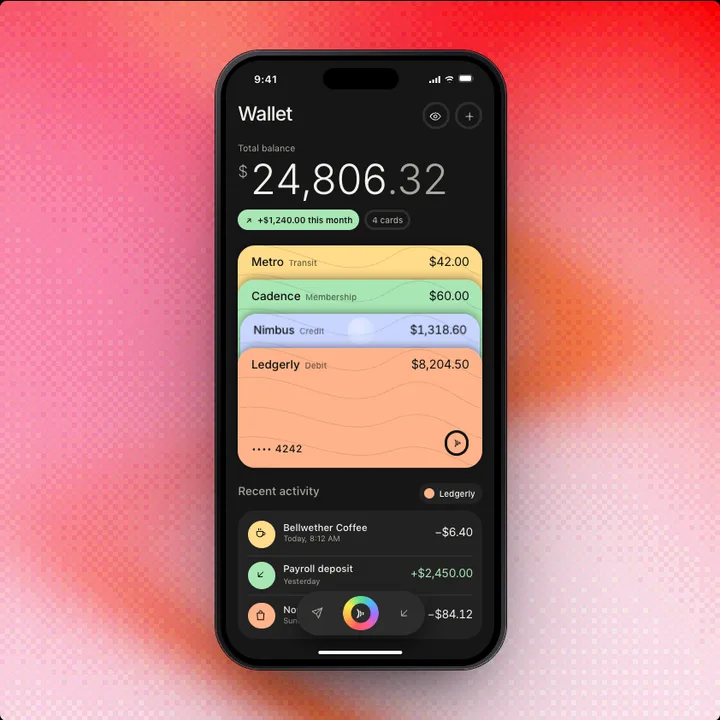 ProWalletFinance
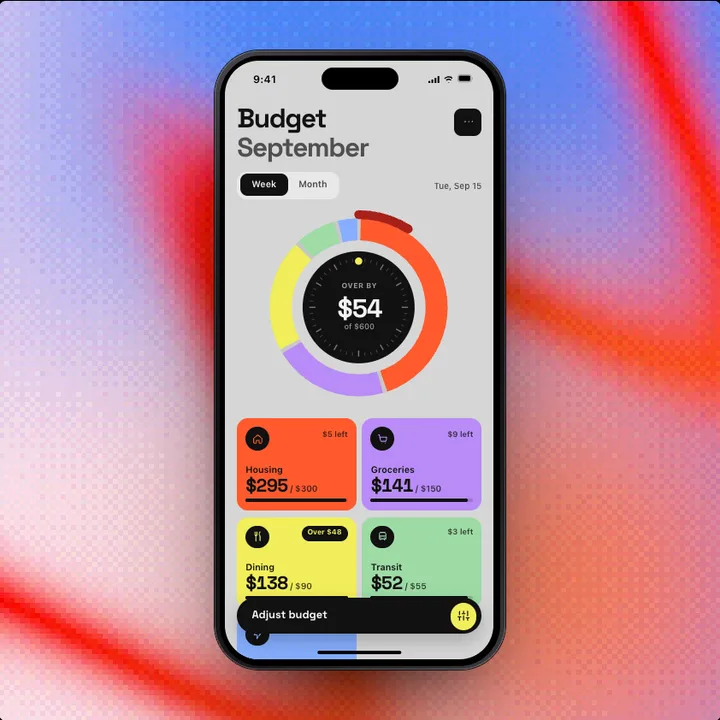 ProBudgetFinance
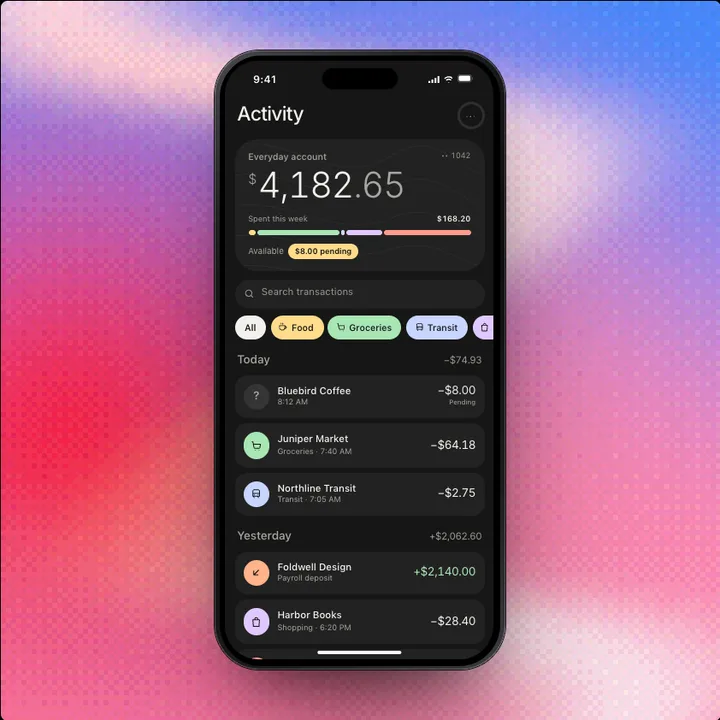 ProActivityFinance
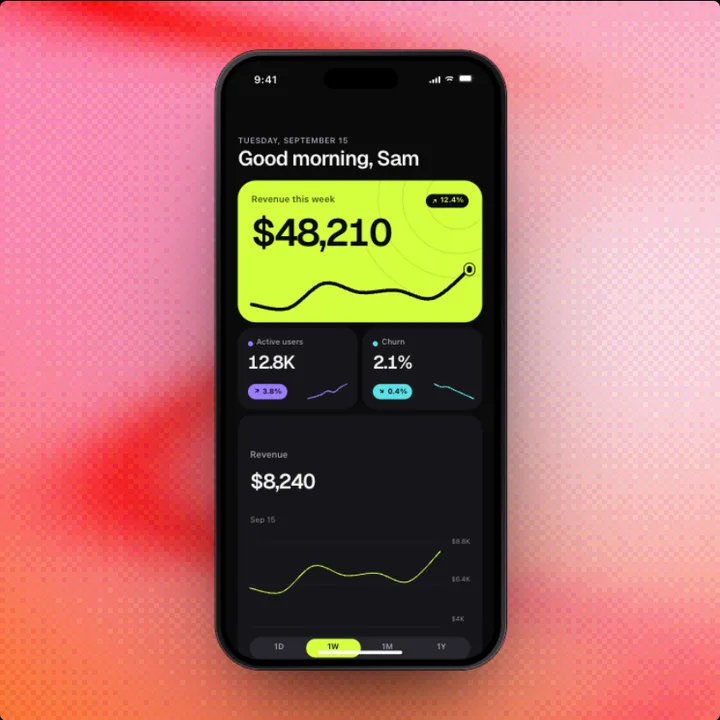 ProDashboardProductivity
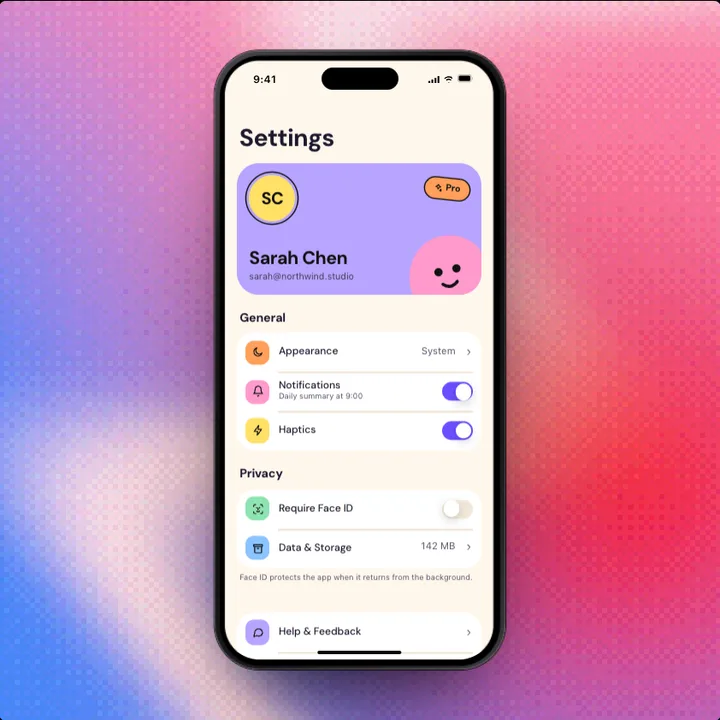 ProSettingsAccount
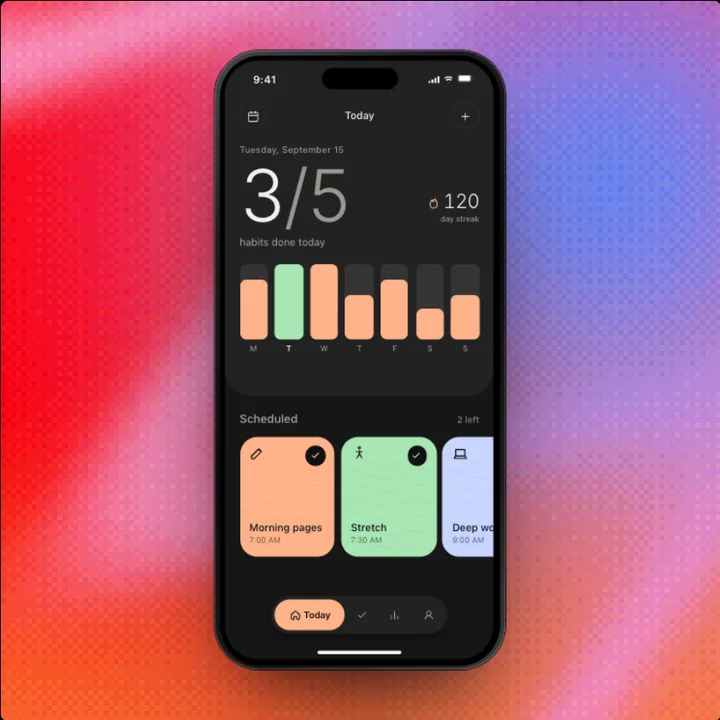 ProApp ShellNavigation
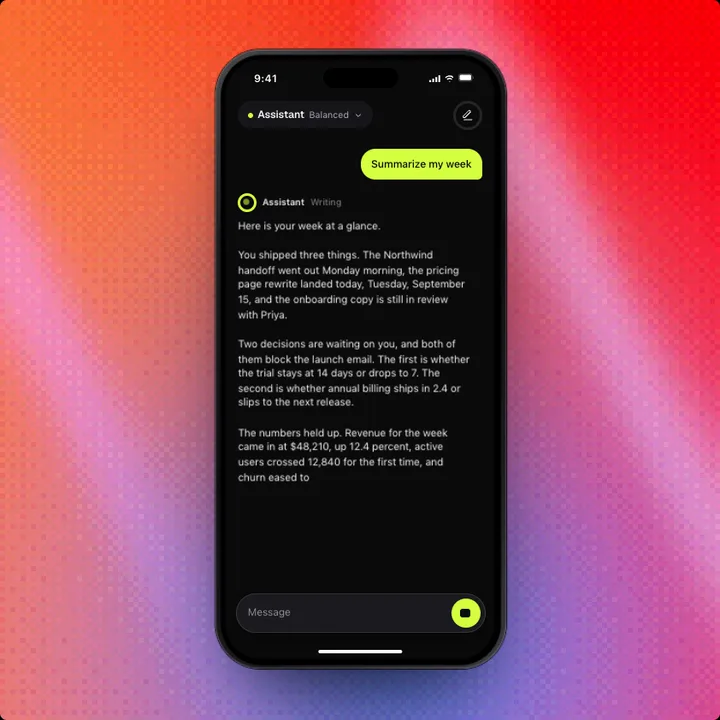 ProChatAI
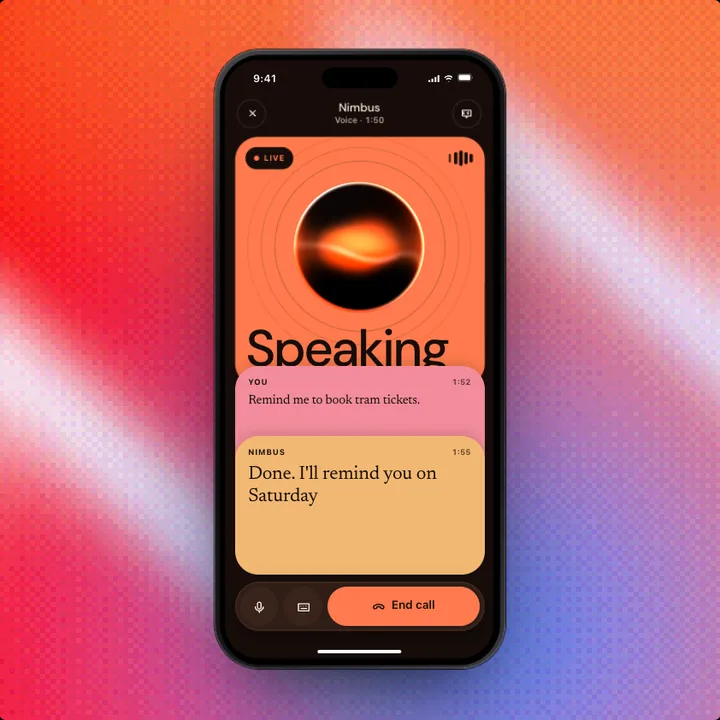 ProVoice ModeAI
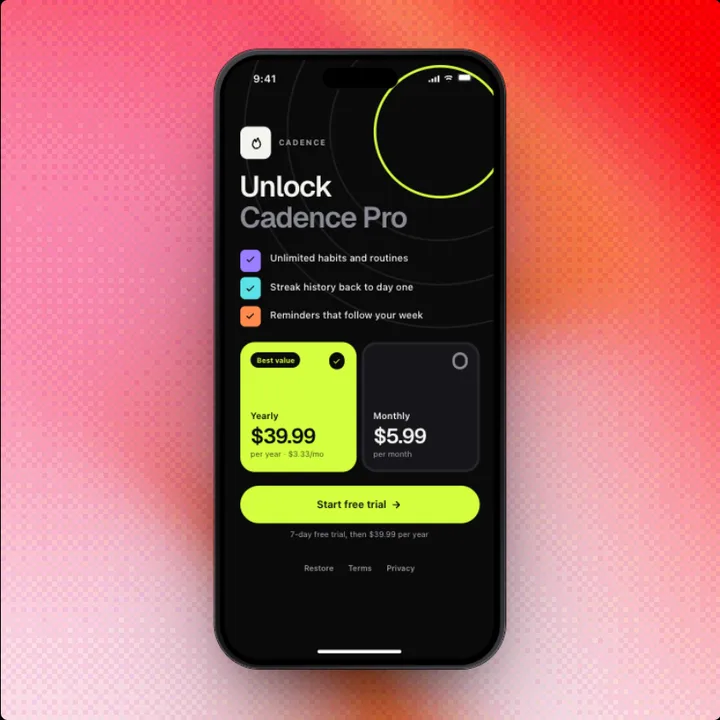 ProPaywallCommerce
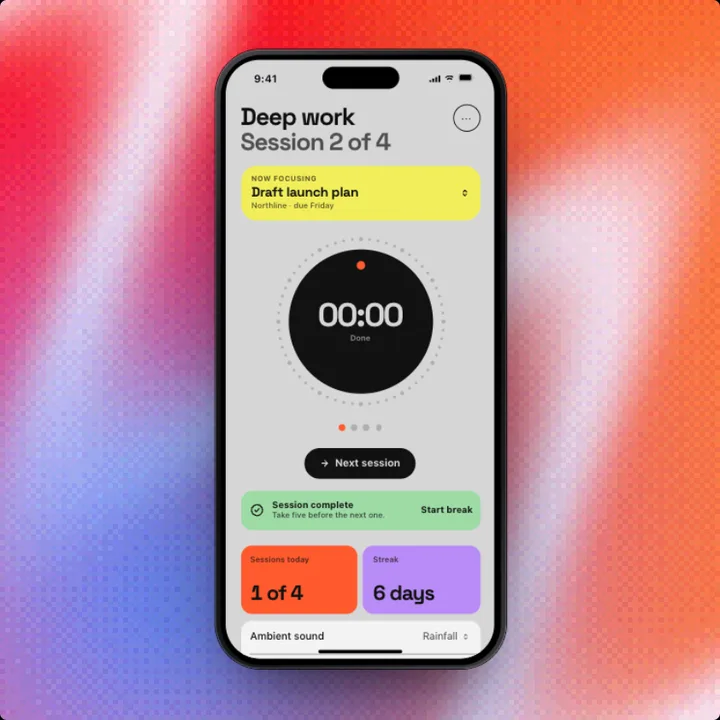 ProFocusProductivity
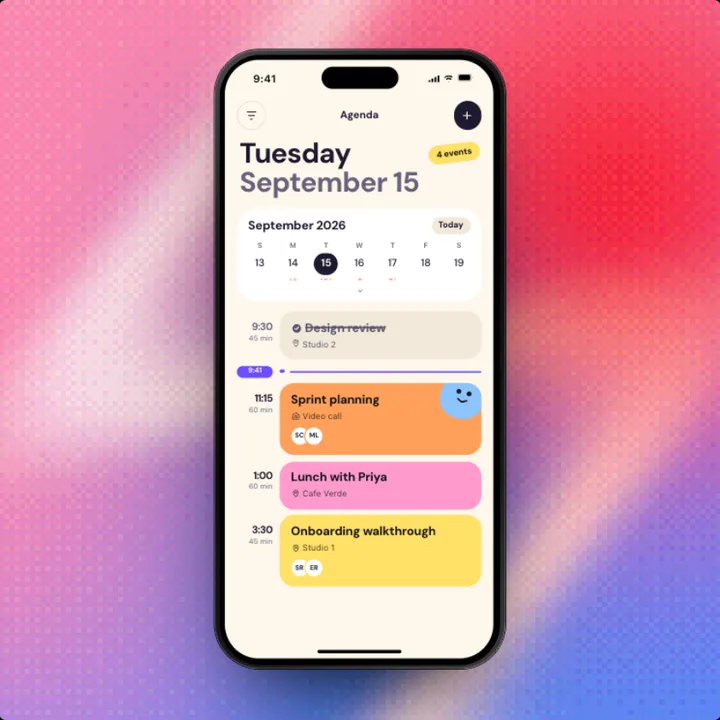 ProAgendaProductivity
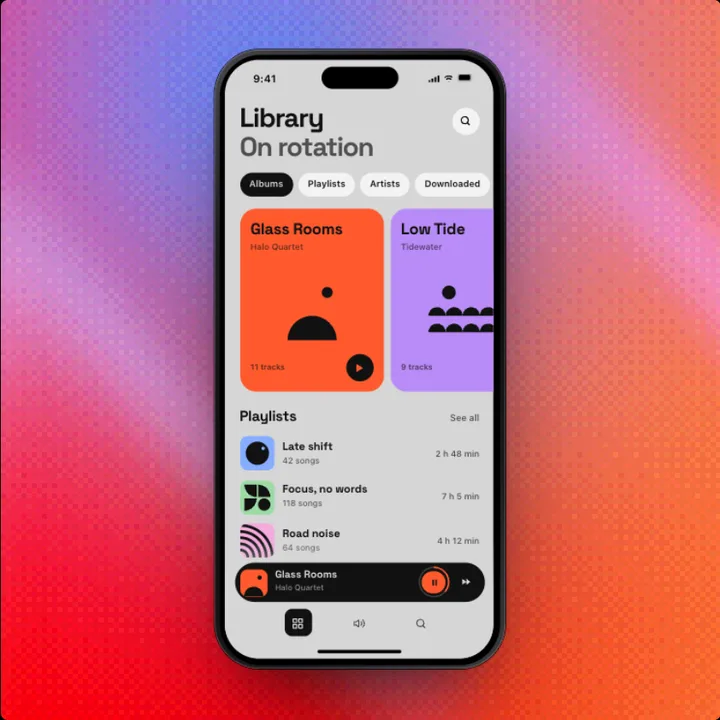 ProNow PlayingMedia
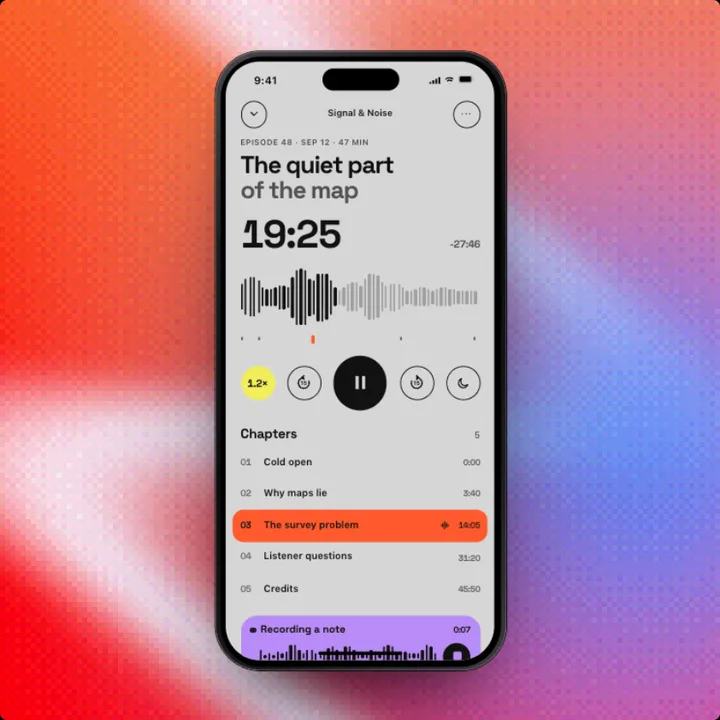 ProPodcast PlayerMedia
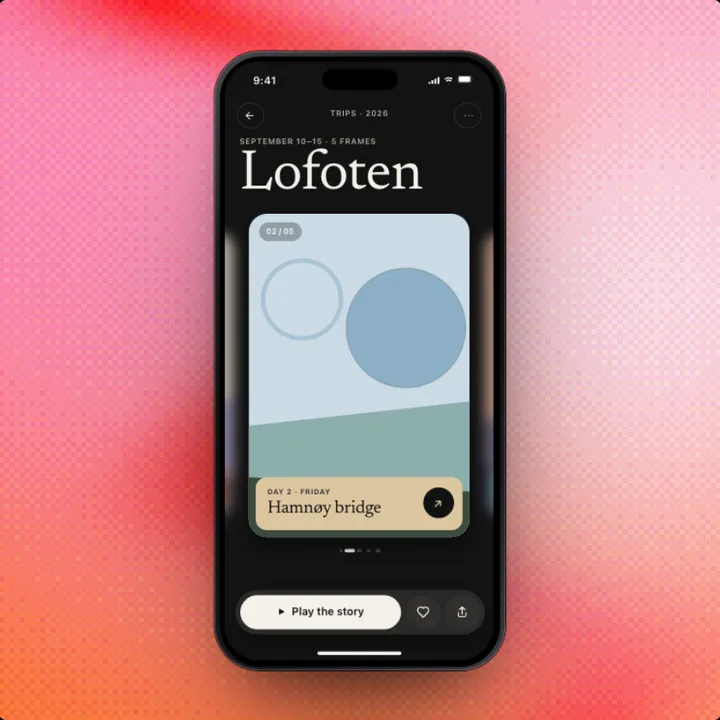 ProGalleryMedia
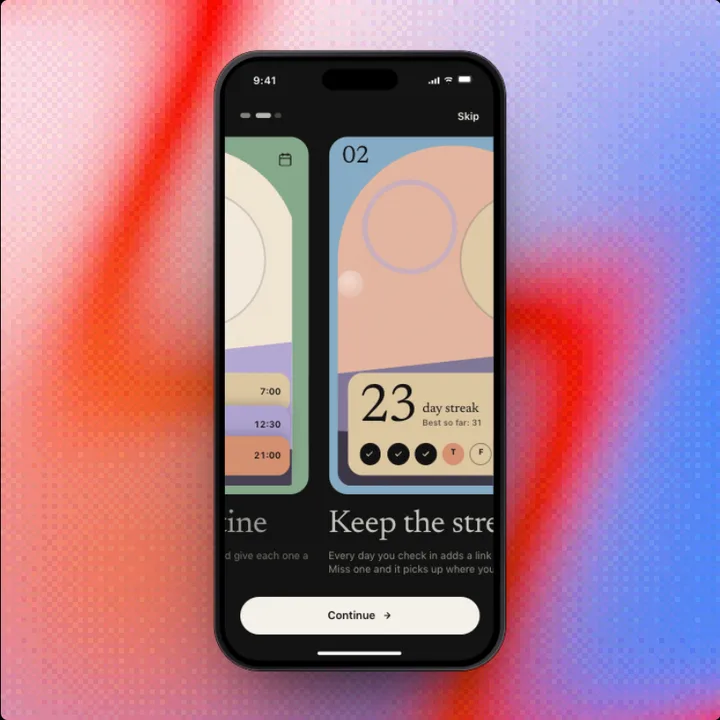 ProWelcomeOnboarding
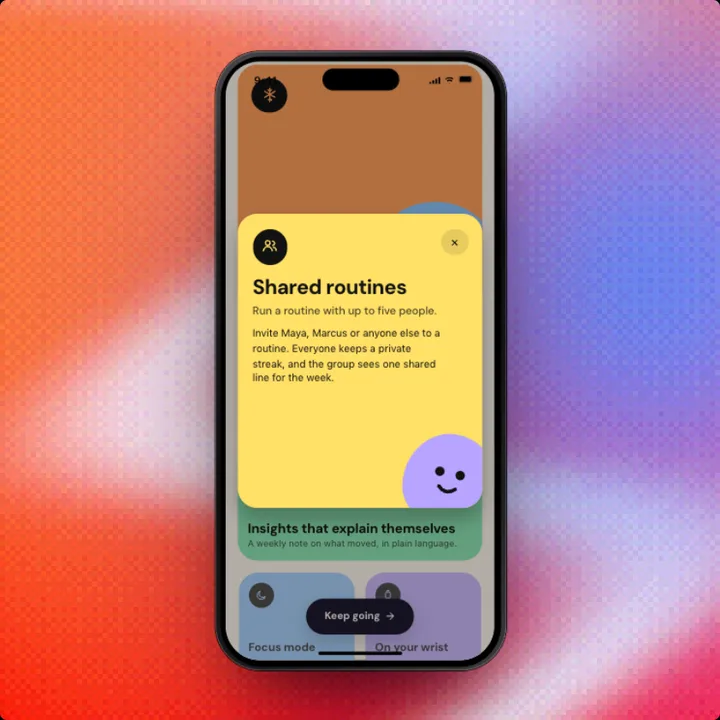 ProWhat's NewOnboarding
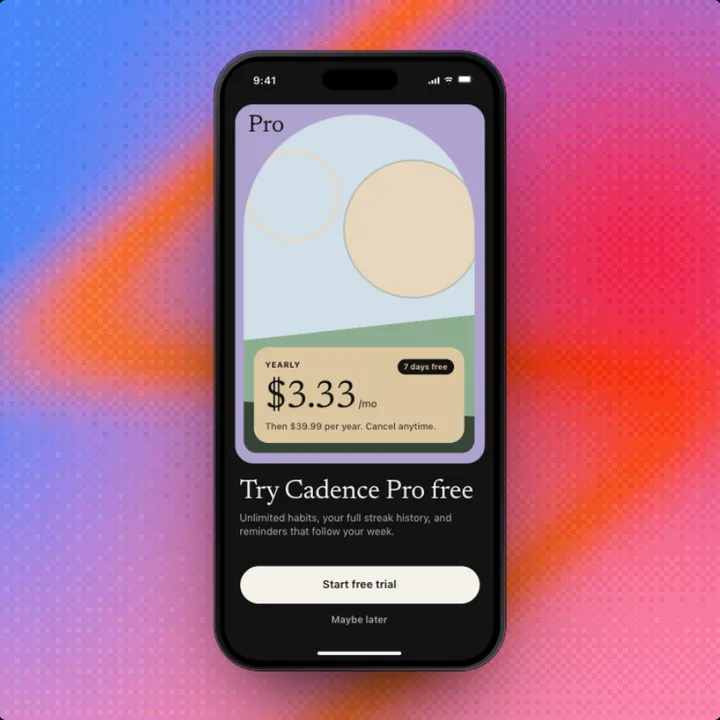 ProOnboardingOnboarding
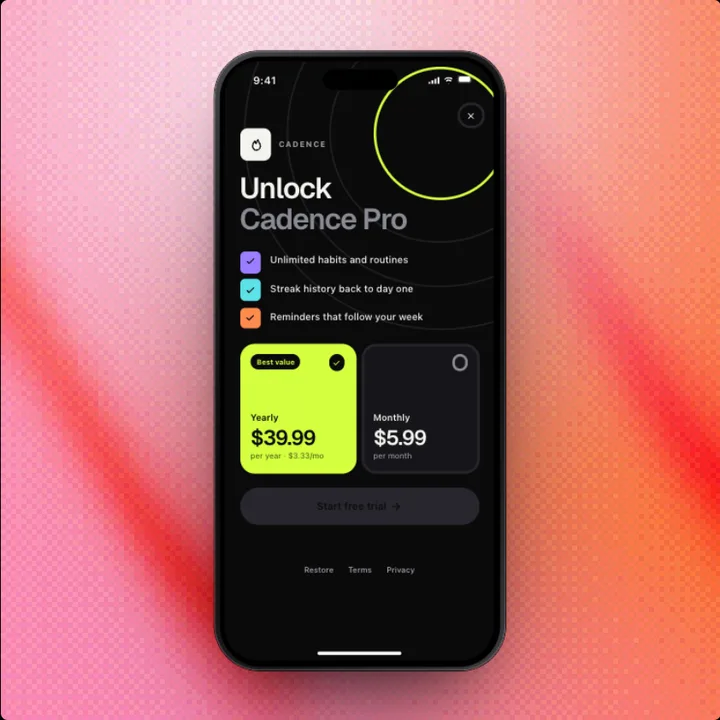 ProPurchaseCommerce
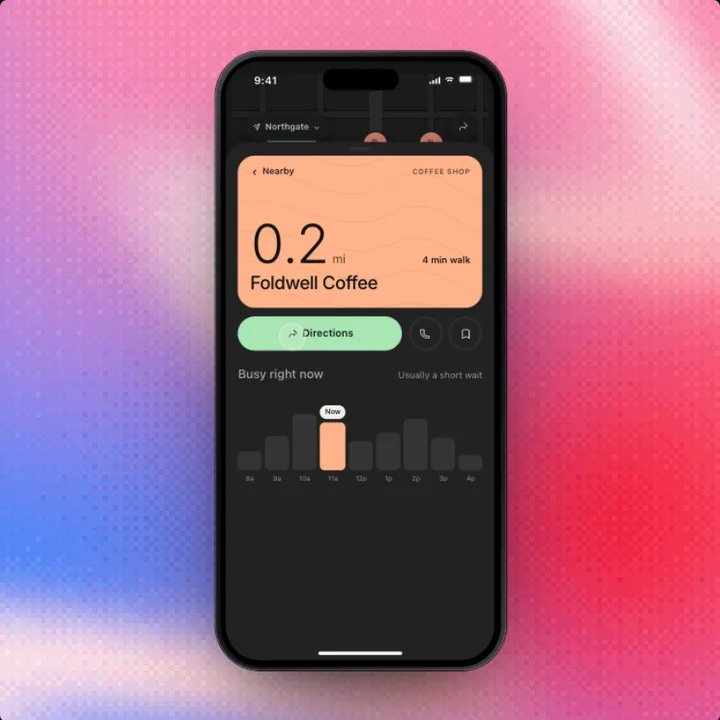 ProNearbyTravel
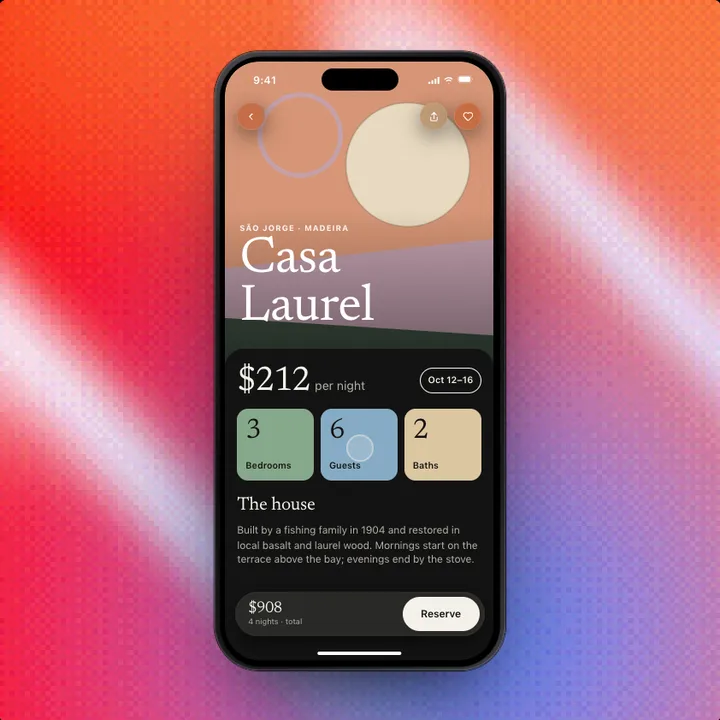 ProStayTravel
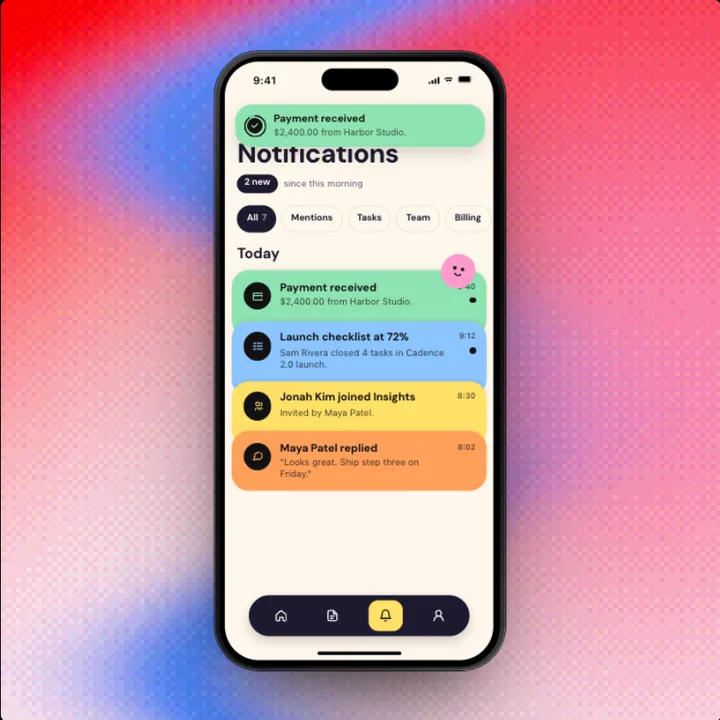 ProNotificationsAccount
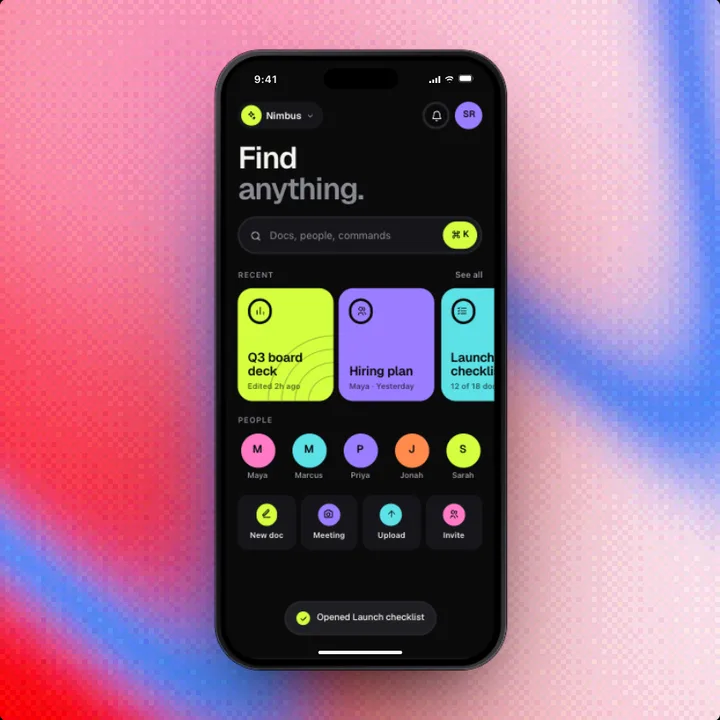 ProSearchProductivity
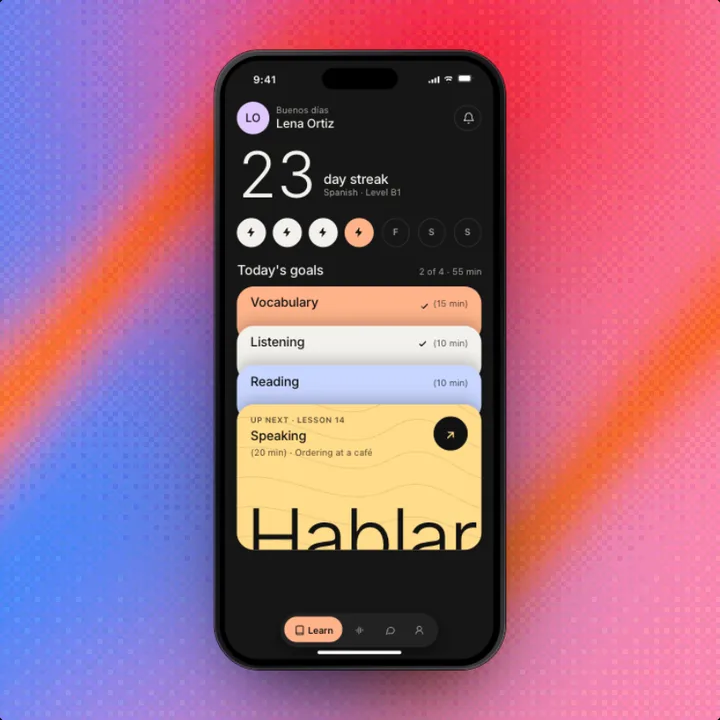 ProLessonsEducation
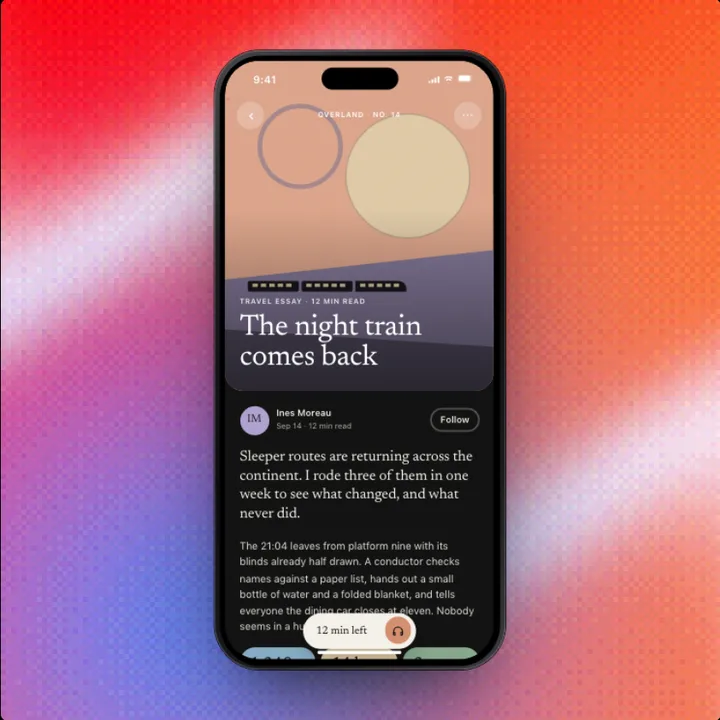 ProReaderMedia
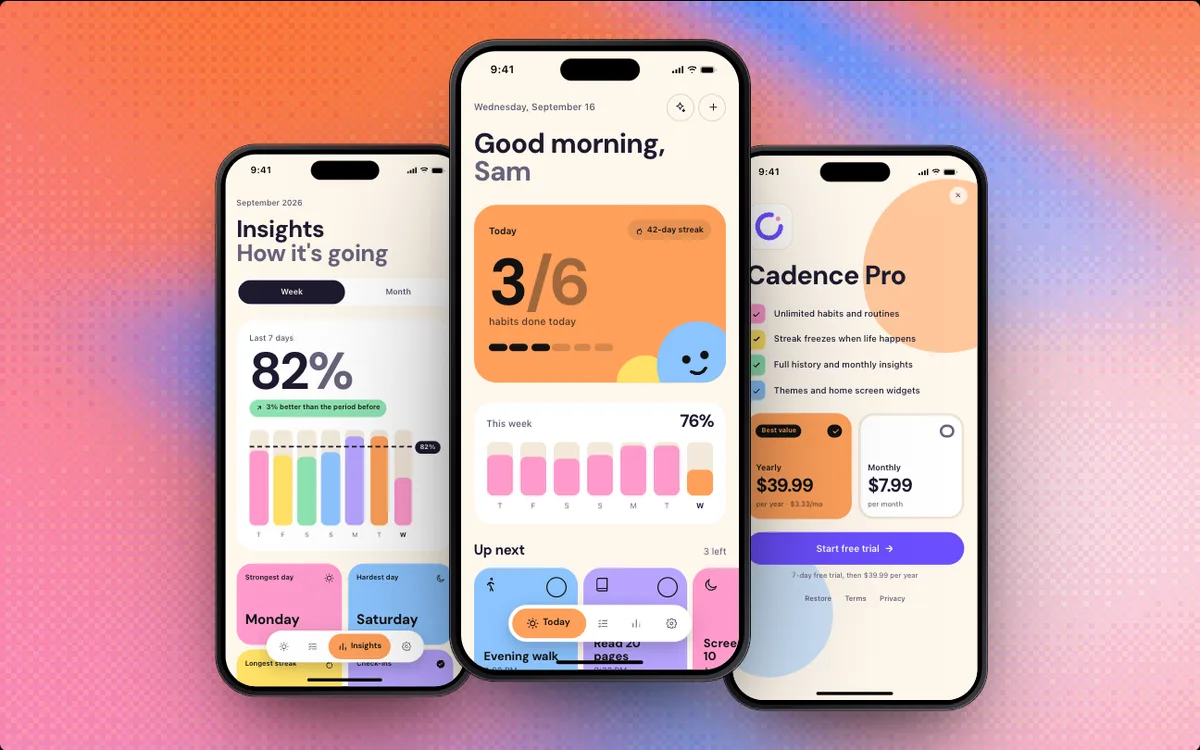 ProSubscription AppTemplate
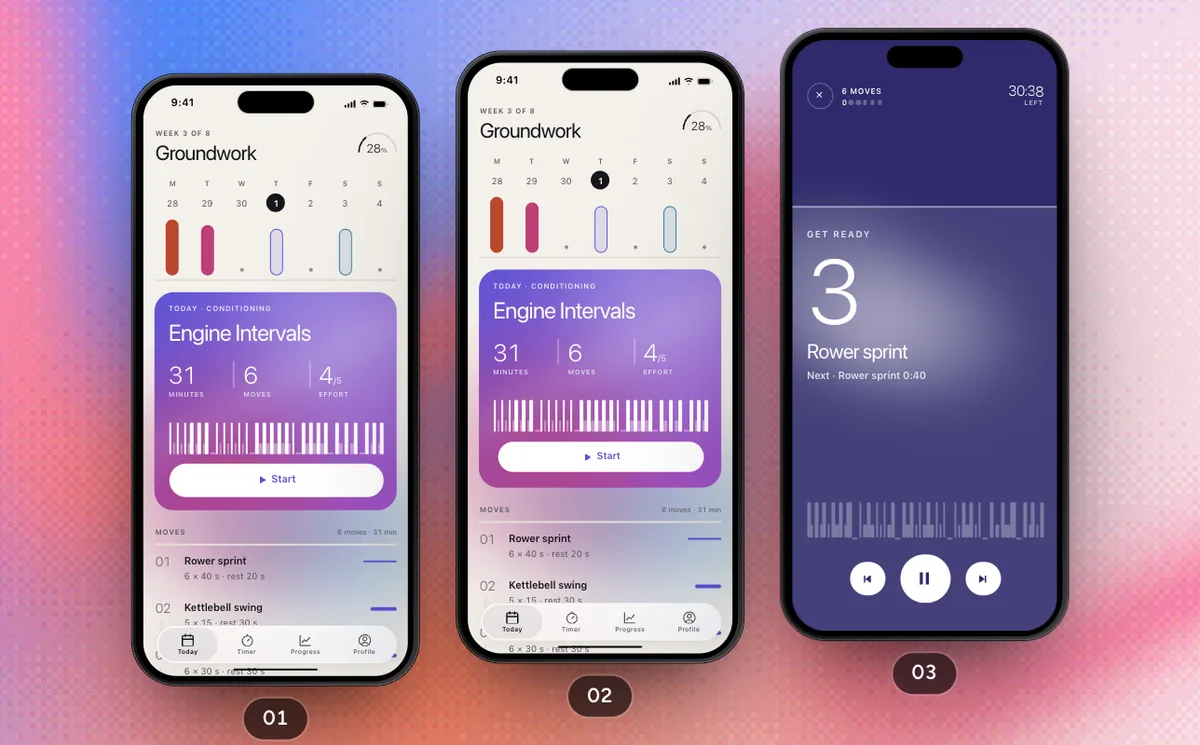 ProTrain Today's SessionFlow · Pulse
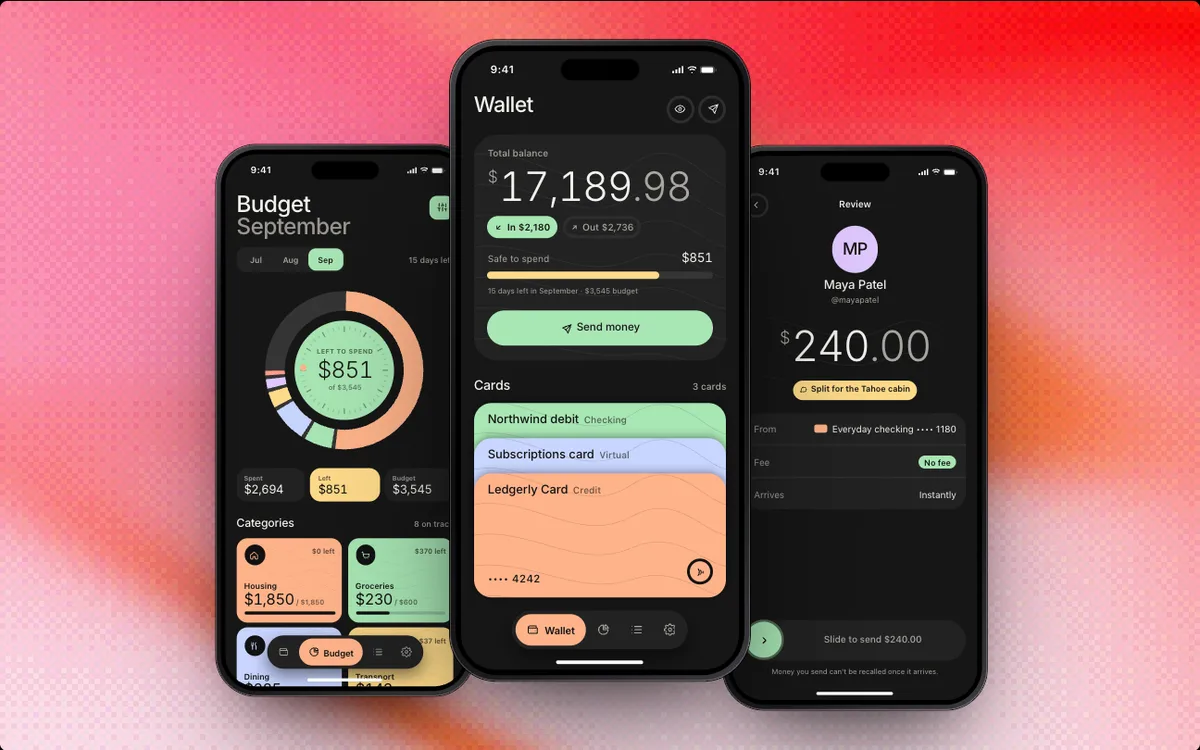 ProFinance AppTemplate
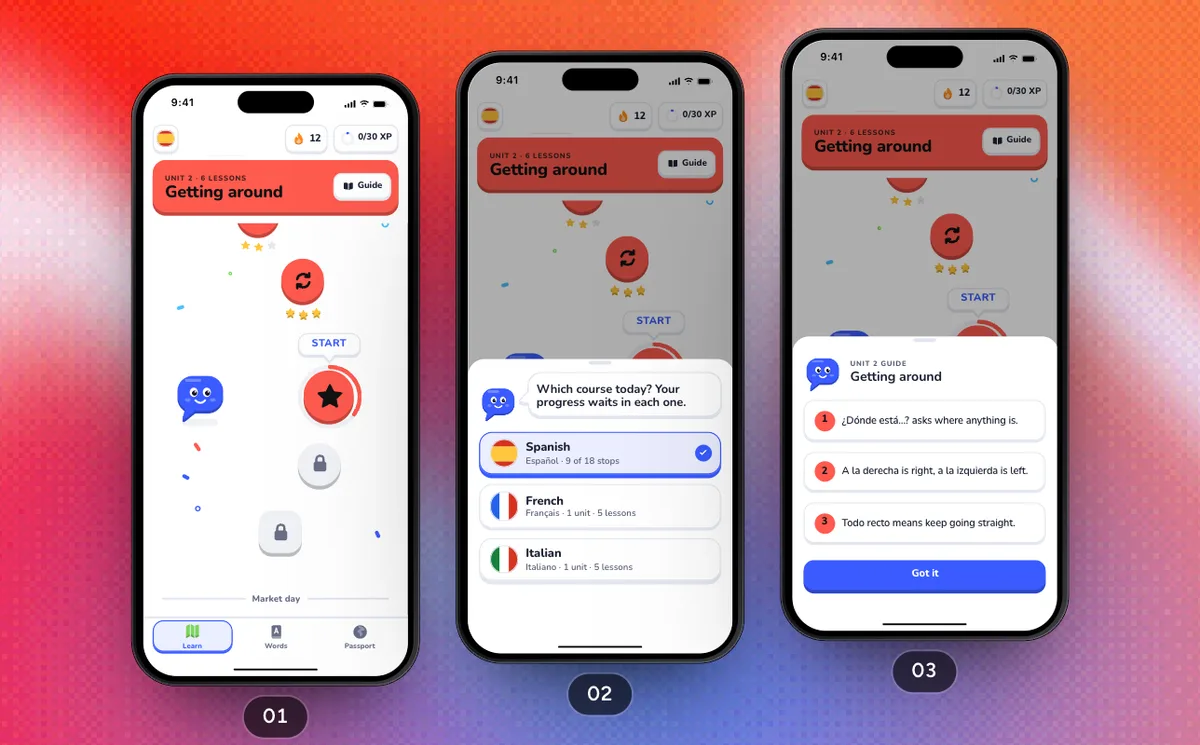 ProPlay A LessonFlow · Parla
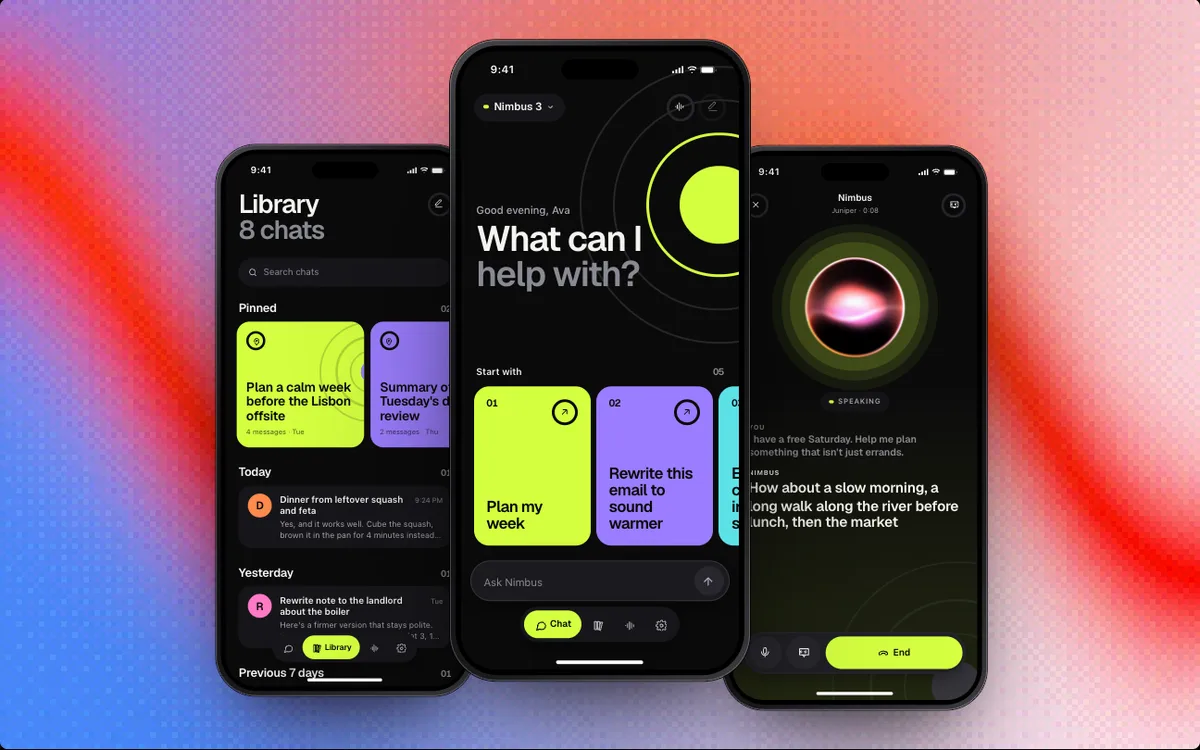 ProAI AssistantTemplate
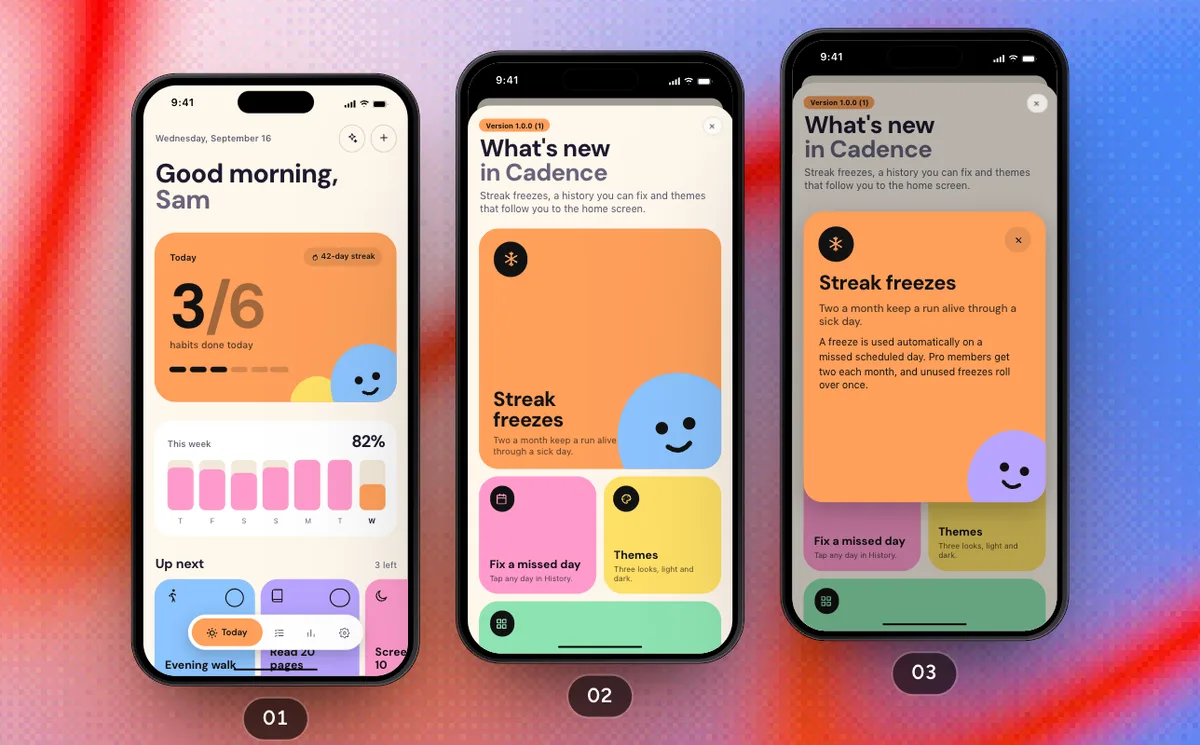 ProCheck In For The DayFlow · Cadence
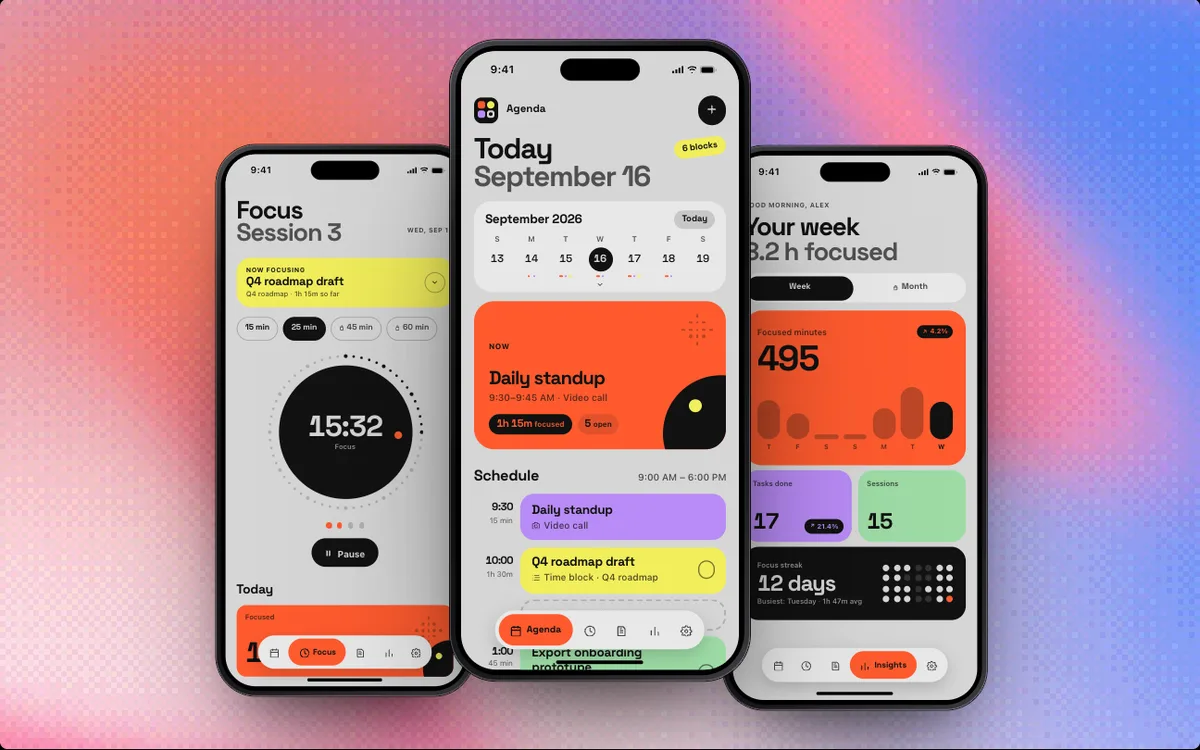 ProProductivity AppTemplate
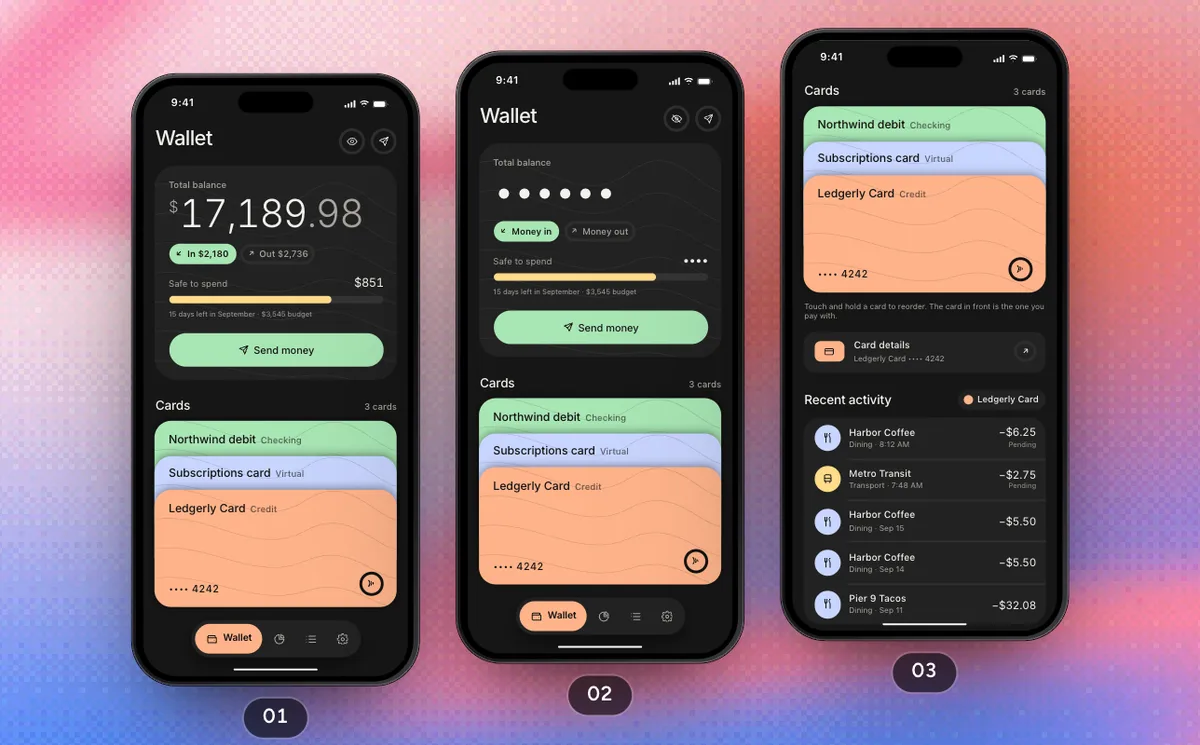 ProCards And BudgetsFlow · Ledgerly
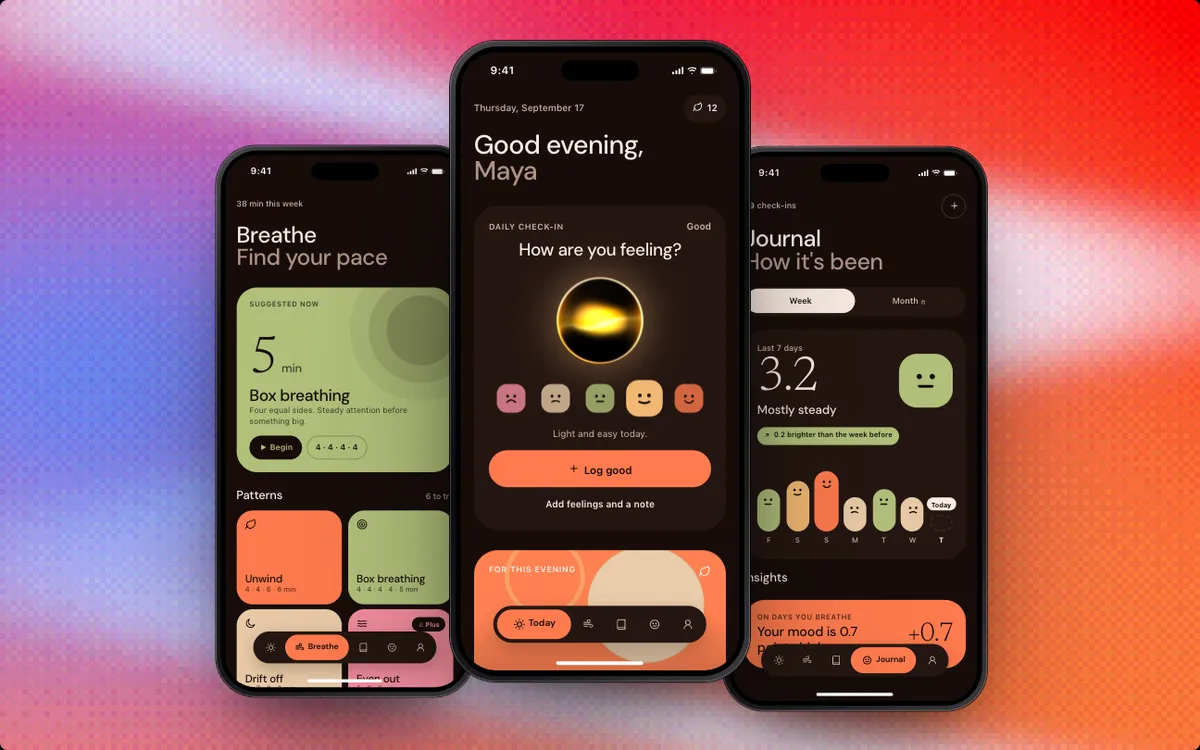 ProMeditation AppTemplate
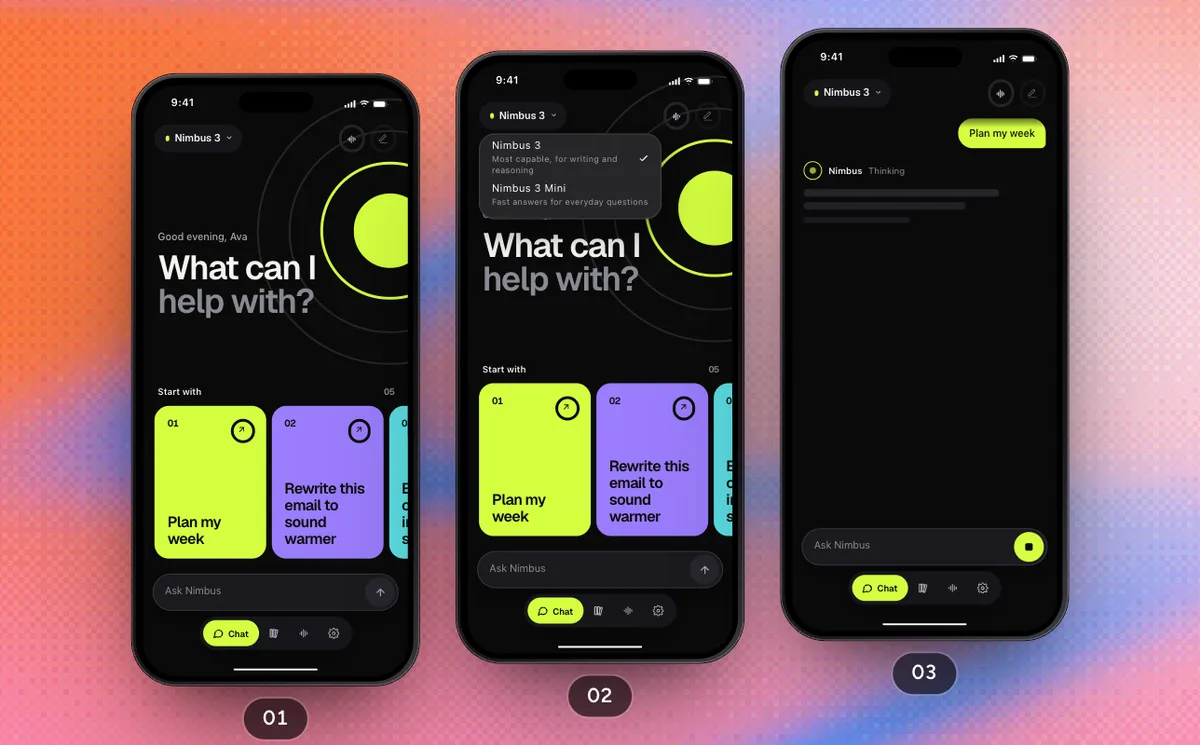 ProAsk And Talk It ThroughFlow · Nimbus
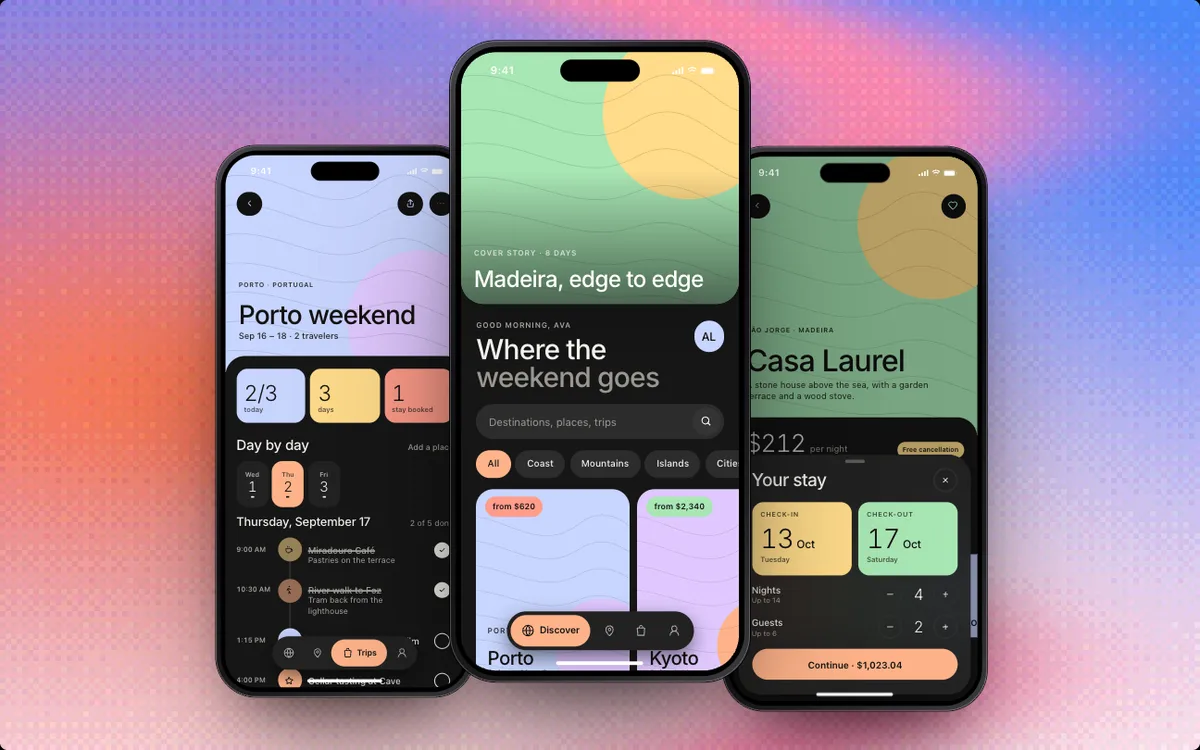 ProTravel AppTemplate
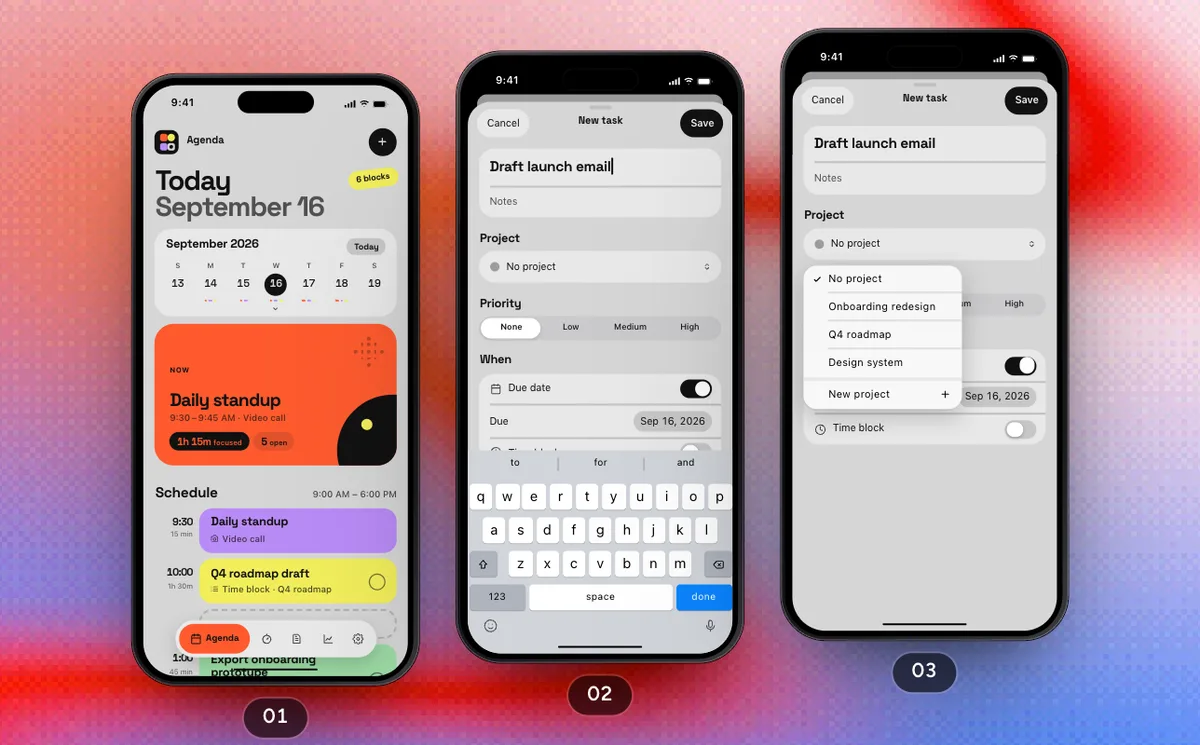 ProPlan The DayFlow · Margin
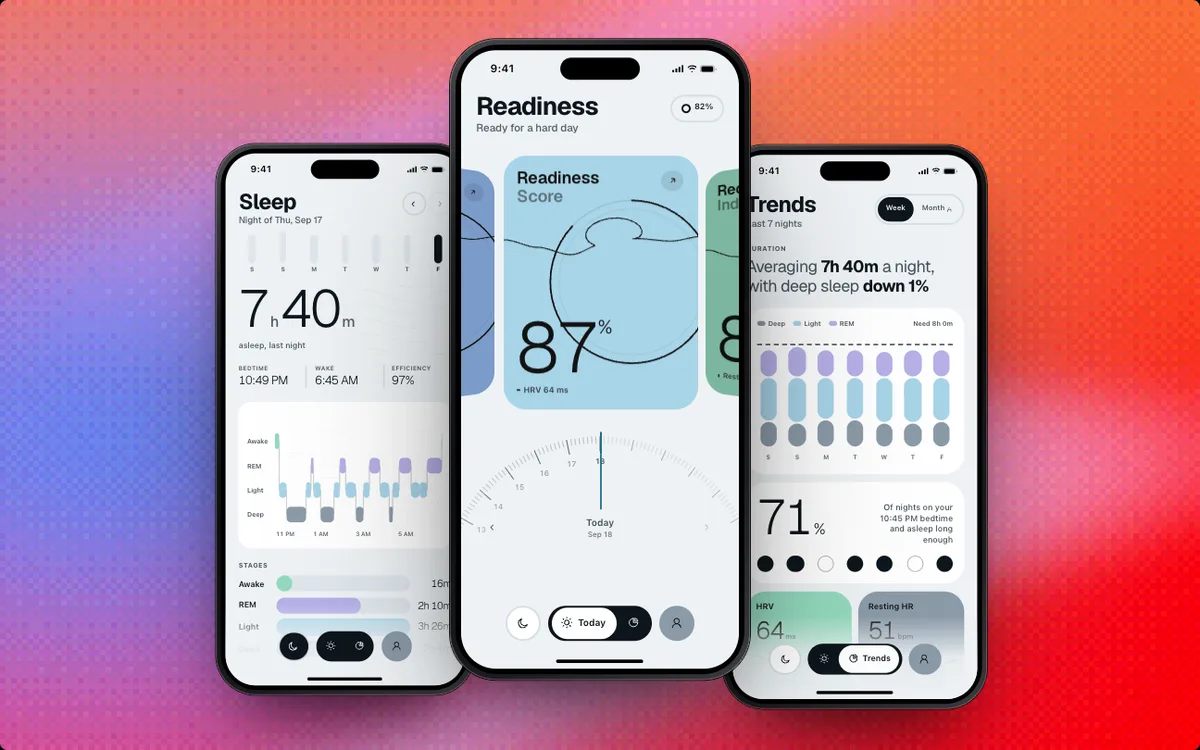 ProSleep AppTemplate
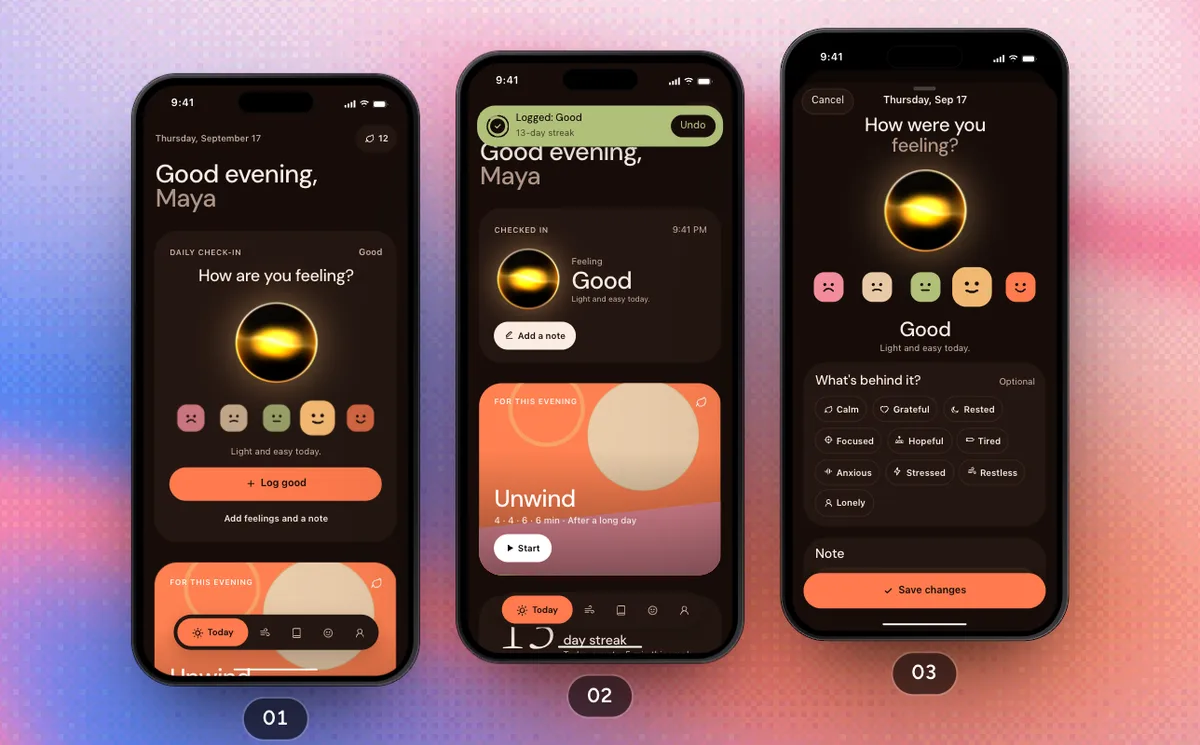 ProCheck In And BreatheFlow · Stillwater
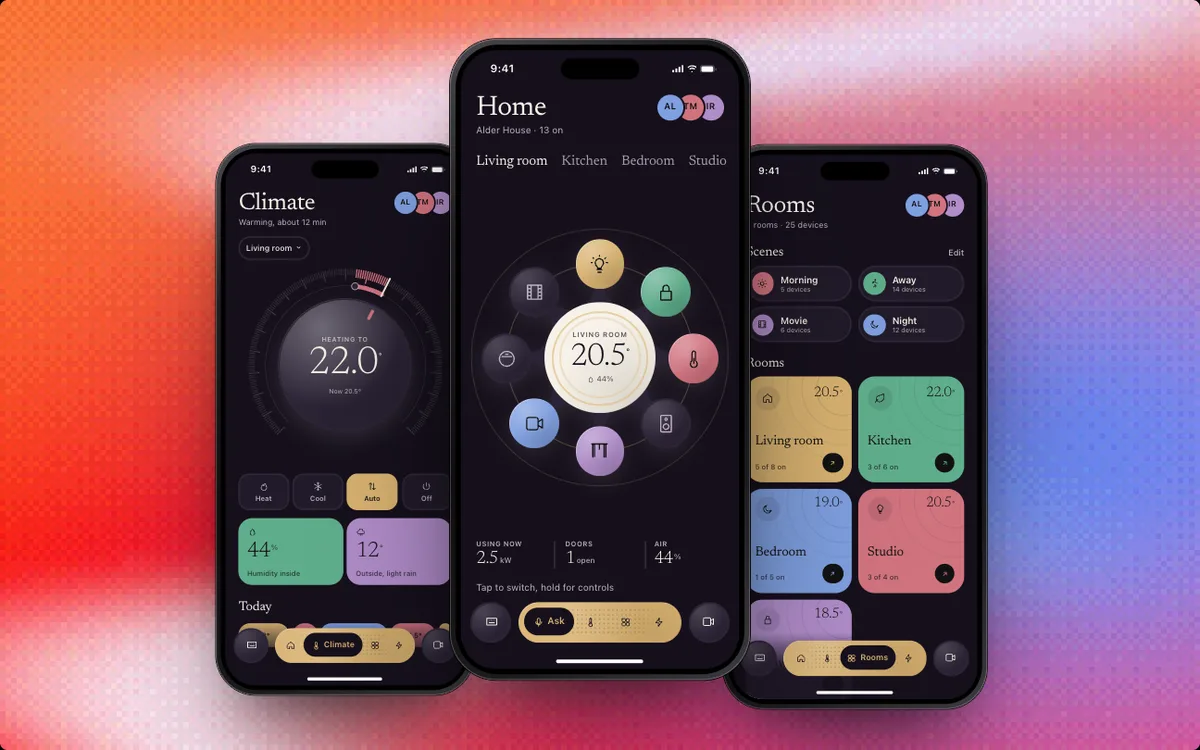 ProSmart Home AppTemplate
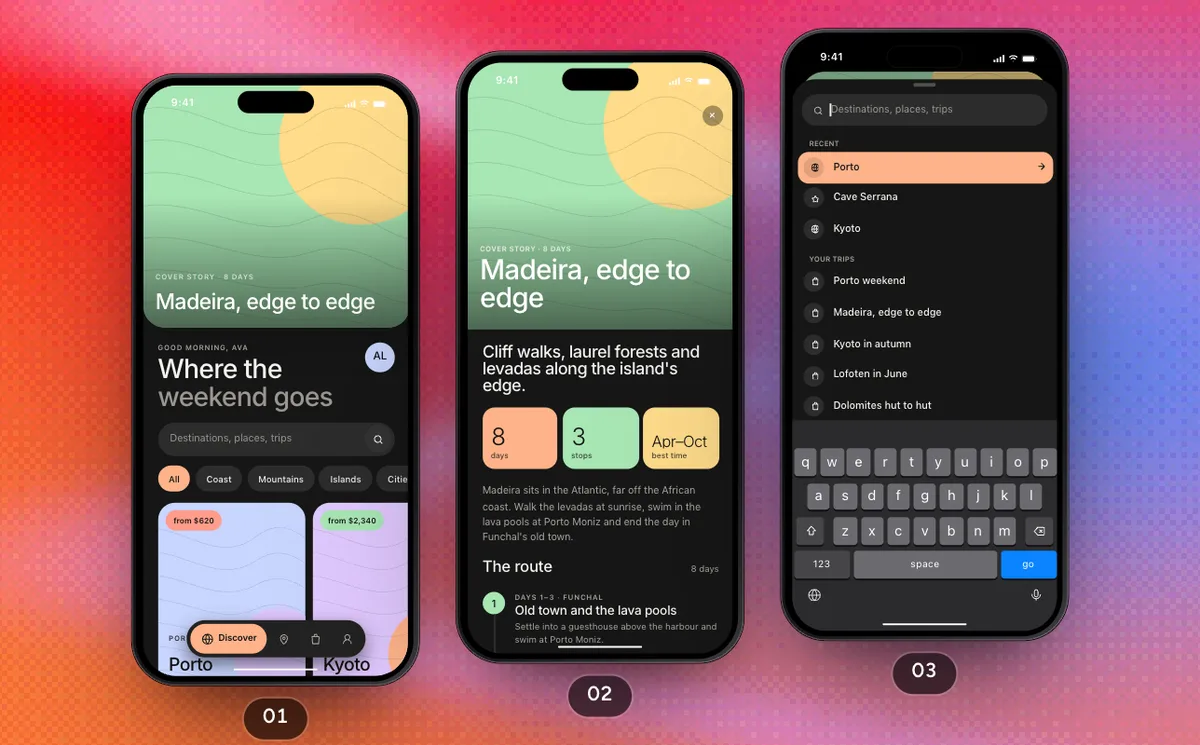 ProPlan A TripFlow · Wayfare
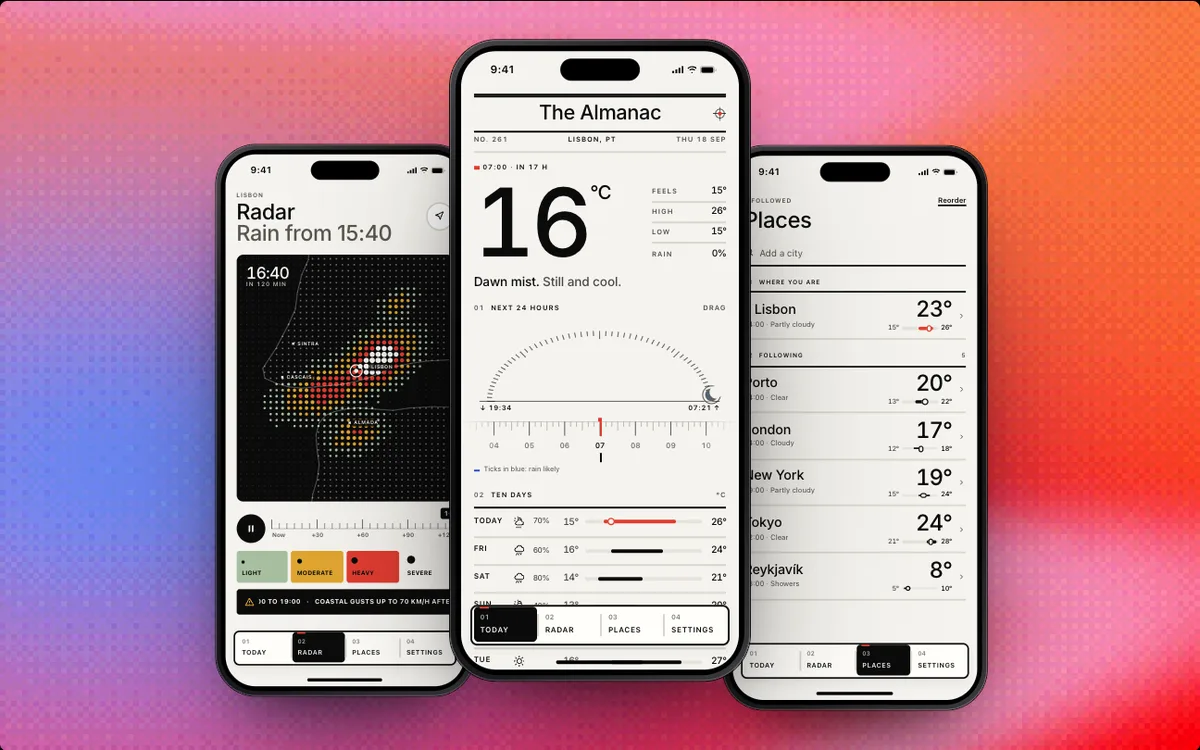 ProWeather AppTemplate
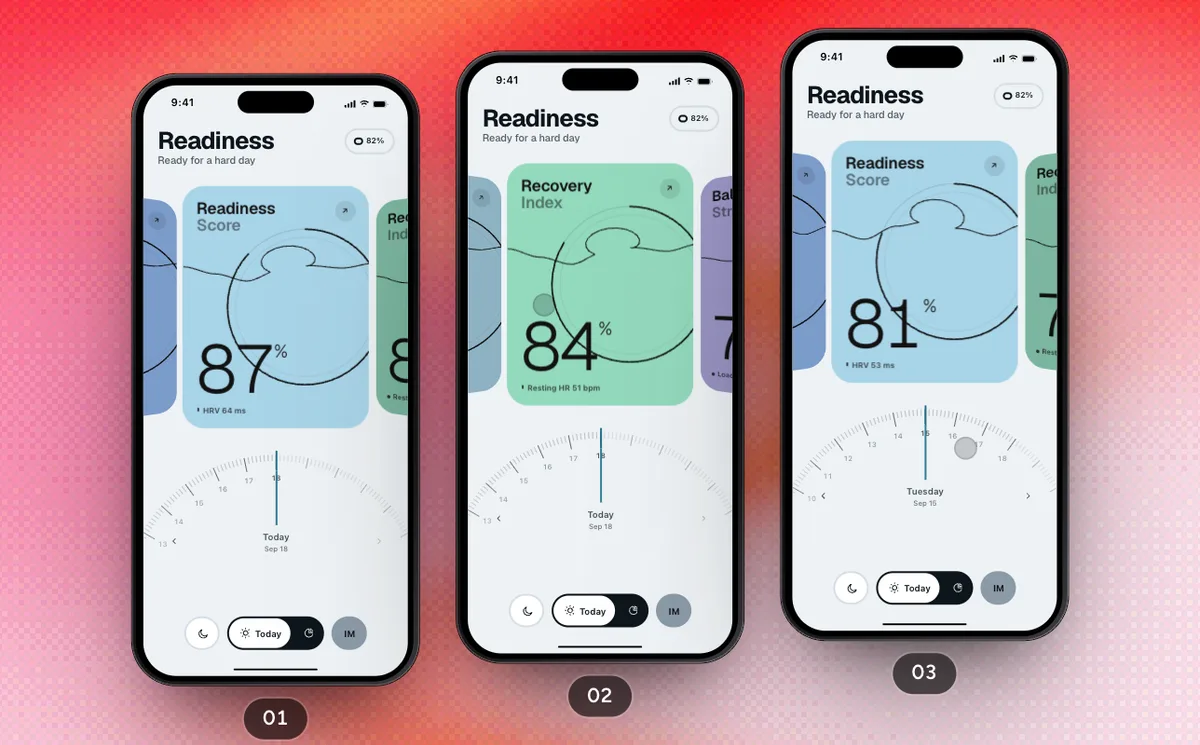 ProMorning ReadinessFlow · Drift
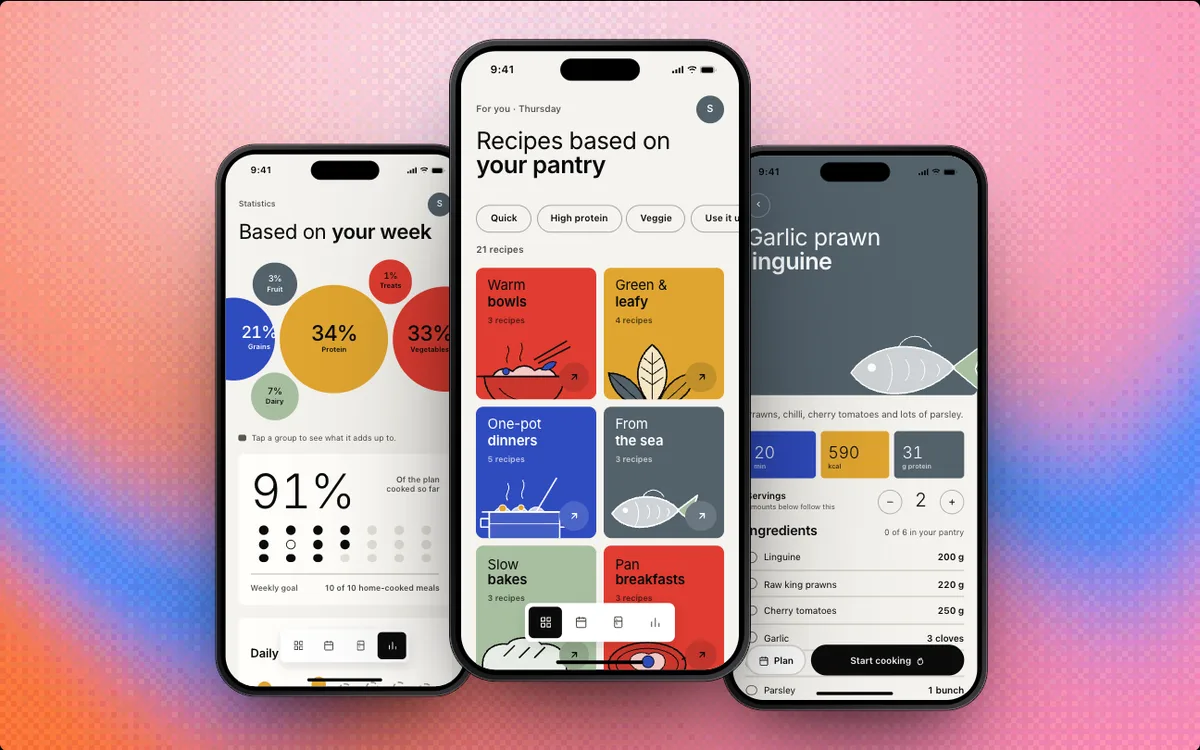 ProMeal PlannerTemplate
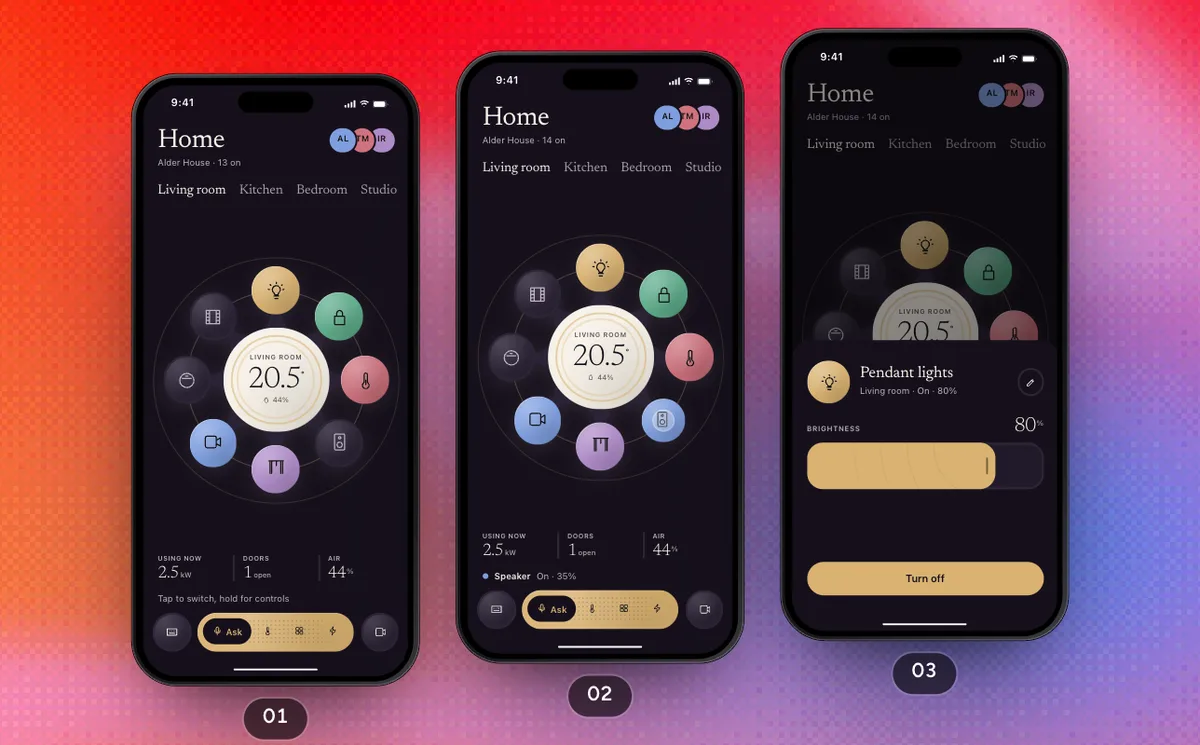 ProControl The HomeFlow · Maison
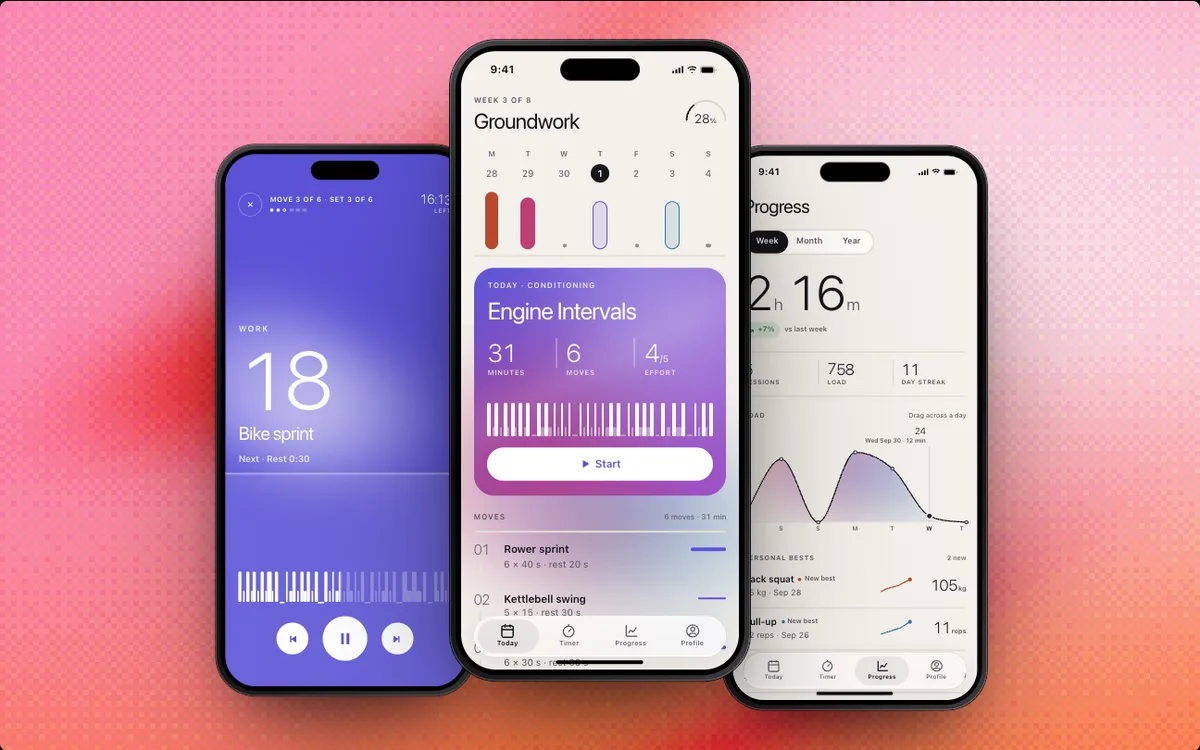 ProFitness AppTemplate
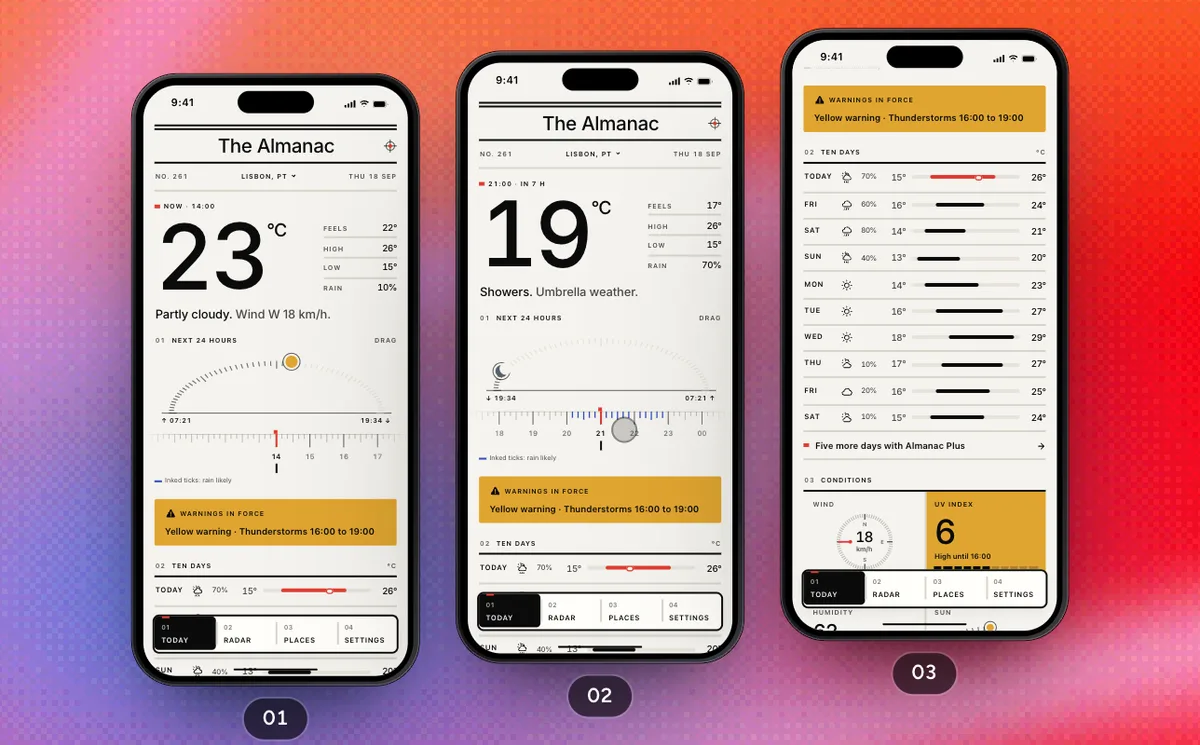 ProRead The ForecastFlow · Almanac
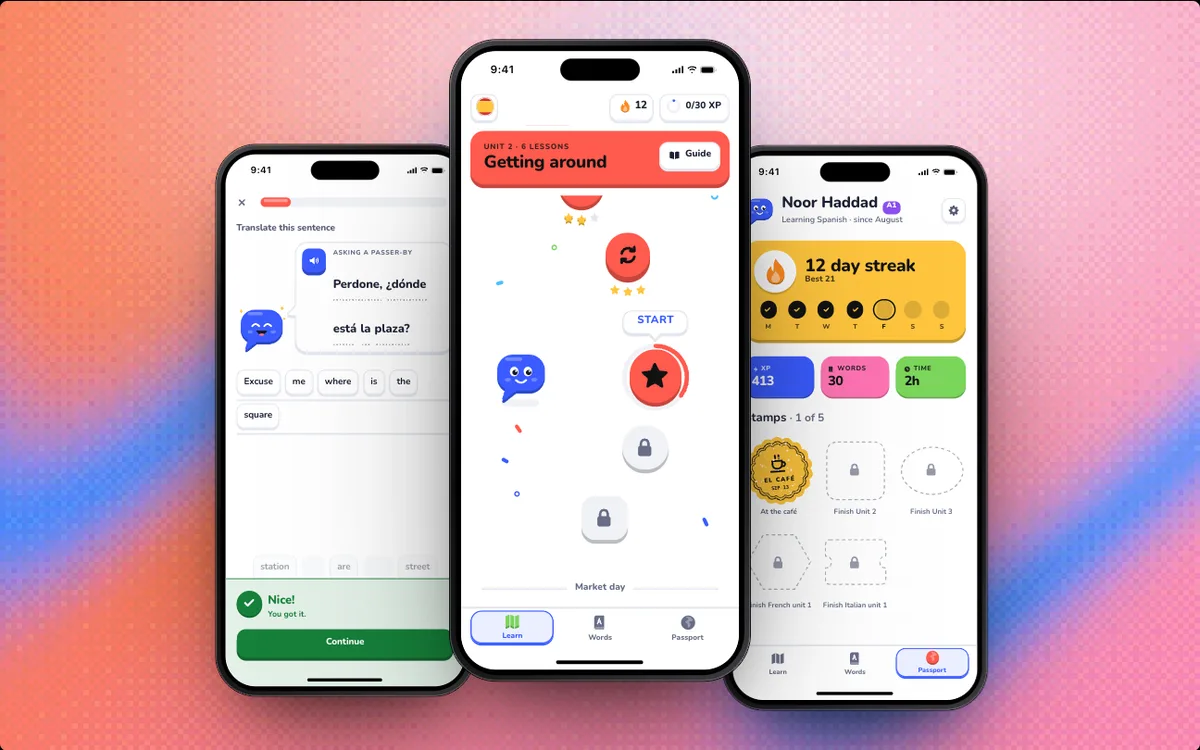 ProLanguage AppTemplate
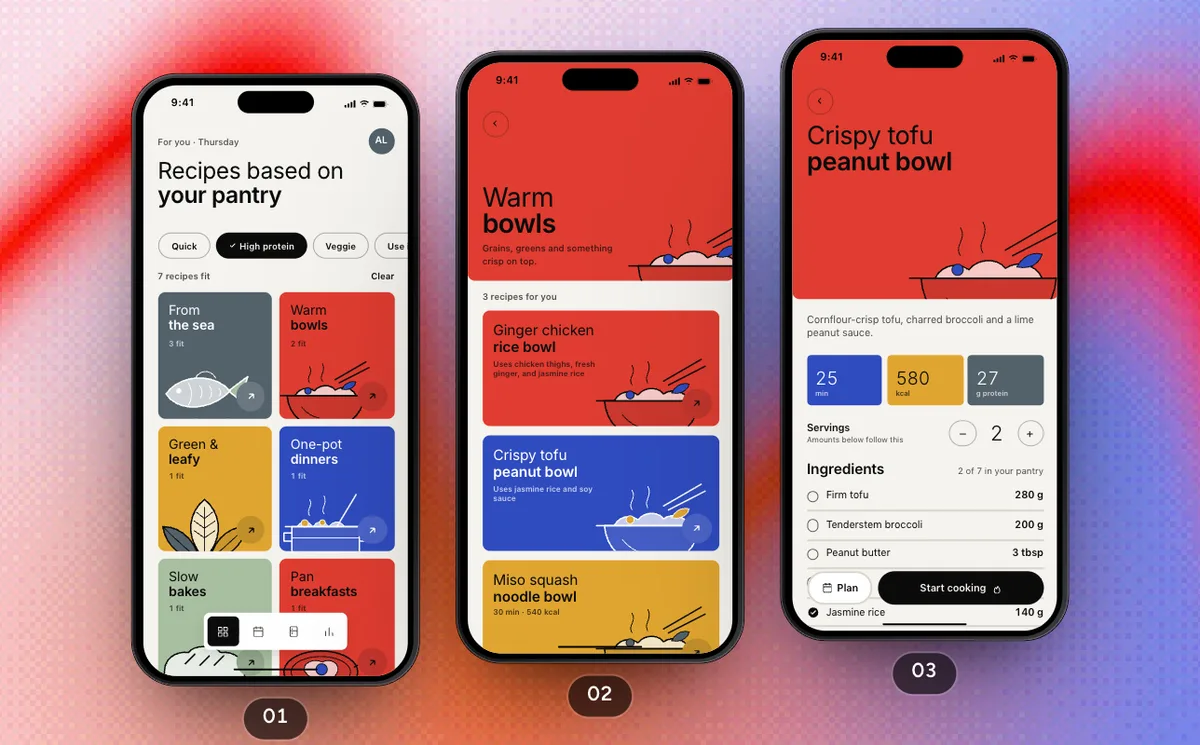 ProCook Tonight's DinnerFlow · Sprig


What is SwiftPieces?
SwiftPieces is a free library of 85 SwiftUI components for iOS, such as a swipeable card stack, Liquid Glass menus, a floating tab bar, interactive charts, form inputs and AI chat surfaces. Each piece is one self-contained Swift file with the motion, haptics, states and accessibility already done.
Is SwiftPieces free?
Yes. Every piece on swiftpieces.com is free to use in personal and commercial apps, including client work, under MIT + Commons Clause. SwiftPieces Pro is a separate paid library of full screens, flows and app templates.
How do I add a component to my Xcode project?
Three ways. Copy the Swift file from the piece's page into your app target; run npx swiftpieces add SwipeDeck in the folder that holds your .xcodeproj; or ask Claude Code, Cursor or Xcode to add it through the SwiftPieces MCP server.
Do I need iOS 26?
No. The baseline is iOS 17. Liquid Glass pieces use glass on iOS 26 and gate it with #available, falling back to a Material below.
Can my AI agent use this?
Yes. The registry is public JSON, llms.txt describes every piece, and the MCP server lets Claude Code, Cursor and Xcode search and install in plain English. Pro tools require a license key.
What is SwiftPieces Pro?
A separate paid library for building whole apps: 54 production-ready SwiftUI screens, 48 flows that string them into whole journeys, 12 complete app templates, a Build Kit of agent skills and Pro remixing in the Playground (all 34 apps, remix with AI, keep up to 100 remixes), for $199 once with lifetime access. Its sister product, SwiftPieces Games, is 5 complete iOS games in SwiftUI and Metal for $199, or $329 for both. Both are sold on pro.swiftpieces.com.
Ready to build something better?
Spend your week on the idea, not on rebuilding another picker.