Every flow a featured app needs.
Screens, flows and complete app templates in SwiftUI, with a Build Kit for your coding agent.
- 54 screens
- 46 patterns
- 48 flows
- 12 app templates
- 31-item Build Kit
- Pro remixing
- Swift source, no runtime
Wallet
Screen · Finance
Onboarding
Screen · Onboarding
Subscription App
Template · Commerce
Chat
Screen · AI
Now Playing
Screen · Media
Meditation App
Template · Health
Paywall
Screen · Commerce
Book A Stay
Flow · Travel
Dashboard
Screen · Productivity
Wallet
Screen · Finance
Onboarding
Screen · Onboarding
Subscription App
Template · Commerce
Chat
Screen · AI
Now Playing
Screen · Media
Meditation App
Template · Health
Paywall
Screen · Commerce
Book A Stay
Flow · Travel
Dashboard
Screen · Productivity
Finance App
Template · Finance
Voice Mode
Screen · AI
Cook Tonight's Dinner
Flow · Meal planner
Breathe
Screen · Health
First Run
Flow · Weather
AI Assistant
Template · AI
Discover
Screen · Travel
Travel App
Template · Travel
Finance App
Template · Finance
Voice Mode
Screen · AI
Cook Tonight's Dinner
Flow · Meal planner
Breathe
Screen · Health
First Run
Flow · Weather
AI Assistant
Template · AI
Discover
Screen · Travel
Travel App
Template · Travel
- Screens
- Flows
- App templates
- Build Kit
- Remixing
What you get
- Free
- Pro
- Games
Free to start, Pro to finish
All three are plain SwiftUI in your project, so you can mix them freely.
A curated taste.
85 animated pieces, free to ship.
- MIT + Commons Clause, forever
- Single-file pieces, and blocks built from them
- Install by CLI, MCP or copy-paste
The complete library.
Screens, flows and full app templates, plus a Build Kit for your agent.
- 54 screens, 48 flows, 12 app templates and a 31-item Build Kit
- Pro remixing: all 34 apps, AI and 100 saved remixes
- Full SwiftUI source that lives in your project
- Lifetime access, everything added later included
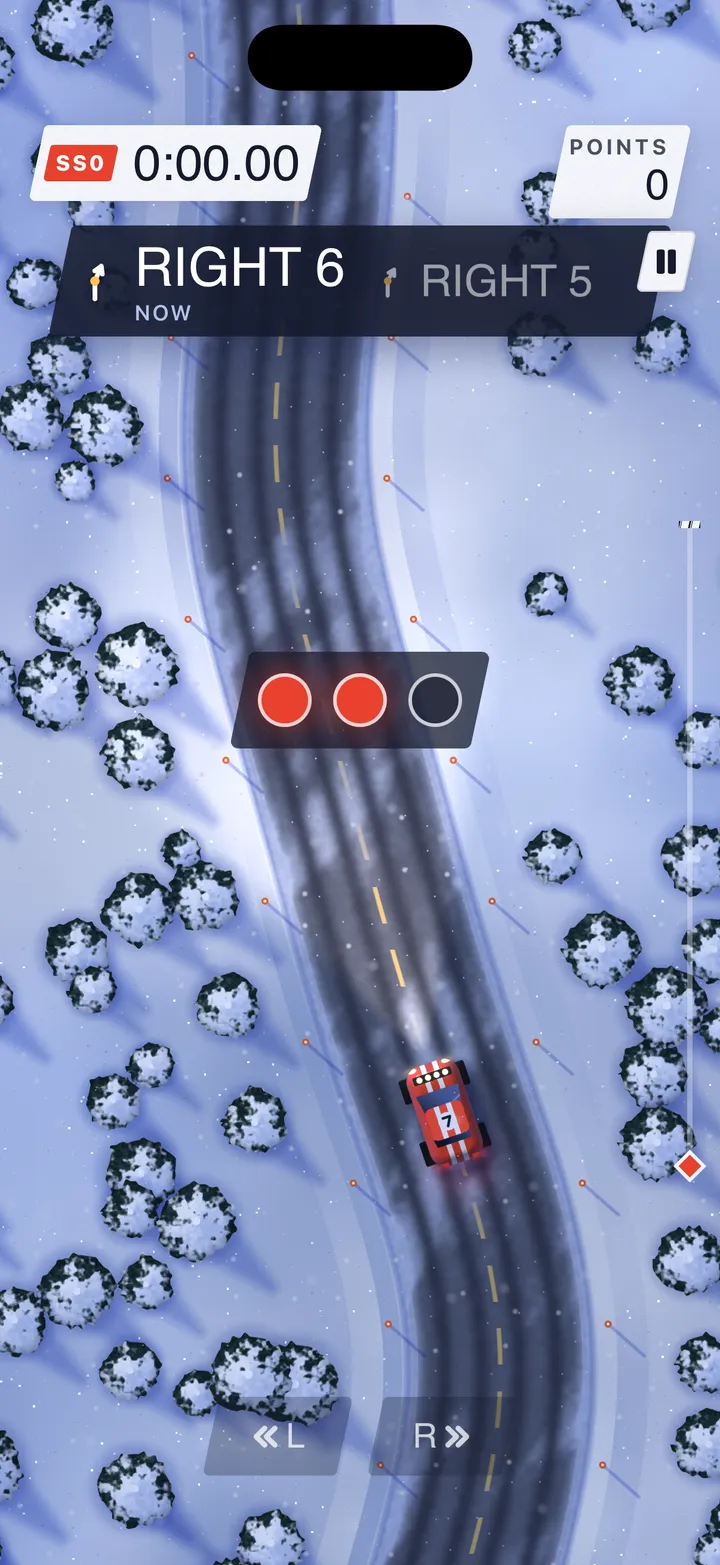
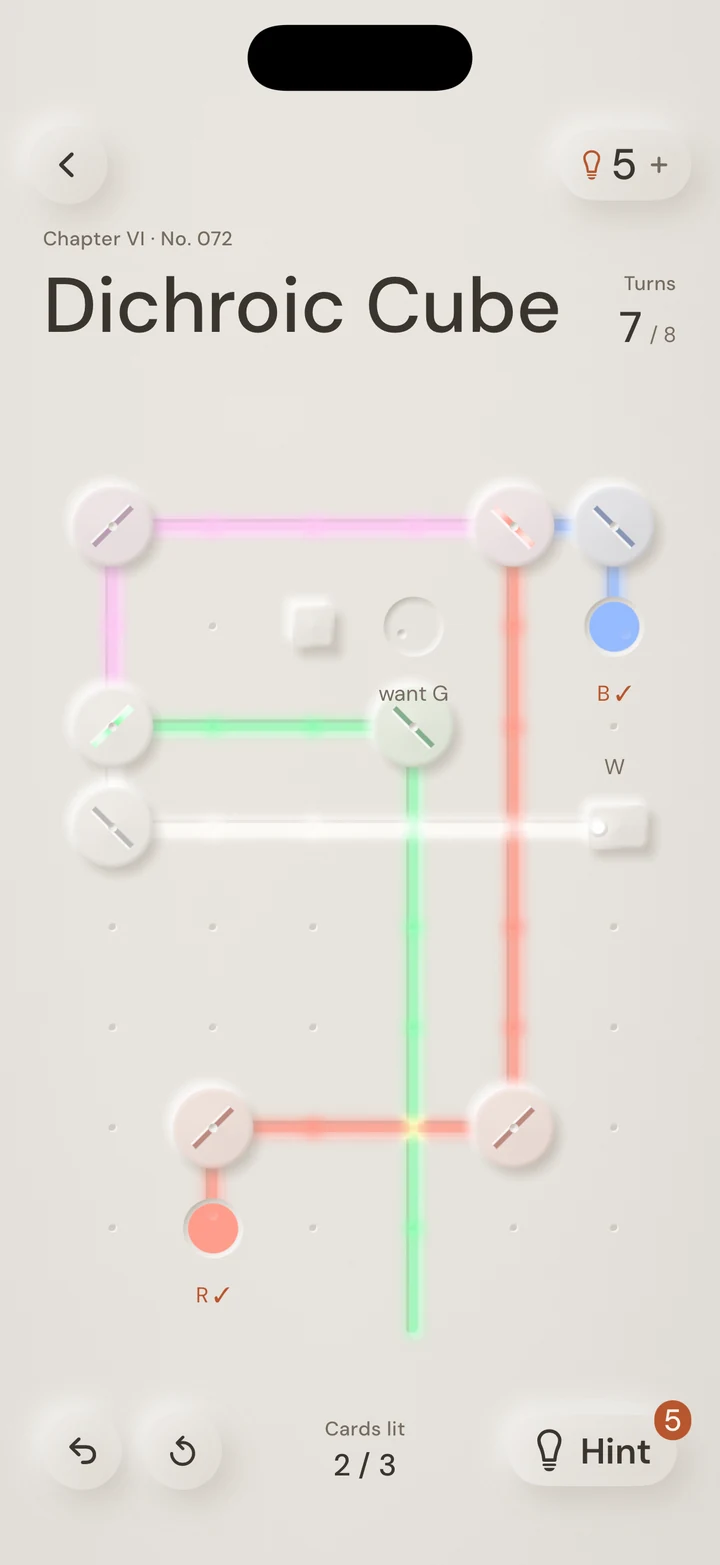
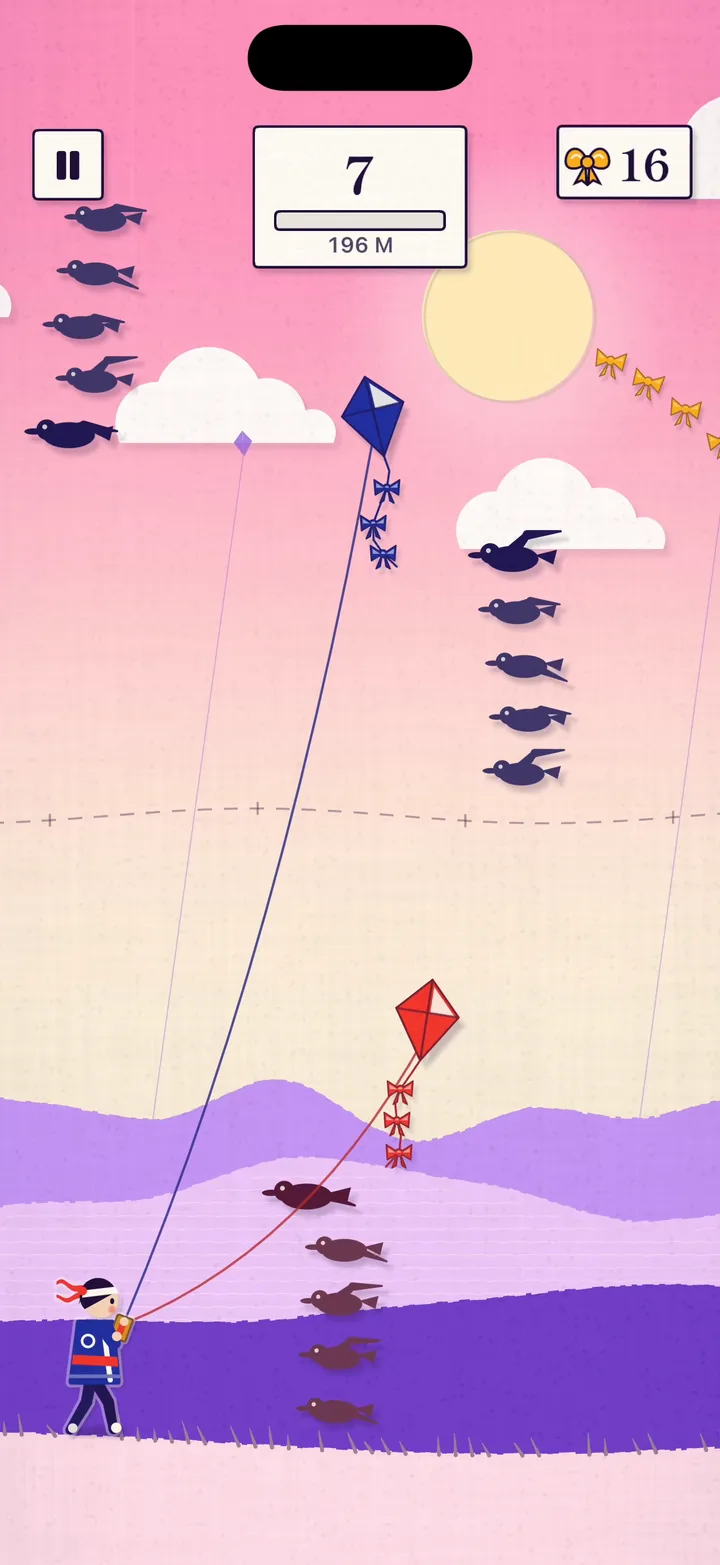
Complete games.
Finished iOS games in SwiftUI and Metal, and the engine they run on.
- 5 games: Lumen, Drift, Twine, Orbit and Wordly
- Real levels, Game Center and a StoreKit shop
- Full Xcode projects you rename and ship
- Lifetime access, every new game included
- Look before you buy
Every piece has a public page
Travel
Book A Stay
Wayfare's booking journey, from a trip pick to a swipe to pay.
AI
AI Assistant
Nimbus, a complete Xcode app with chat, voice mode and widgets.
- One payment
- Lifetime access
Pick apps, games, or both.
Pay once and keep everything, including what we add later. Own one already? The other is $129.
Build apps
SwiftPieces Pro
Screens, patterns and complete app templates.
$199
One-time purchase · Lifetime access
- 54 screens and 46 patterns
- 12 complete app templates
- The Game UI screens, as they land
- Build Kit skills for your agent
- Everything added to the Pro library

Best value
Pro and Games
Every app and every game, for one price.
$329$398
One-time purchase · Lifetime access
- Everything in Pro
- Everything in Games
- Both licenses on one account and one key
- Save $69
Build games
SwiftPieces GamesNew
Complete iOS games in SwiftUI and Metal, and the engine they run on.
$199
One-time purchase · Lifetime access
- 5 complete games: Lumen, Drift, Twine, Orbit and Wordly
- The engine: 10 modules and the shader pack
- Game Center, StoreKit 2 and saves, wired
- Every game added later
For Pro owners: if you had Pro before Games launched, Games is half the add-on price, $65. It is applied at checkout.
Questions before you buy
Licensing, updates and how Pro fits with Free.
Does Pro change anything about the free library?
No. The free pieces stay MIT + Commons Clause and maintained on GitHub. Pro is the complete library that builds on them, and it is what pays for the free work.
How does installation work?
Screens install the same way as the free pieces: the CLI or the MCP server writes Swift files into your project, or you copy them by hand. Templates are complete Xcode projects you download from their page, with a guide from download to a running, renamed app. Nothing is linked at runtime.
Can I ship Pro pieces in client and App Store apps?
Yes. A per-developer license covers unlimited personal and commercial apps, including client work. Reselling or redistributing the pieces as a competing library, or sharing your key, is what it excludes.
Is there a subscription or are there tiers?
No subscription. There are two products, each one payment with lifetime access to everything added later: SwiftPieces Pro for apps ($199) and SwiftPieces Games for games ($199). Both together are $329, and an owner of one adds the other for $129. Files already in your projects are yours regardless.
Does it work with my coding agent?
Yes. Connect Claude Code, Cursor or Xcode to the Pro MCP server with your license key, and your agent searches the library and installs the real screen instead of inventing a lookalike.
What are the requirements?
An iOS 17 deployment target as the floor, with Xcode 16 for pieces and screens and Xcode 26 to open the app templates. Liquid Glass pieces use the real material on iOS 26 and fall back gracefully below it. Apple frameworks only, nothing third-party.