Five new games, thirteen pieces and two new styles
SwiftPieces Games grows to ten, the free library gains thirteen everyday pieces and an App Design skill for your agent, and Pro adds the Riso and Phosphor styles with three new app templates, Atelier, Folio and Dogear.
LatestNov 12, 2026 · 10 changes
What shipped
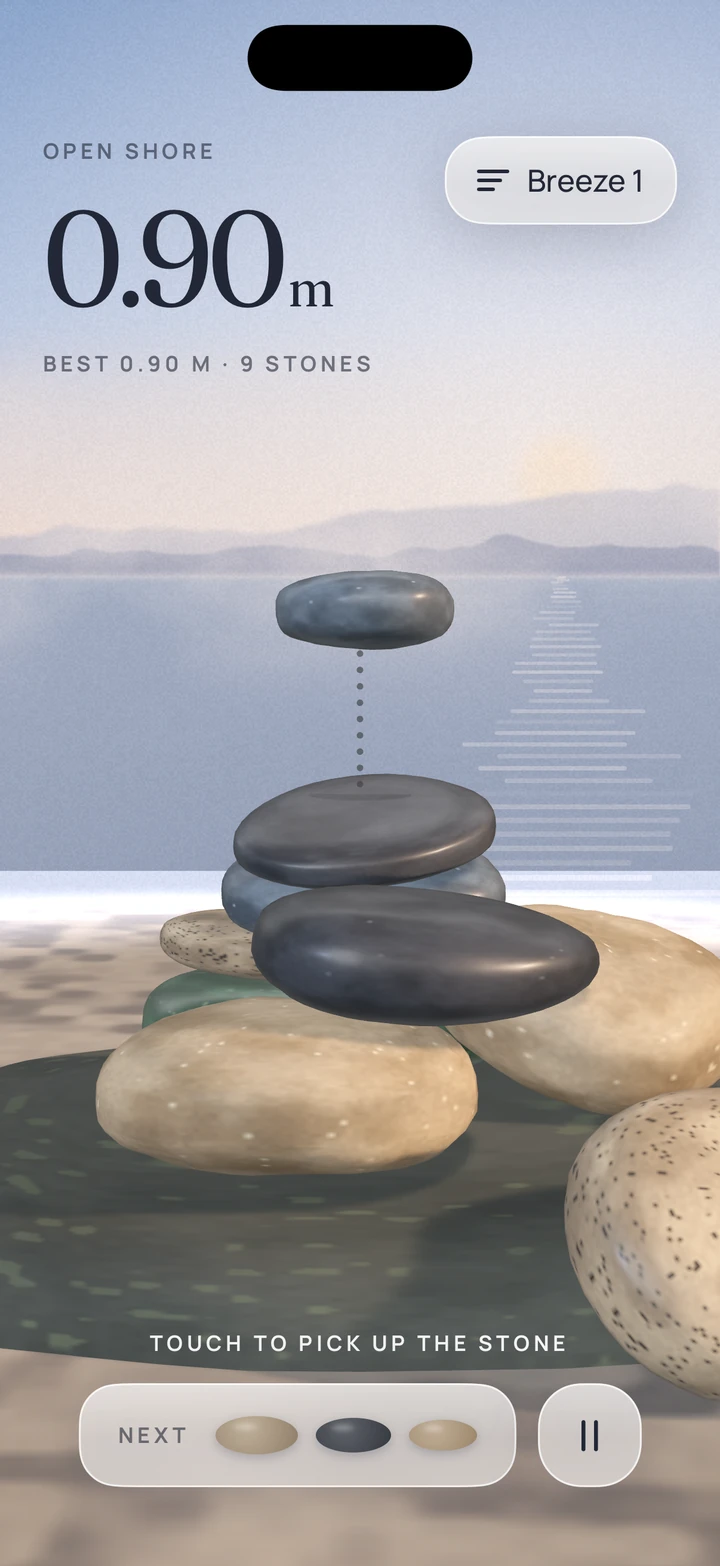
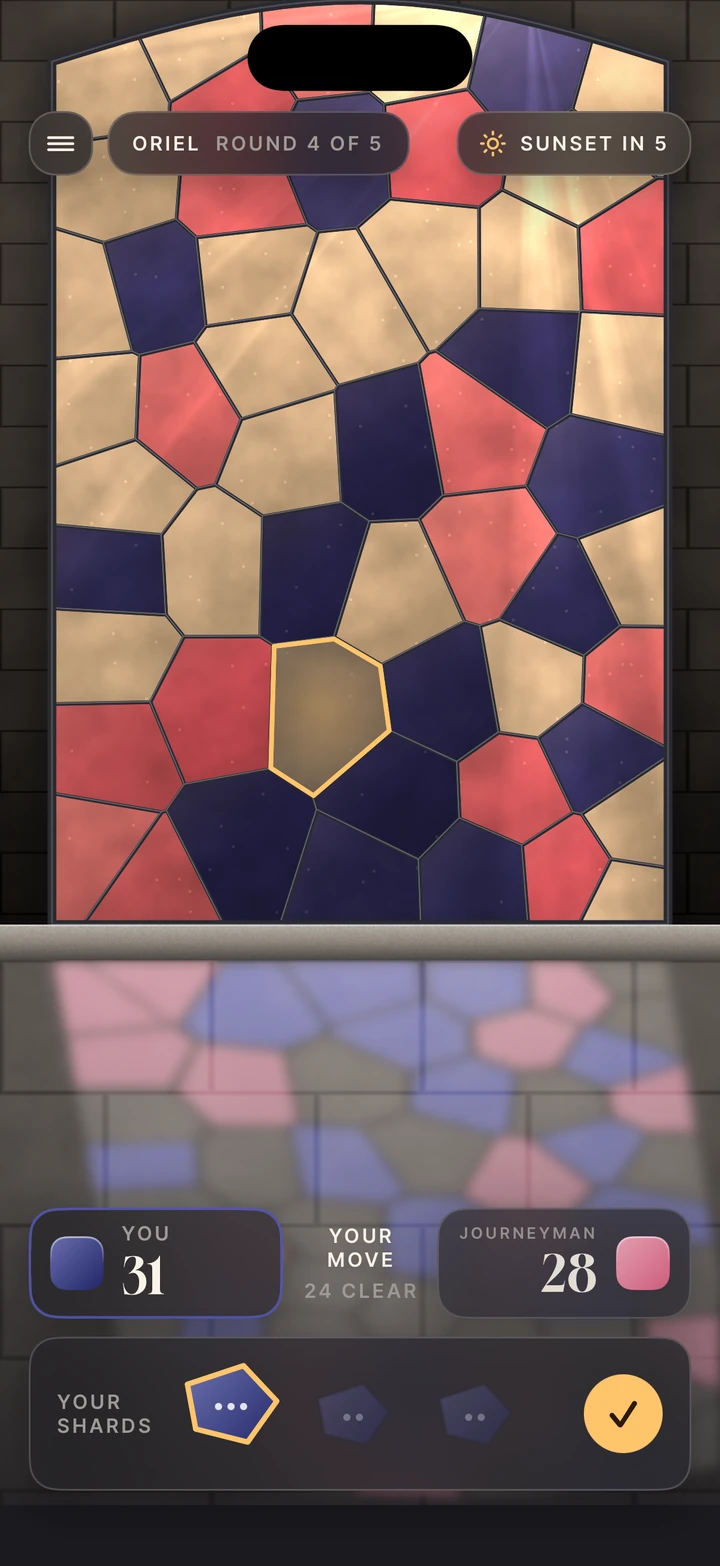
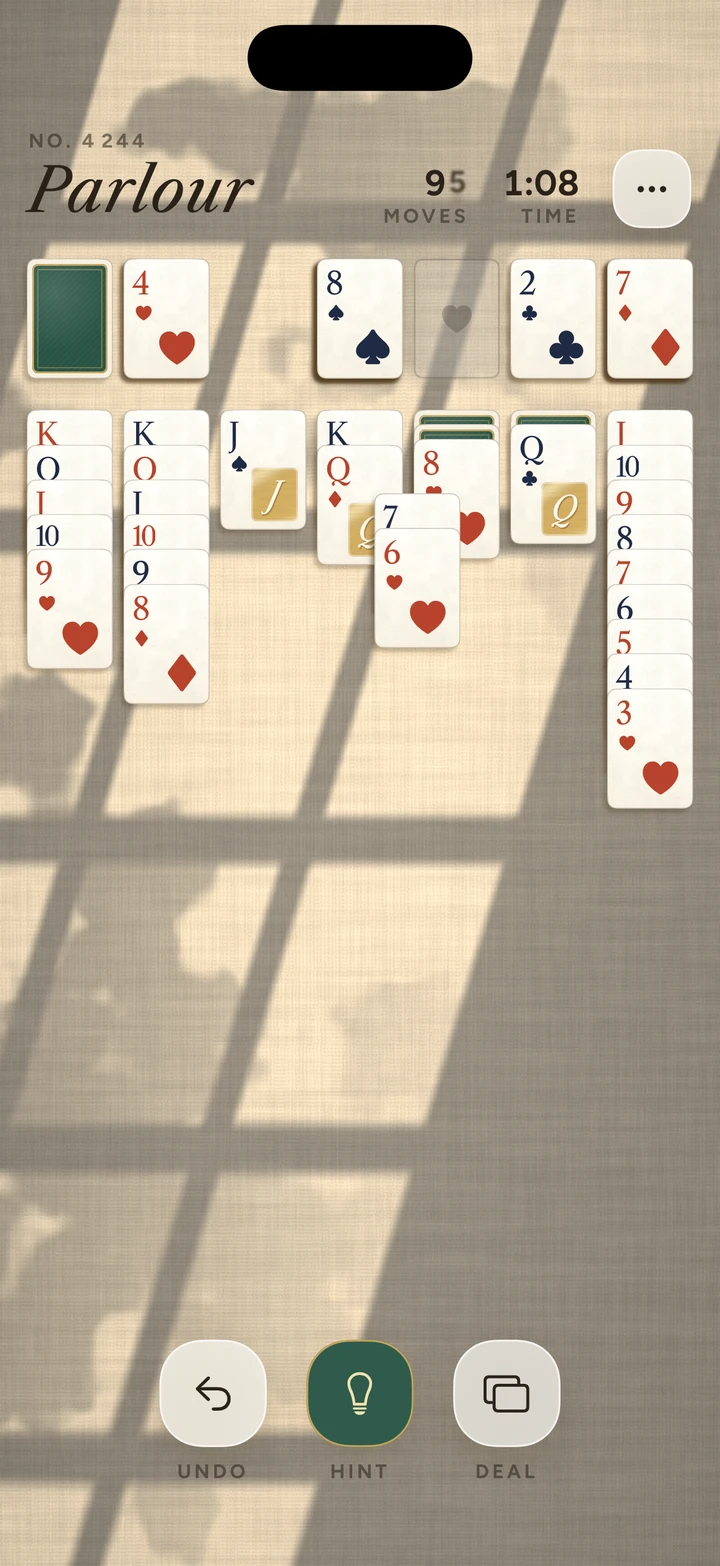
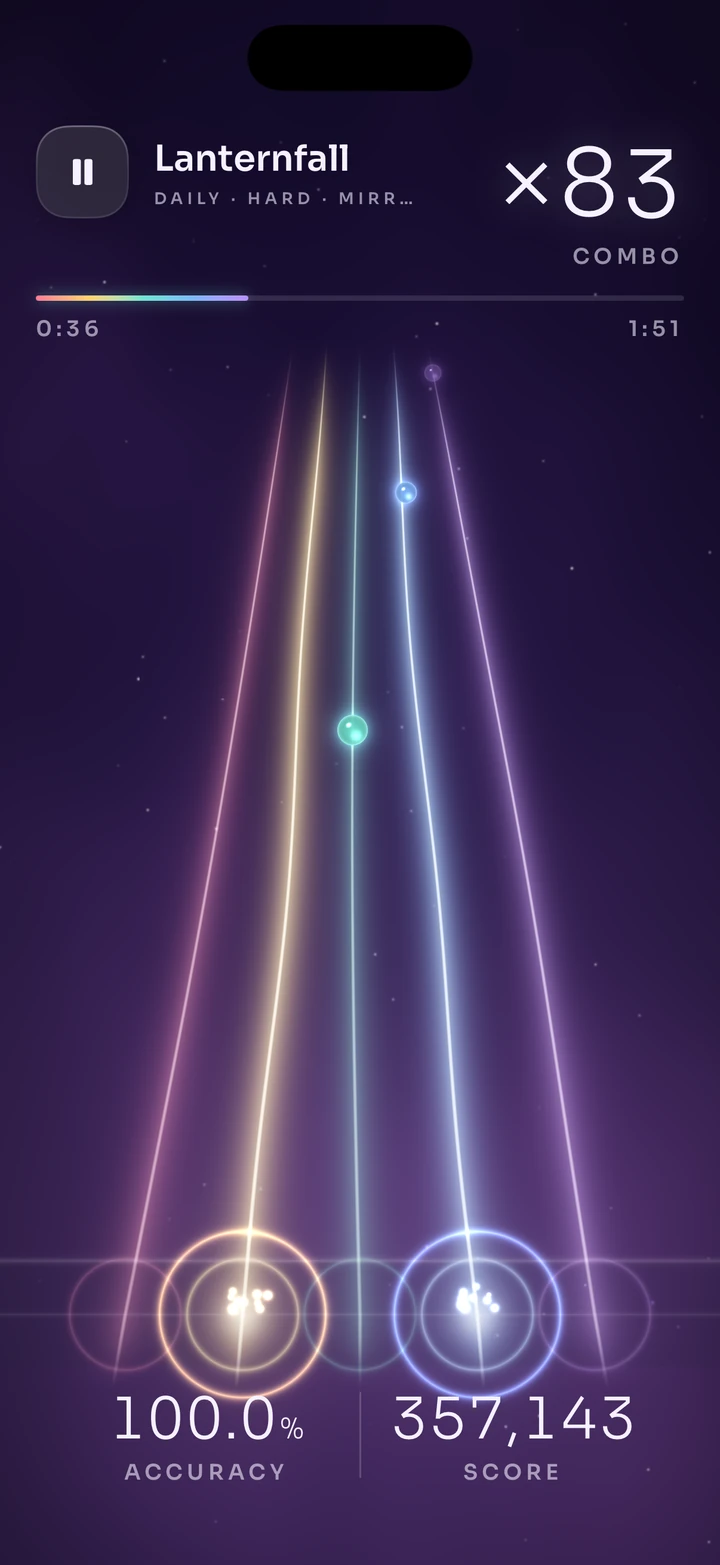
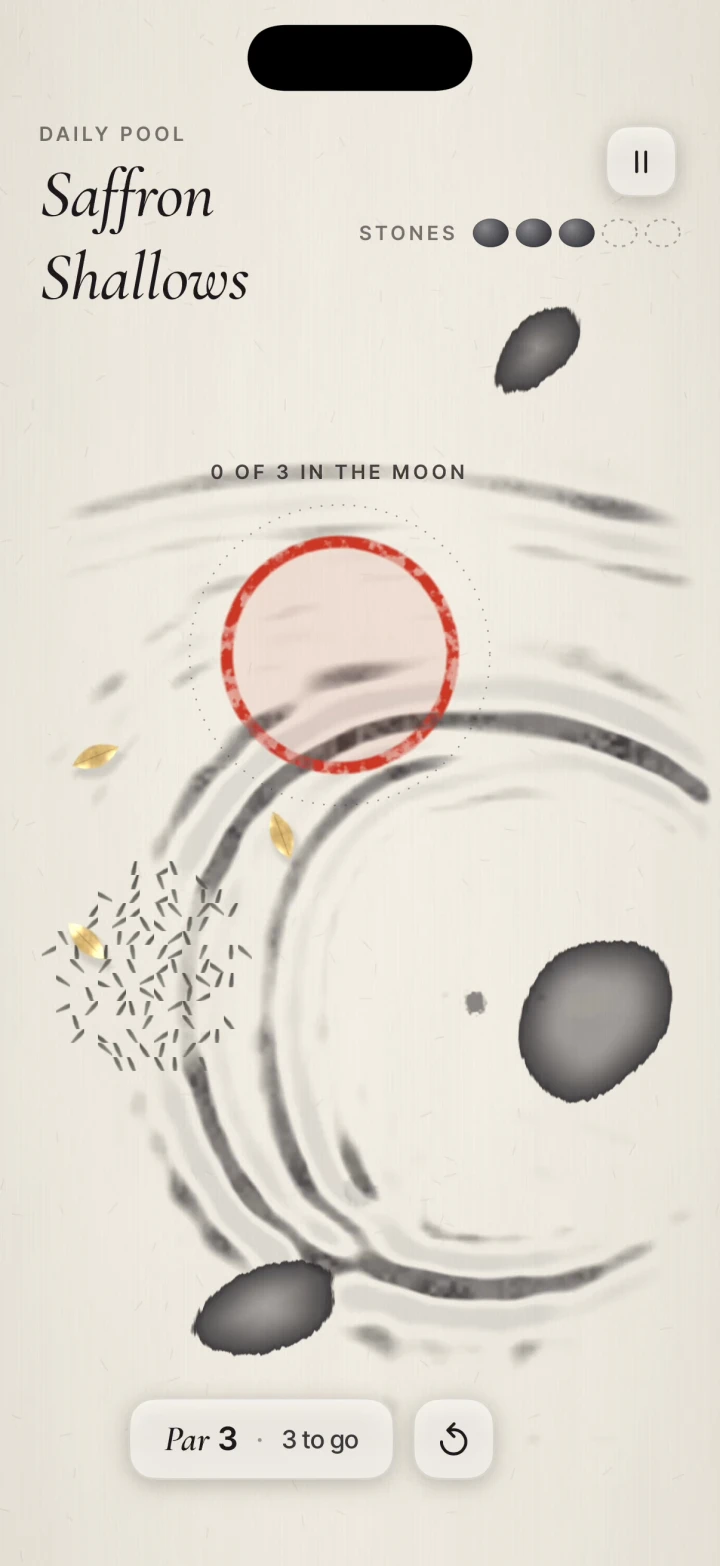
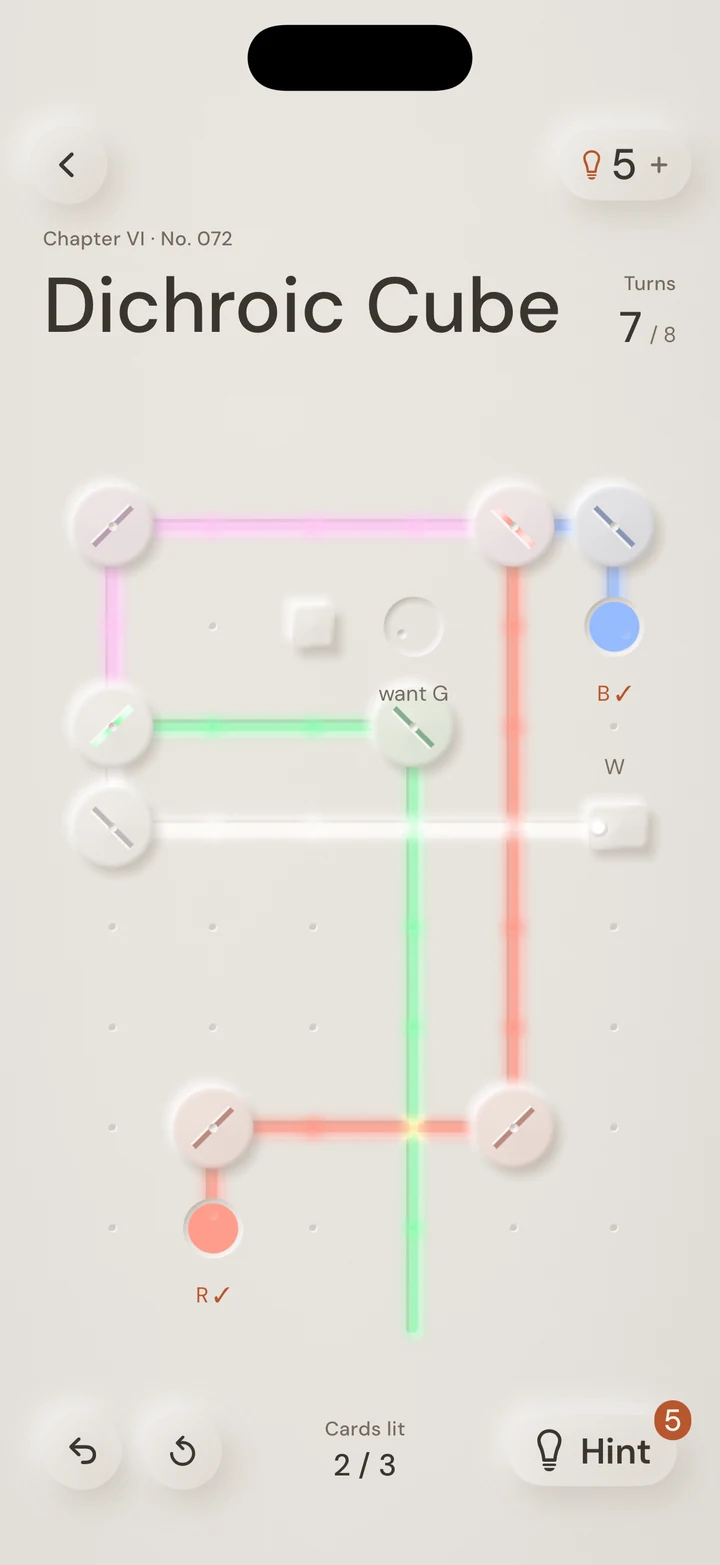
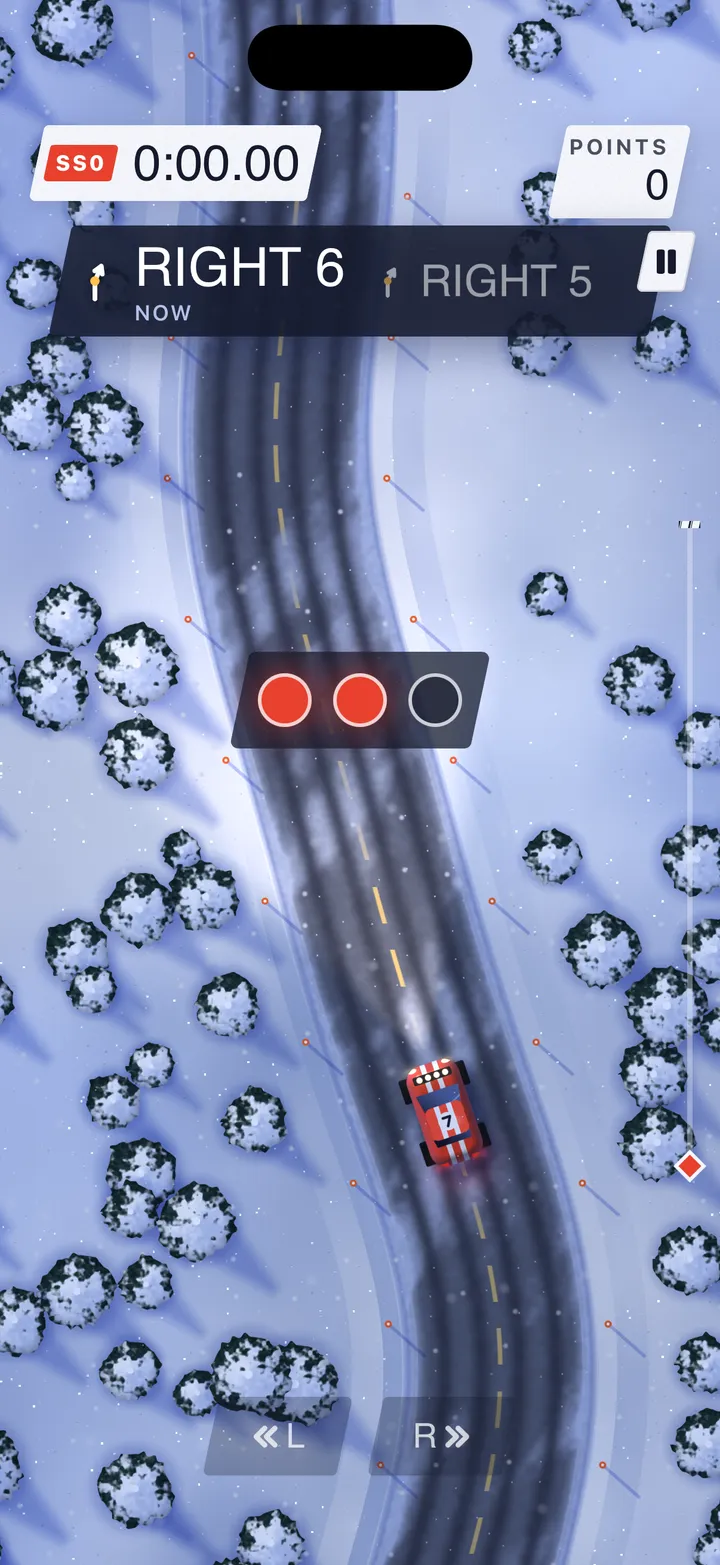
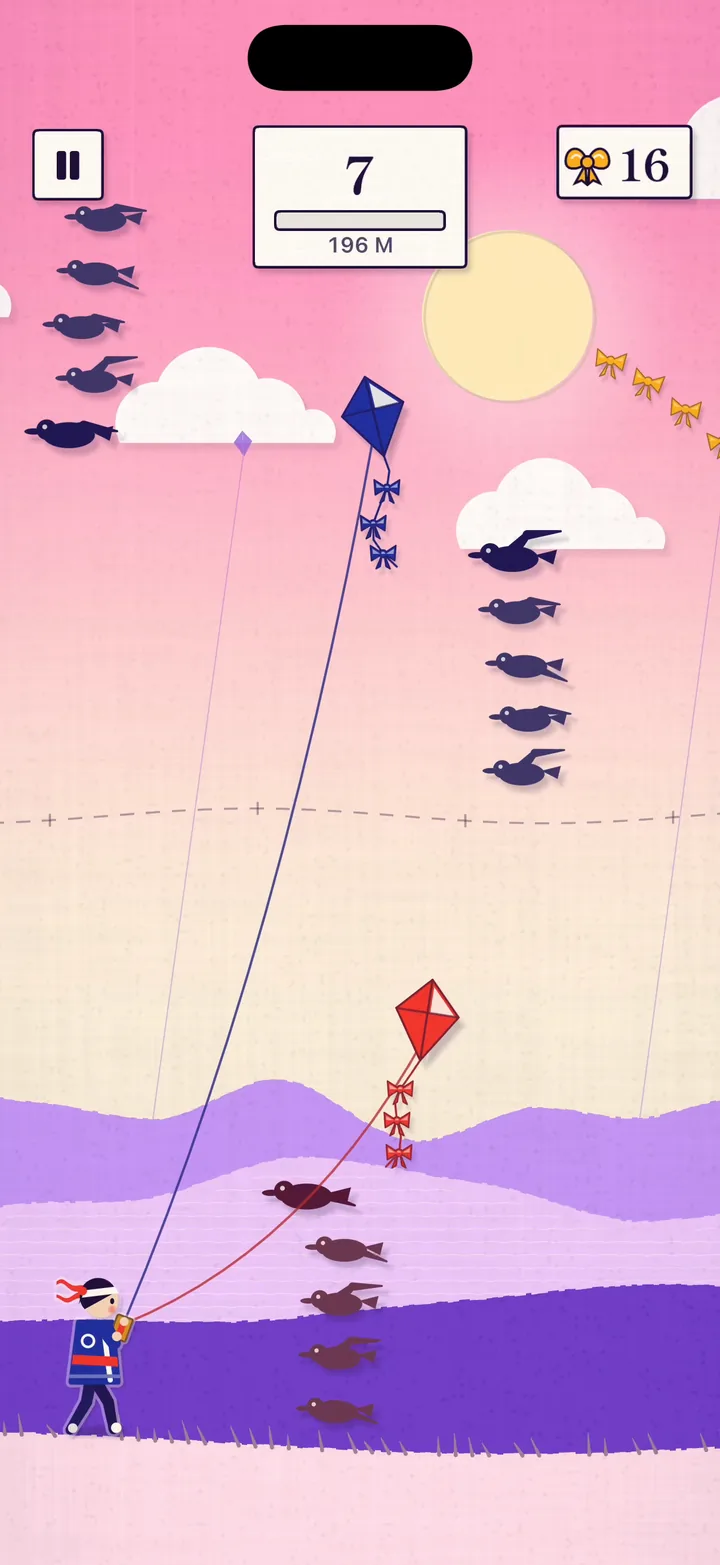
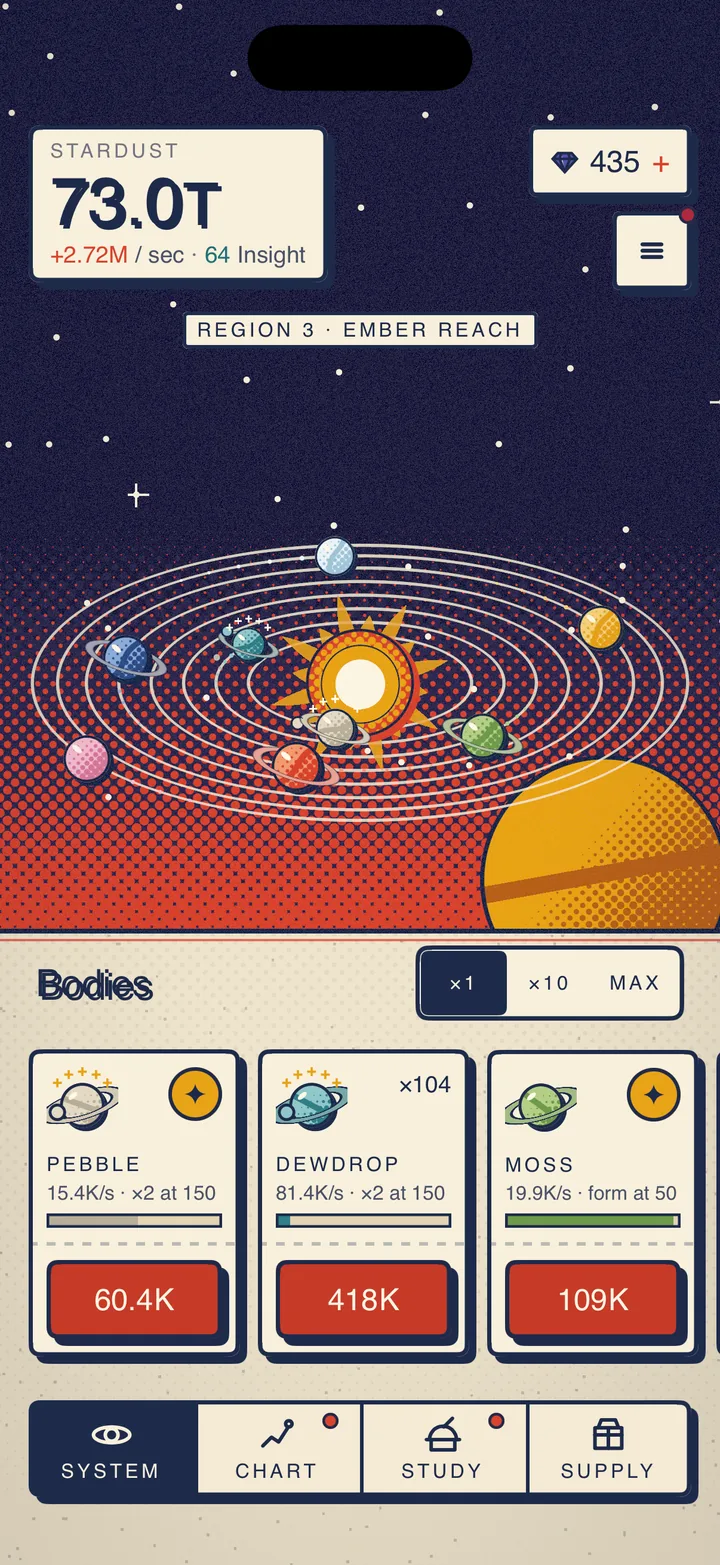
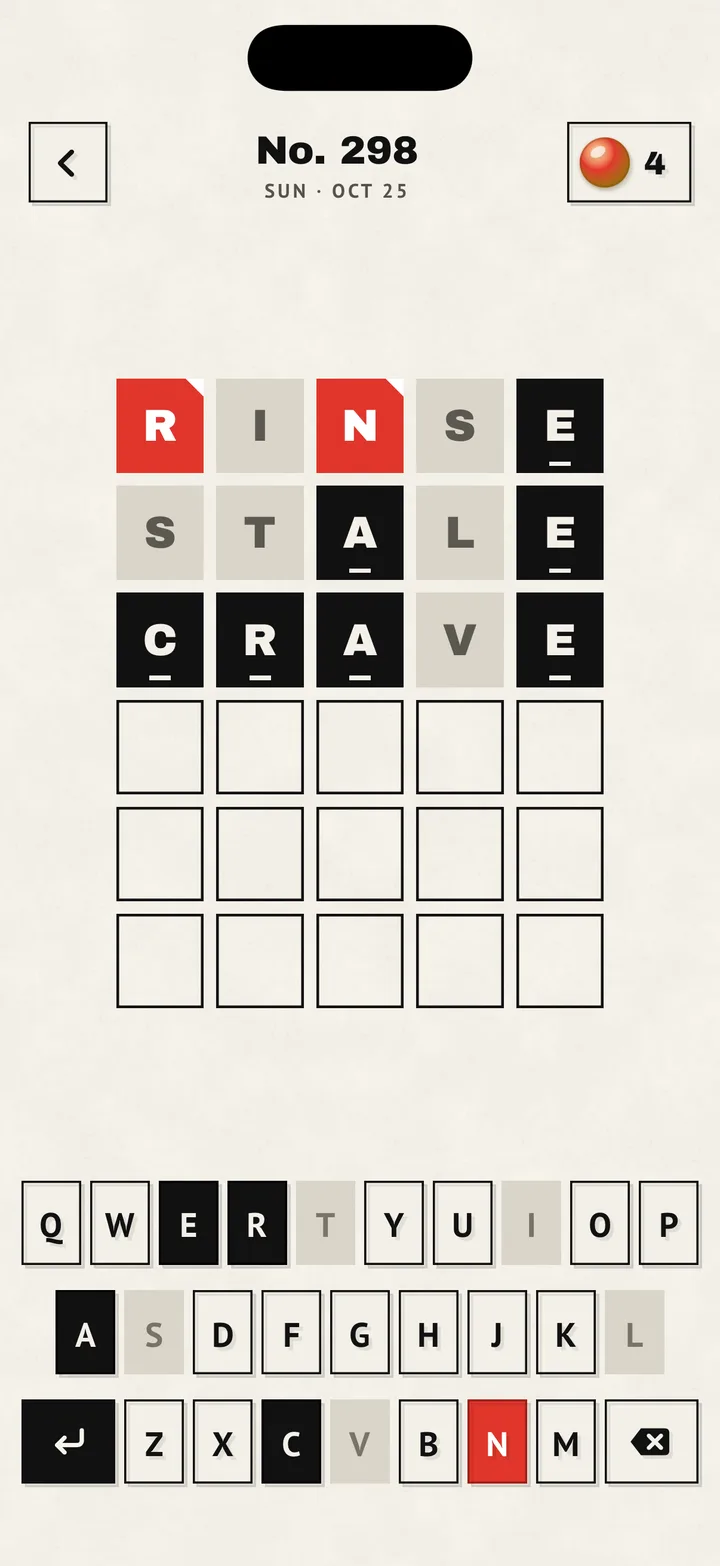
- Five new games: Cairn stacks river stones in real 3D physics on a misty loch, Pane is two-player strategy in a stained-glass window, Parlour is card patience on a linen table, Thrum is a rhythm game on five strings of light, and Ripple is a wave puzzle in ink on washi paper. Each is a finished iOS game in SwiftUI and Metal with its full Xcode project, and Games owners get all five at no extra cost.
- The navbar's Games menu lists all ten, newest first, and every game's stills and loops were reshot at its best moment. The home page now pairs Games and Pro in one tray, each under its own badge, and Games wears its own Iris badge.
- Thirteen free pieces you drop onto your own content. Select Menu, Zoom Dial, Reorder List, Size Picker, Unit Toggle and View Toggle are glass controls whose red selection flows to your pick, each with notes, a preview scene and a live web preview.
- QR Code draws a styled code with round dots, soft eyes and your logo. Read-Along Text follows a recording word by word on an even red pill. Relative Time keeps a timestamp current, and Translate Toggle translates text on device with Apple's Translation framework.
- Smart Text finds links, @mentions, #tags, dates, phone numbers and addresses in plain text and lights them up in place. You choose what a tap does, and anything you leave to it opens the link, calls the number, or shows the date in Calendar or the address in Maps.
- Match Highlight puts the matching part of each search result on a red mark that grows as you type, ignoring case and accents. Text Diff compares two versions of a text word by word, with removed words struck through in red and new words underlined, made for AI rewrites and edit history. Together they take Path Bar's place, and its page now leads to Smart Text.
- A free App Design skill teaches your coding agent how SwiftPieces builds an app: method, navigation, motion, native controls, performance and a simulator loop. The MCP serves it as the app-design prompt and as resources, so any agent connected to it can follow along.
- Pro adds two styles: Riso, newsprint in two inks printed slightly off register in Bricolage Grotesque, and Phosphor, an amber and green terminal glow with scanlines in Chakra Petch. Both come with Build Kit style skills.
- Three new Pro templates built on them: Atelier, a shop for a small homeware studio with a filter sheet, a docking buy bar, Apple Pay checkout and order tracking; Folio, a private journal with an evening prompt, mood check and a year of moods; and Dogear, a reading tracker with timed sessions, saved passages and a shelf of the year's books. Pro now has 15 app templates, 57 screens and 62 flows, and Explore Pro shows them all.
- New badges move to the five new games and the thirteen new pieces.
